

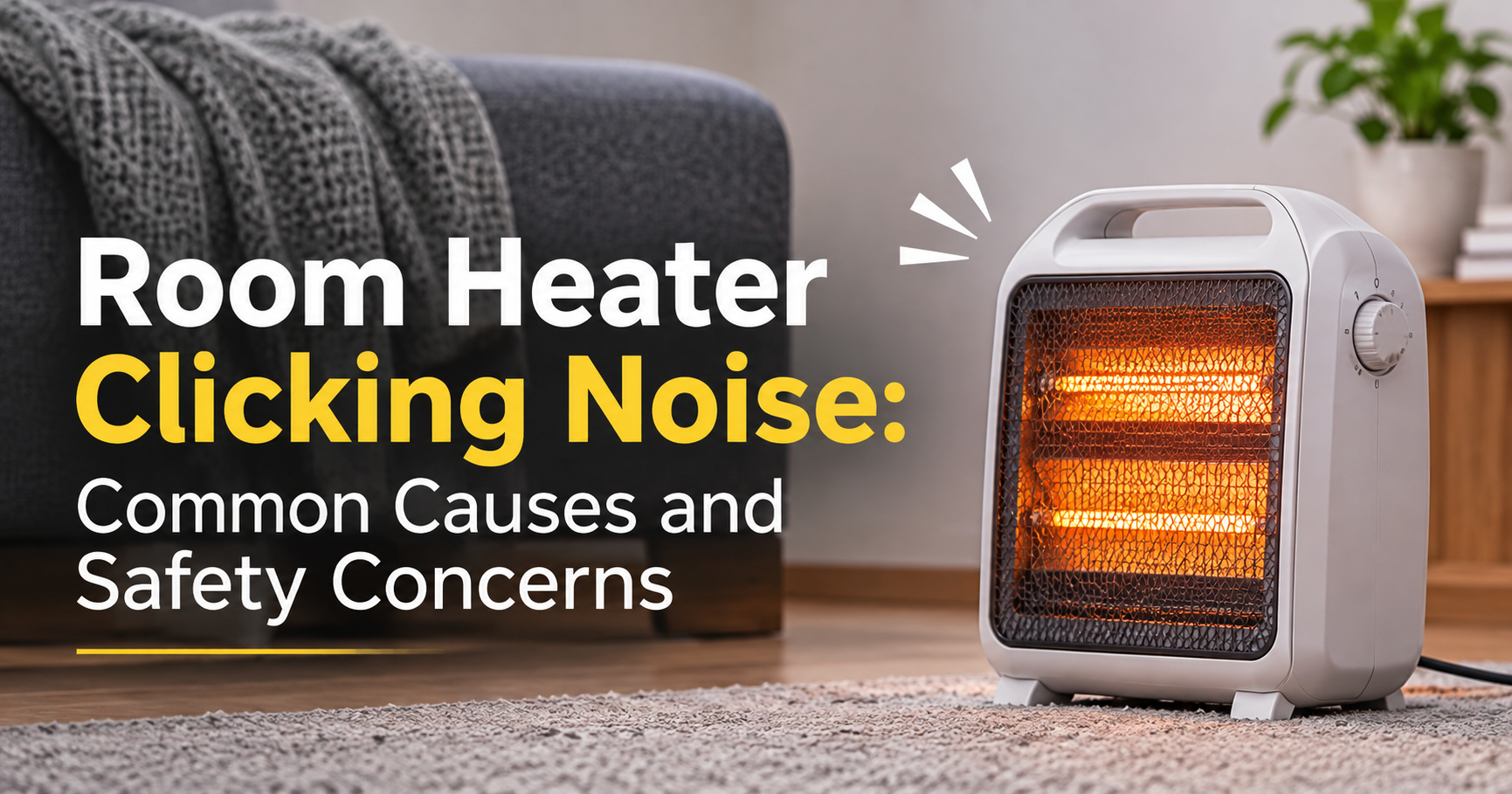
Room Heater Making Clicking Noise: Causes, Safety Signs and Easy Fixes

You switch on your room heater on a cold evening, and instead of quiet warmth you hear a sharp click, click, click. It is a common worry, and a fair one. Some clicking is completely harmless, while other clicking can point to a fault that needs attention right away.
This guide explains why a room heater makes a clicking noise, how to tell normal sounds from warning sounds, what you can safely check at home, and when it is time to stop using the heater. You will also find tips for keeping your heater quiet and for choosing a quieter model next time.
Is a Clicking Noise From a Room Heater Normal?
Often, yes. Almost every electric heater makes a few small sounds during normal use. The key is the pattern: how loud it is, how long it lasts, and whether anything else seems wrong.
Clicking is usually normal when it:
- Lasts only a few minutes after you turn the heater on or off
- Sounds soft and light, like a gentle tick
- Happens when the thermostat switches the heating element on or off
- Fades away on its own and does not get louder over time
Clicking is a warning when it is loud, rapid, constant, or comes with a smell, sparks, or a hot plug. The image below sums up the difference.

Main Causes of a Clicking Room Heater
There is rarely just one reason. Here are the six most common causes, from the harmless to the more serious.

1. Thermal Expansion and Contraction
When a heater warms up, its metal and plastic parts expand. As it cools, they shrink back. This movement makes small ticking or clicking sounds as parts shift slightly against each other. It is most noticeable in the first few minutes and right after switching off. This is the most common cause and is generally nothing to worry about.
2. Thermostat Cycling
Most heaters have a thermostat that turns the heating element on and off to hold the room at your chosen temperature. Each time it switches, you may hear a click. If the room is already warm, or the thermostat is set low, these clicks can seem frequent. This is normal operation, although very rapid clicking every few seconds can suggest a faulty thermostat.
3. Worn Relay or Switch
Some heaters use an electrical relay to control power. When a relay wears out, it may chatter or click repeatedly without settling. This can lead to uneven heating, and in some cases the heater may shut off by itself. A faulty relay is a repair or replacement matter, not a do-it-yourself fix.
4. Dust and Debris
Dust, pet hair, and lint collect on the heating element, inside the vents, and on the fan blades. When they heat up, they can crackle or tick, and they often produce a slight burning-dust smell at the start of the season. Dirt can also block airflow, which makes the heater run hotter than it should and stresses its parts.
5. Loose Parts
Over time, vibration from the fan and repeated heating and cooling can loosen screws, the front grille, or the outer casing. Loose parts rattle or tick against each other. This is a common and easy-to-fix cause once the heater is unplugged and cool.
6. Fan Motor Problems
In fan heaters and ceramic heaters, the fan can start to tick if a blade touches the housing, if something small has fallen inside, or if the motor bearings are wearing out. A fan that ticks, scrapes, or grinds should not be ignored, because a failing fan can lead to overheating.
Clicking by Heater Type
The sound you hear can depend on the kind of heater you own.
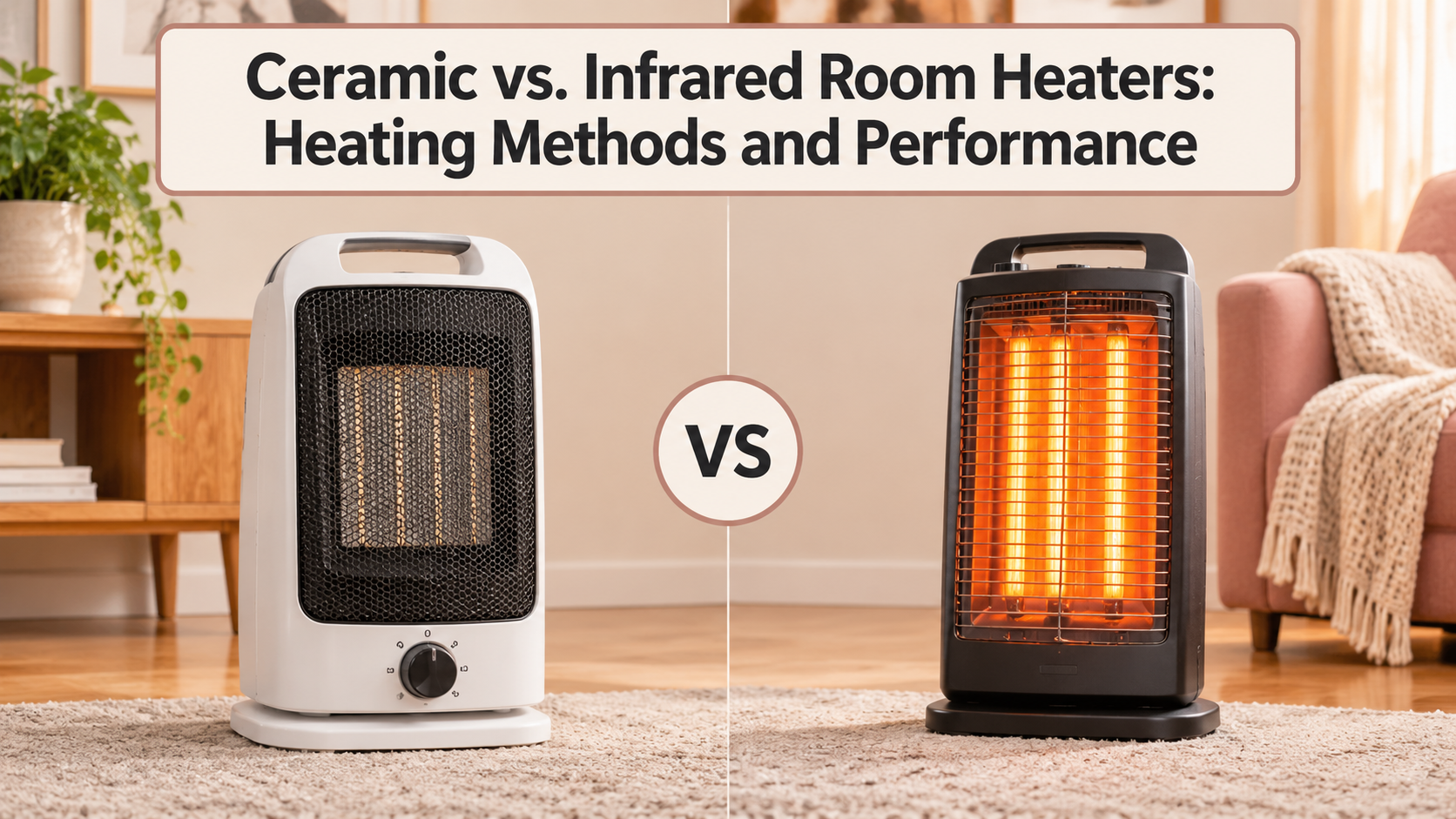
- Ceramic fan heaters: Clicking often comes from the thermostat, a loose grille, or a fan blade touching dust or debris.
- Oil-filled radiators: Ticking while warming up or cooling down is usually normal, because the metal fins and the oil expand and contract. Loud knocking or gurgling is less typical.
- Convection panel heaters: A small click as the thermostat cycles is common, and light ticking from the metal panel as it heats is normal.
- Infrared or quartz heaters: Ticking may come from the heating tubes warming up, or from dust burning off the element.
- Bar or radiant heaters: Clicking can come from the tip-over switch or the selector switch, and dust on the bars can crackle.
Safety First: When Clicking Means Stop Using the Heater
Heaters draw a lot of power, so a real electrical fault should always be taken seriously. Unplug the heater straight away and stop using it if you notice any of the following along with the clicking:
- A burning, fishy, or hot-plastic smell that does not fade after a few minutes
- Visible sparks, smoke, or flickering lights in the room
- The circuit breaker tripping or the plug being unusually hot
- A damaged, frayed, or discolored power cord or plug
- Loud buzzing, humming, or rapid clicking that keeps going
- The heater switching itself on and off without you touching it
If you see any of these signs, do not try to open or repair the heater yourself while it is plugged in. Have a qualified technician inspect it, or replace the unit.
How to Troubleshoot a Clicking Room Heater Step by Step
If your heater clicks but shows none of the warning signs above, you can run a few simple checks. Always start with the heater unplugged and fully cooled.

Step 1: Unplug and Let It Cool
Disconnect the heater from the wall and wait at least 30 minutes if it was running. Never work on a hot or plugged-in heater.
Step 2: Check the Surface and Position
Place the heater on a flat, hard, stable surface. A tilted heater or one standing on carpet can vibrate, and it may trigger its tip-over switch, which clicks. Leave about three feet of clear space around it.
Step 3: Clean the Vents and Grille
Use a soft brush or a vacuum with a brush attachment to remove dust from the grille, air inlet, and vents. Do not use water, spray cleaners, or sharp objects, and do not wet the inside of the heater.
Step 4: Look for Loose Parts
Gently check that the grille, handle, and visible screws are secure. Tighten any loose exterior screws with the correct screwdriver. Shake the heater lightly and listen for anything rattling inside. If something does rattle inside, it is best to have the unit checked rather than opening it.
Step 5: Inspect the Cord and Plug
Look for cracks, melted spots, bent pins, or discoloration. Check that the plug fits snugly in the socket. A loose plug can click or arc, so try a different wall outlet as well. Never use an extension cord or a power strip with a heater, because these can overheat.
Step 6: Run a Short Test
Plug the heater back in directly to the wall and run it on the low setting for about 10 minutes while you stay in the room. Listen carefully. If the clicking is gone or limited to a soft tick at start-up and shut-down, it was probably dust or expansion. If it is still loud or repetitive, unplug it.
Repair or Replace?
When a heater keeps clicking after cleaning and basic checks, the cause is usually inside, such as the thermostat, relay, or fan motor. Here is a practical way to decide.
- Consider repair if the heater is fairly new, still under warranty, or an expensive model, and the fault is a single replaceable part.
- Consider replacing if it is old, the cost of repair is close to the price of a new one, or there are signs of burning, melting, or electrical damage.
- Always replace if the cord, plug, or housing is damaged or the heater has overheated.
Because heaters are a fire risk when faulty, many people find replacement the safer and more economical choice for budget models.
How to Prevent Clicking and Keep Your Heater Quiet
A little regular care goes a long way. A clean, stable heater is a quieter and safer heater.

- Clean the grille and vents regularly, especially if you have pets
- Always place the heater on a flat, hard surface
- Plug it directly into a wall socket, never an extension cord
- Store it in a dry place with a dust cover during warmer months
- Run it briefly before the cold season starts to burn off stored dust in a ventilated room
What to Look for in a Quieter Room Heater
If your current heater is beyond help, a few features can help you choose a quieter replacement:
- Adjustable thermostat: A more precise thermostat cycles smoothly rather than switching sharply.
- Fanless design: Oil-filled radiators and panel heaters have no fan, so they are generally quieter.
- Low-noise or night mode: Some models reduce fan speed for bedrooms.
- Safety features: Look for tip-over protection, overheat protection, and a cool-touch exterior.
- Sensible capacity: A heater matched to your room size does not have to work as hard or cycle as often.
- Safety certification: Choose a heater that carries a recognized safety mark for your region.
Frequently Asked Questions
Why does my room heater click when I turn it on?
Most often it is thermal expansion, where the metal and plastic parts expand as they warm up. It is usually brief and harmless.
Why does my heater click when it turns off?
As the heater cools, its parts contract and tick. You may also hear the thermostat or relay click as it cuts the power.
Is a clicking heater dangerous?
Not always. Light, short clicking is normal. Loud, rapid, or constant clicking, especially with a burning smell, sparks, or a hot plug, can be dangerous, and you should unplug the heater.
Why does my heater keep clicking on and off?
It is likely the thermostat cycling to hold the room temperature. If it switches every few seconds, the thermostat or relay may be faulty.
Can dust make a heater click?
Yes. Dust on the element or in the fan can crackle or tick when heated. Regular cleaning helps.
Can I repair a clicking heater myself?
You can clean the vents and tighten exterior screws safely. Internal parts such as the thermostat, relay, or motor should be handled by a qualified technician.
How long should a room heater last?
With good care, many heaters last several years. Frequent clicking, uneven heating, or tripping breakers may be a sign that it is reaching the end of its life.
Final Thoughts
A room heater making a clicking noise is often just the normal sound of metal expanding and a thermostat doing its job. Still, it is worth paying attention to how loud, how frequent, and how long the clicking lasts. Light, brief ticking is usually fine. Repeated clicking, burning smells, sparks, or a hot plug are signs to unplug the heater and get it checked or replaced.
Clean your heater regularly, keep it on a stable surface, plug it straight into the wall, and never ignore warning signs. A little care keeps your home warm, quiet, and safe all winter long.