



If you just unboxed a Handy Heater Turbo, or you are still deciding whether to buy one, the first thing you will want to understand is its temperature settings. Set it too low and the room never feels warm. Set it too high and you waste electricity for no real benefit. In this guide we explain exactly how the Handy Heater Turbo temperature settings work, which temperature to choose for each room, and how to get the most comfort for the least energy.
Note: This article may contain affiliate content. If you purchase through our recommendations, we may earn a small commission at no extra cost to you.
Quick Answer: What Are the Handy Heater Turbo Temperature Settings?
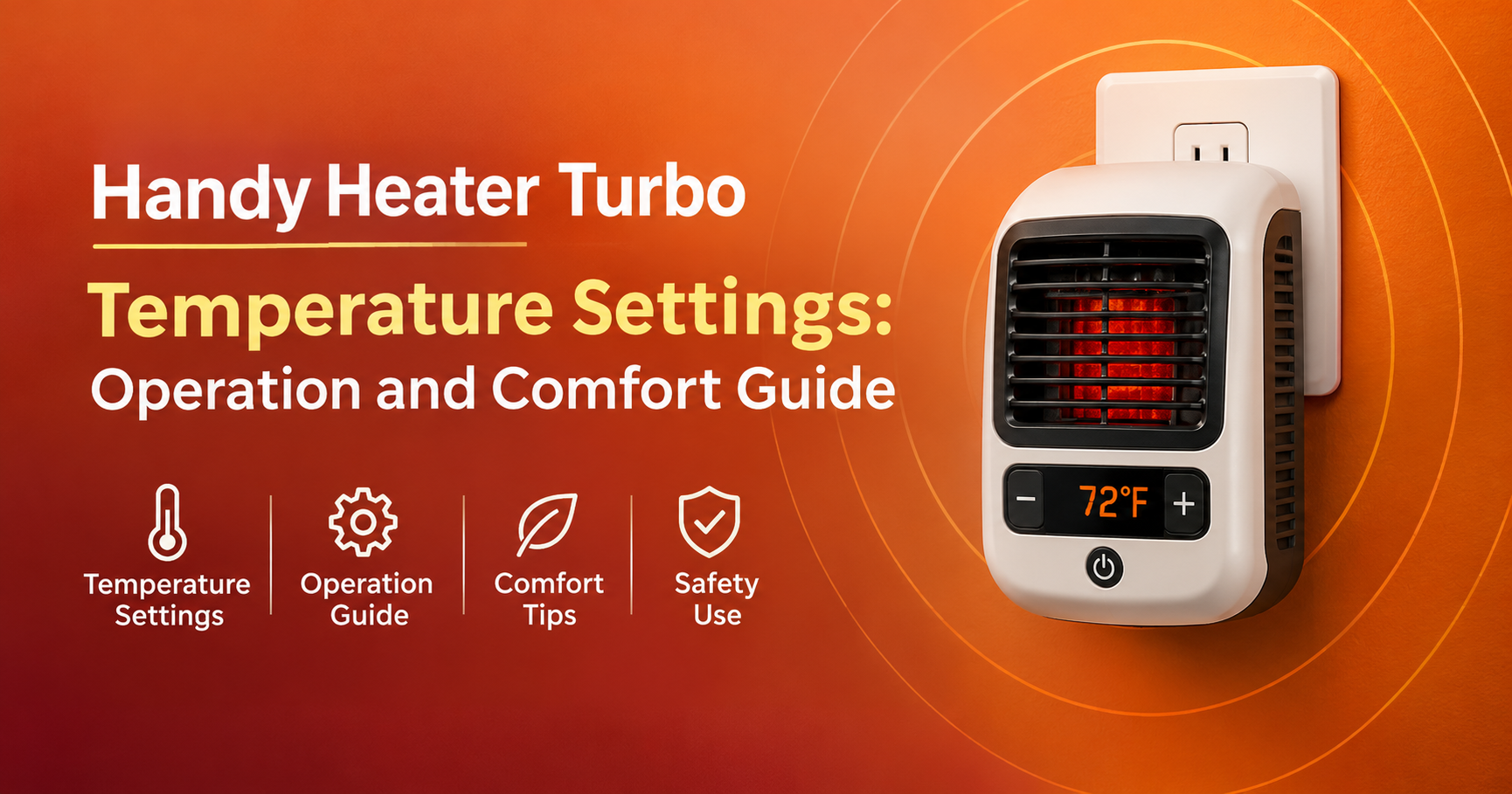
The popular Handy Heater Turbo 800 is a wall-outlet ceramic heater with an adjustable digital thermostat. Retail listings describe a thermostat range of 60°F to 90°F (about 15°C to 32°C), along with a programmable timer of up to 12 hours and two fan speeds. For most people, a setting between 68°F and 72°F (20–22°C) gives the best balance of comfort and energy use.
| Feature | Details |
|---|---|
| Power | 800 watts (Turbo 800 model) |
| Heating technology | Ceramic element with built-in fan |
| Thermostat range | 60°F – 90°F (15°C – 32°C) |
| Display | Digital LED temperature display |
| Timer | Programmable, up to 12 hours |
| Fan speeds | 2 |
| Safety | Overheat protection and auto shut-off |
Specifications can differ slightly between sellers and versions, so always check the manual that comes with your unit.

How the Handy Heater Turbo Works
The Handy Heater Turbo uses a ceramic heating element. Room air is pulled in, warmed as it passes over the element, and pushed back out by a small fan. The built-in thermostat measures the room temperature and compares it with the number you set. When the room reaches your target, the heater eases off or switches off, and it turns on again when the room cools down. That is why the temperature you choose matters so much: it controls both how warm you feel and how long the heater actually runs.
Understanding the Temperature Range
Here is a practical way to think about the 60–90°F range.

- 60–64°F (15–18°C): A gentle “take the chill off” level. Useful for keeping a space from getting too cold while you are away or asleep under blankets.
- 65–69°F (18–21°C): A cool but comfortable level that saves energy. Good for active use, such as a workshop or garage.
- 70–74°F (21–23°C): The comfort sweet spot for most people sitting still in a bedroom or home office.
- 75–80°F (24–27°C): A warm level for quick boosts, such as after a cold shower or on a very cold morning.
- 81–90°F (27–32°C): The maximum range. Only use it briefly, because it draws the most power and can make a small room feel stuffy.
Best Temperature Settings by Room

Bedroom
Most sleep experts suggest a cooler bedroom for better sleep. Set the Handy Heater Turbo to about 64–68°F and use the timer so it shuts off after you fall asleep, or run it for an hour before bedtime to pre-warm the room.
Home Office
When you are sitting still for hours, you feel the cold faster. Try 69–72°F, and place the heater where the airflow reaches your desk area without blowing directly on your face.
Bathroom
Bathrooms are damp, so only use a heater here if the manual allows it, and keep it well away from water, sinks and showers. A short warm-up at 72–76°F is usually enough.
Small Living Area
For a compact living room or studio corner, 68–72°F works well. Remember that a single 800-watt heater is designed for small spaces and personal warmth, not for heating a whole house.
Garage or Workshop
Because you are moving around and the space leaks heat, 65–70°F is plenty. Do not expect a plug-in heater to fully warm a large, drafty garage.
How to Change the Temperature Step by Step
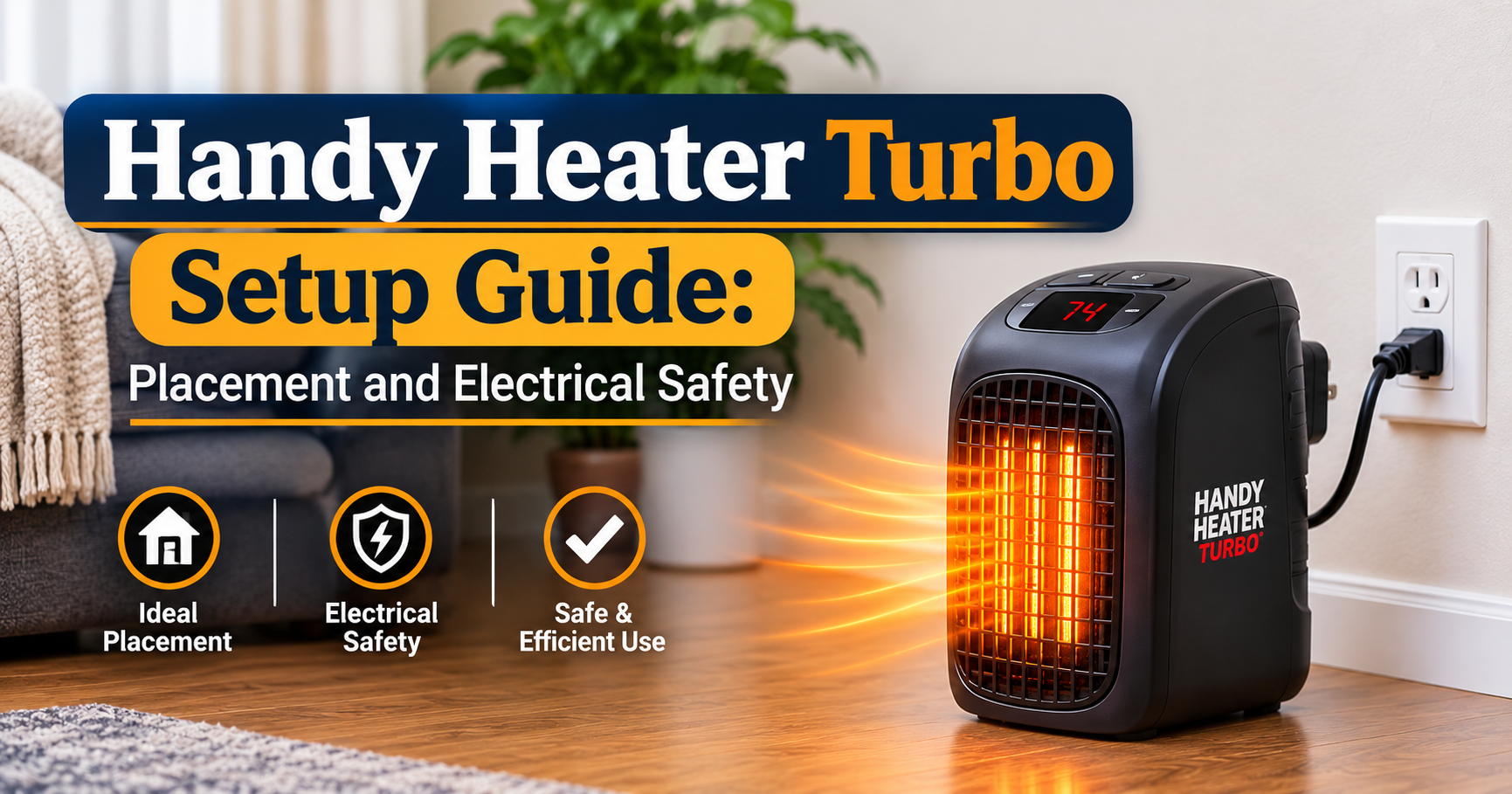
- Plug the heater straight into a wall outlet. Avoid extension cords and power strips.
- Turn the unit on using the power button.
- Use the temperature buttons to raise or lower the target until the LED display shows your preferred number.
- Choose a fan speed. High moves heat faster; low is quieter.
- If you want it to switch off automatically, set the timer.
- Wait a few minutes. The room will warm gradually, and the heater will cycle once it reaches your set point.
Using the Timer and Fan Speeds Wisely
The programmable timer is one of the most useful features for saving energy. Instead of leaving the heater on all evening, set it for the exact time you need. Use the high fan setting when you first turn it on to warm the room quickly, then drop to low for quiet, steady comfort. If the room is already near your set temperature, the low fan setting is usually enough.
Energy Use and Running Cost
An 800-watt heater uses roughly 0.8 kWh of electricity for every hour it runs at full power. In practice the thermostat cycles the heater on and off, so the real consumption is often lower. A quick way to estimate your cost: multiply 0.8 by your electricity price per kWh. For example, at a price of 0.20 per kWh, one hour at full power costs about 0.16.
Every extra degree you add makes the heater work longer. Lowering your setting by just 2–3°F and wearing a light sweater is one of the simplest ways to cut your bill.
Tips to Get More Warmth From Every Setting
- Close the door. A closed room heats much faster than an open space.
- Block drafts. Use a door draft stopper and close curtains at night.
- Do not hide the heater. Keep the front and sides clear so air can flow freely.
- Choose the right outlet. Pick a wall outlet away from furniture, and not behind a sofa or curtain.
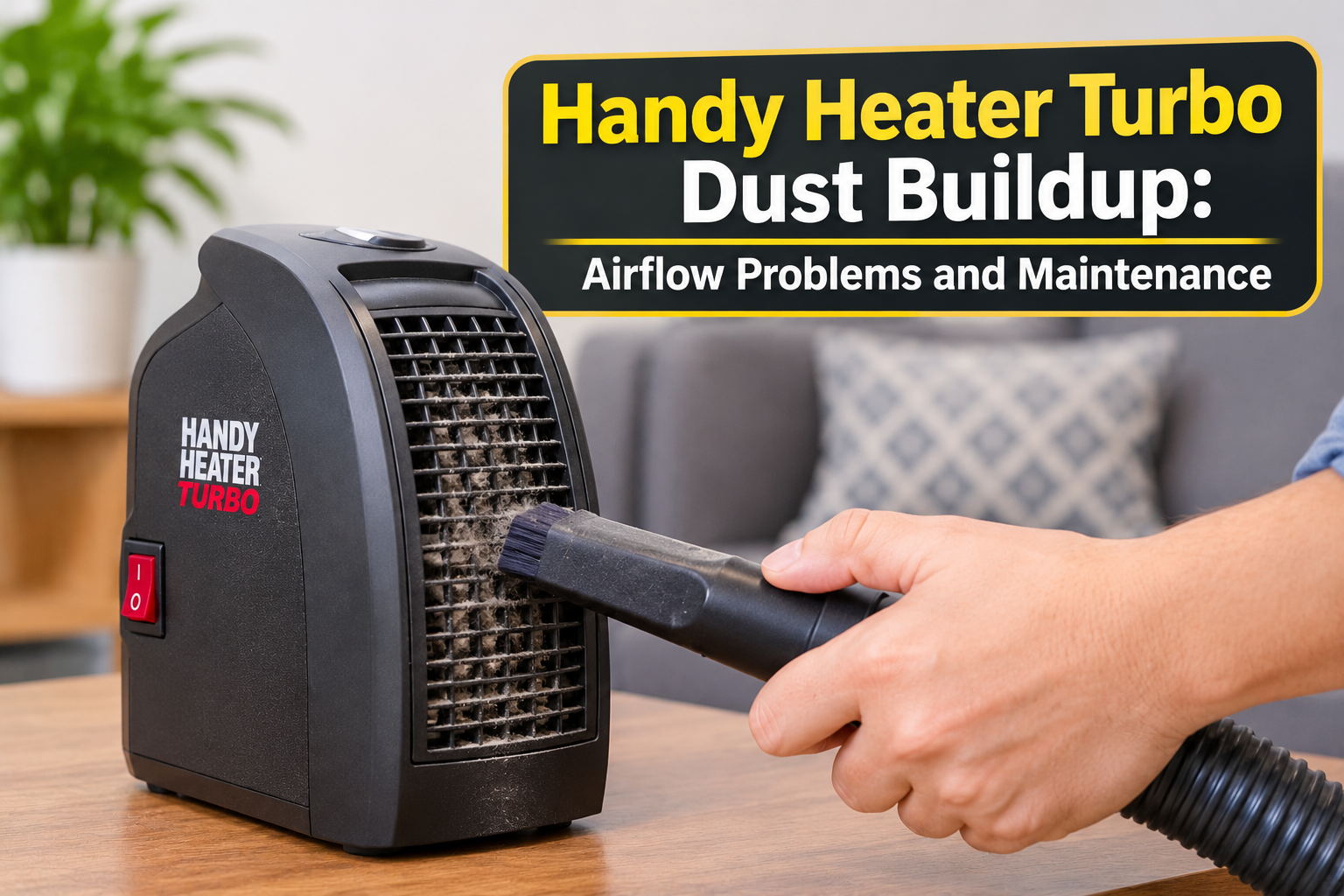
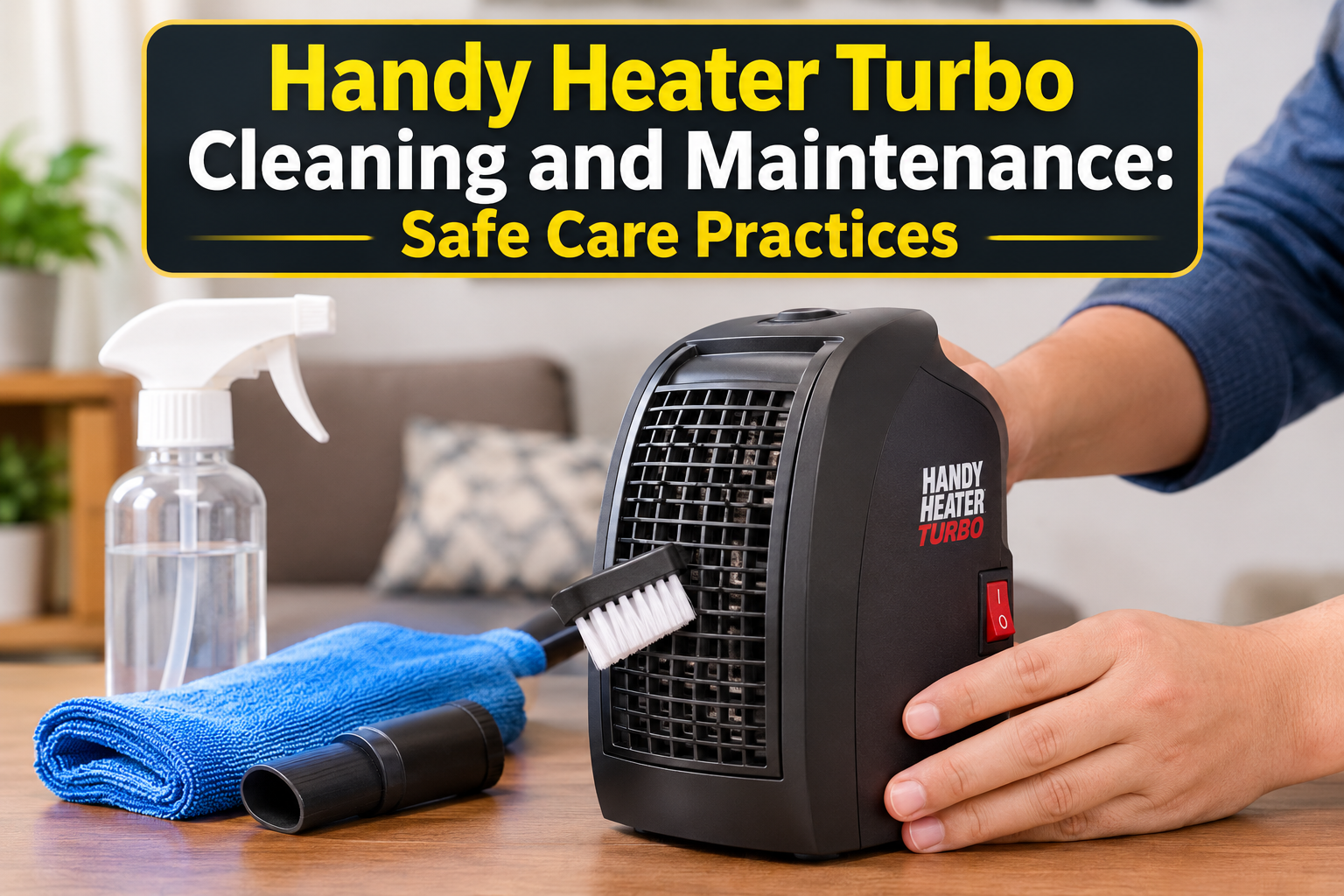
- Clean the vents. Dust reduces airflow and efficiency, so wipe the unit (unplugged and cool) regularly.
Safety Rules You Should Never Ignore

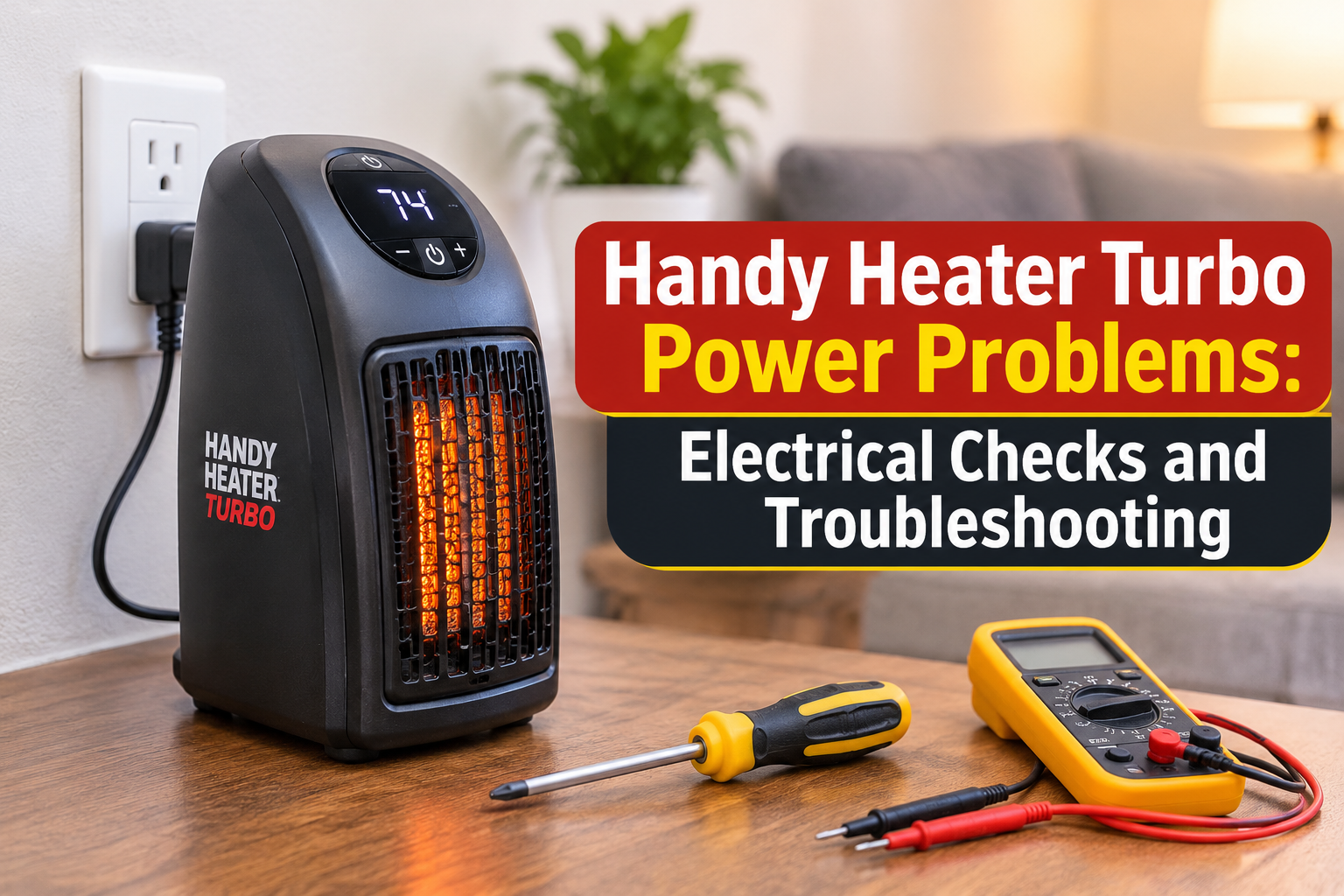
The Handy Heater Turbo includes overheat protection and automatic shut-off, but safe use is still your responsibility. Follow the instructions in your manual, keep it away from anything flammable, and never leave it running unattended for long periods. Be extra careful around children and pets, and stop using the heater immediately if you notice a burning smell, a damaged plug or discoloured outlet.
Common Problems and Fixes
| Problem | Likely Cause & Fix |
|---|---|
| Heater blows cool air | The room already reached your set temperature. Raise the setting a few degrees. |
| Heater turns off by itself | The thermostat is satisfied, the timer ended, or overheat protection triggered. Check for blocked vents. |
| Room feels slow to warm up | The space may be too large or drafty for an 800-watt unit. Close doors and reduce drafts. |
| Display reads differently from your thermometer | The heater measures air near the outlet, which can differ from the room. Place a separate thermometer where you sit and adjust accordingly. |
| Slight odor on first use | This can happen when a new heater is first switched on. Ventilate the room; if it persists, stop use. |
Is the Handy Heater Turbo Right for You?
It suits you if you want personal warmth in a small room, a desk area or a bedroom, and you like simple controls with a timer.
It may not suit you if you need to heat a large living room, an open-plan space or a whole home. In that case you need a higher-capacity heating solution.
Frequently Asked Questions
What temperature should I set my Handy Heater Turbo to?
Most people are comfortable between 68°F and 72°F (20–22°C). Go lower for sleeping and higher only for short warm-ups.
What is the highest temperature setting?
Product listings for the Turbo 800 describe a thermostat range up to 90°F (32°C).
Does the Handy Heater Turbo have a timer?
Yes. Listings describe a programmable timer of up to 12 hours.
Can I leave it on overnight?
Many people do use the timer for a limited period at night, but safety guidance for plug-in heaters generally recommends against leaving them running unattended for long periods. Follow your manual and use the timer.
Can it heat a whole room?
It works best in small to medium rooms and for personal warmth. Larger rooms will heat slowly.
Does a higher temperature heat the room faster?
Not really. The heater produces its power regardless of the number you set. A higher target simply keeps it running for longer. Use the fan speed and a closed door to speed up warming instead.
Is the Handy Heater Turbo energy efficient?
Its thermostat and timer help it use power only when needed. At 800 watts it uses less power than large 1500-watt heaters, but like all electric heaters, running it for long hours will still add to your bill.
Final Thoughts
Getting the most from your heater is mostly about choosing the right number. For everyday use, set the Handy Heater Turbo to 68–72°F, use the high fan to warm up quickly, switch to low for comfort, and let the timer handle the rest. Combine that with a closed door, blocked drafts and basic safety habits, and you will enjoy a warm space without wasting energy.
Disclaimer: Information in this article is based on publicly available product descriptions and general heater guidance. Features and specifications may vary by model and seller. Always follow the manufacturer’s instruction manual and safety warnings.