





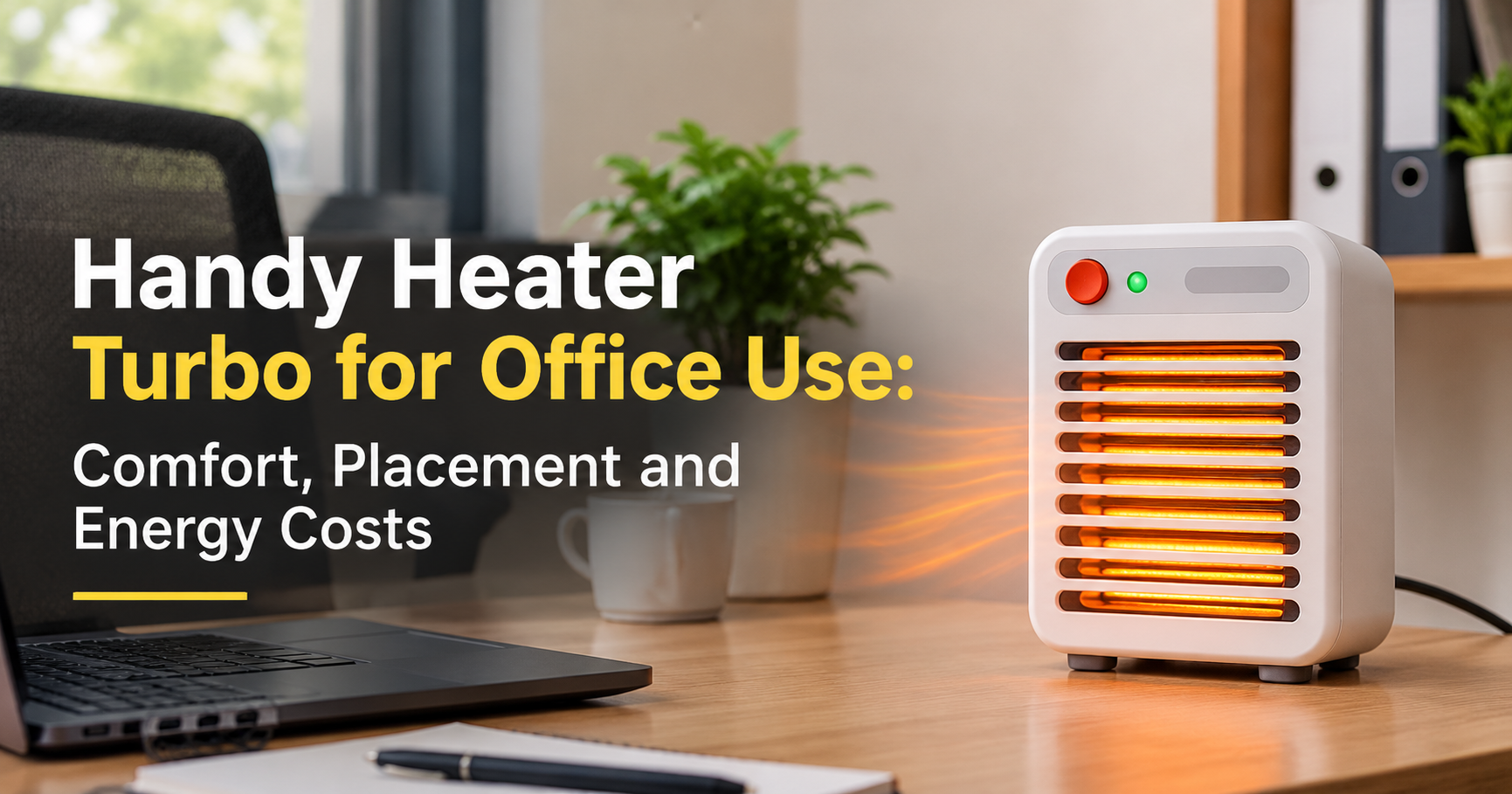
A freezing office is more than an annoyance. Cold hands make typing uncomfortable, stiff shoulders make long meetings harder, and constant shivering pulls your attention away from real work. Central air conditioning often blasts cold air in summer and heating systems rarely suit everyone in winter, so many professionals now rely on a small personal heater at their desk. One name that keeps appearing in online searches is the Handy Heater Turbo, a compact, fan-assisted portable heater designed for quick, close-range warmth.
In this guide you will learn what a turbo-style handy heater is, how it works, which features matter most in an office, how much it may cost to run, how to use it safely and how to decide whether it is the right fit for your workspace. By the end you will be able to judge any compact heater with confidence, not just this one.
What Is the Handy Heater Turbo?
The Handy Heater Turbo belongs to the category of compact portable fan heaters. Instead of warming a whole building, it produces a stream of warm air aimed at the person sitting in front of it. Products in this category usually combine a ceramic or similar heating element, a small built-in fan and a lightweight body that can sit on a desk, a shelf or the floor under a table.
Specifications such as wattage, number of heat settings and included safety features can differ between sellers and versions, so always confirm the exact details on the product listing before you buy. The guidance below explains what to look for so you can compare confidently.
Why Offices Feel Cold (and Why a Personal Heater Helps)
Office temperature is rarely perfect for everyone. Several common factors create cold spots:
- Shared thermostats: One setting has to satisfy dozens of people with different comfort levels.
- Large open spaces: Warm air spreads out and escapes, leaving individual desks cooler.
- Poor insulation or drafts: Windows, doors and ventilation ducts can create steady streams of cold air.
- Sitting still for hours: Without movement, your body produces less heat, so you feel cold sooner.
A personal heater solves the problem locally. Rather than waiting for the whole building to change, you warm only your own area, which is why compact heaters are popular in cubicles, home offices, shops and small studios.
How a Turbo Fan Heater Works
The working principle is simple and easy to understand. When you switch the heater on, electricity heats an internal element. A small fan then pushes room air across that hot element and out through the front grille, so the air you feel is noticeably warmer. Because the airflow is directed, you feel the benefit within a short time, especially when the heater is placed close to you.

Key Features to Expect in a Handy Heater Turbo Style Heater
1. Compact and Portable Design
Desk space is limited, so a small footprint matters. A lightweight body also lets you move the heater from your desk to a meeting corner or the floor beneath your feet without any effort.
2. Quick Warm-Up
Fan-assisted heaters are known for delivering warm air soon after switching on. This is useful on cold mornings when you want comfort immediately instead of waiting for a large heating system to catch up.
3. Adjustable Heat Settings
Many compact heaters offer more than one heat level or a thermostat. Lower settings are perfect for a mildly cool room, while higher settings help on very cold days.
4. Built-In Safety Protection
Reliable heaters commonly include overheat protection and tip-over protection. These two features should be considered essential in a workplace, because they reduce risk if the unit is accidentally bumped or if airflow gets blocked.
5. Simple Controls
A clear switch or dial, together with an indicator light, makes the heater easy to use without reading a manual every time.
Benefits of Using a Compact Heater in the Office
- Targeted comfort: You warm your own space instead of the entire room.
- Better focus: Staying comfortable helps you concentrate on tasks rather than on the cold.
- Warm hands and legs: Close-range airflow is especially helpful for typing and for cold feet under a desk.
- Flexible placement: Move it wherever you work, whether that is a desk, a table or a corner.
- Low upfront cost: Compact heaters are generally much cheaper than installing or upgrading a room heating system.
Turbo Fan Heater vs Other Office Heater Types
| Heater Type | Best For | Main Limitation |
|---|---|---|
| Compact fan heater (turbo style) | Fast personal warmth at a desk | Fan produces some noise; heats a small zone |
| Oil-filled radiator | Steady, quiet heat over a longer time | Heavy and slow to warm up |
| Infrared or radiant panel | Warming your body directly, silent operation | Warms only what is in its line of sight |
| Under-desk foot warmer | Cold feet and lower legs | Does not warm the upper body |
If your main goal is quick, adjustable warmth in a small personal space, a compact turbo fan heater is a sensible choice. If you need silent operation all day, a radiant or oil-filled type may suit you better.
Office Heater Buying Checklist
Before you purchase the Handy Heater Turbo or any similar model, go through this checklist. It helps you avoid disappointment and spot weak products quickly.

- Wattage: Higher wattage means more heat but also higher electricity use. For a single desk, a modest wattage is often enough.
- Certifications and ratings: Look for recognised safety marks and clear electrical ratings printed on the product or listing.
- Cord length and plug quality: A thick, well-made cord and firm plug are safer than thin, flimsy ones.
- Noise level: Read user feedback about fan sound if you work in a quiet space.
- Return policy and warranty: A clear return window protects you if the product does not meet expectations.
How Much Does It Cost to Run?
Running cost depends on the heater’s power rating and your local electricity price. A simple formula lets you estimate it yourself:
Cost = (Watts ÷ 1000) × Hours Used × Price per Unit of Electricity
For example, a 1000 W heater used for 4 hours consumes 4 units (kWh) of electricity. Multiply that by the price you pay per unit to see the cost. Here is an important truth: any electric heater converts almost all the electricity it uses into heat, so the wattage and the hours of use decide your bill, not marketing words such as “turbo” or “power saver”. Be cautious about claims of huge energy savings, and rely on the wattage rating instead.
Office Heater Safety Rules You Should Never Skip
Heaters are useful, but they also demand respect. Follow these rules to protect yourself, your colleagues and your workplace.

- Plug the heater straight into a wall socket whenever possible. Extension strips can overheat under heavy loads.
- Keep paper, fabric, plastic items and cables well away from the front and sides of the unit.
- Place it on a stable, flat, non-flammable surface and never cover the vents.
- Turn it off and unplug it when you leave, even for a short break.
- Stop using it immediately if you notice a burning smell, unusual noise, sparks or a damaged cord.
- Check your workplace rules first, because some offices restrict personal heaters.
Tips to Get the Best Performance
- Position it close but safe: Aim the airflow toward your body from a safe distance rather than heating an empty room.
- Start on high, then lower it: Warm up quickly, then switch to a lower setting to maintain comfort.
- Block drafts: Close nearby doors or use a draft stopper so warm air stays around you.
- Wear layers: A light sweater plus a small heater uses less energy than relying on the heater alone.
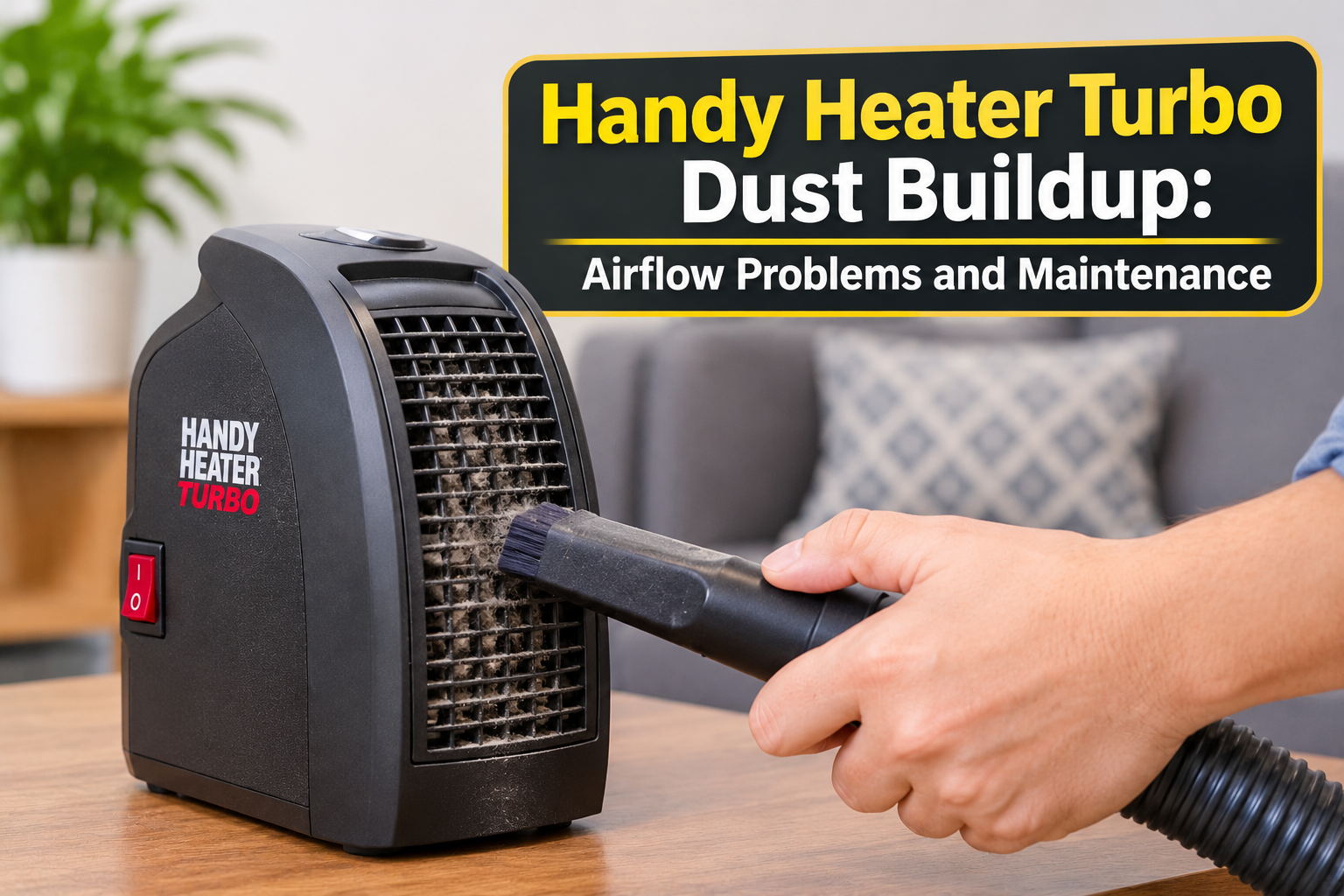
- Keep it clean: Dust on the grille reduces airflow and can create odour, so wipe the unit when it is off and unplugged.
Pros and Cons
Pros
- Compact and easy to carry
- Warms a personal area quickly
- Affordable compared with larger heating systems
- Simple to use with minimal setup
Cons
- Not designed to heat large rooms or entire open offices
- Fan noise may be noticeable in very quiet spaces
- Continuous use increases your electricity consumption
- Performance and build quality can vary between sellers, so reading reviews is wise
Who Should Buy It, and Who Should Skip It?
A good fit for: people working in a cubicle, a small home office, a front desk, a studio or a shop counter who need quick warmth for themselves.
Not ideal for: anyone expecting to heat a big hall, a warehouse or a whole floor. In those cases, a larger heating solution is more realistic.
Frequently Asked Questions
Is the Handy Heater Turbo suitable for a small office?
Compact fan heaters are best for personal spaces and small rooms. They work well when you sit near the unit, but they are not meant to replace central heating in a large area.
Can I leave it running all day?
It is better not to. Use it while you are at your desk, switch it off when you leave and follow the instructions supplied with your specific model.
Does it use a lot of electricity?
Consumption depends on wattage and hours of use. Use the cost formula in this guide to calculate your own estimate with your local electricity price.
Is it safe to use near my desk and computer?
Yes, if you keep a safe distance, leave the vents unblocked and keep cables, paper and liquids away from the heater. Never place it on top of equipment or in a cramped, enclosed spot.
How do I clean it?
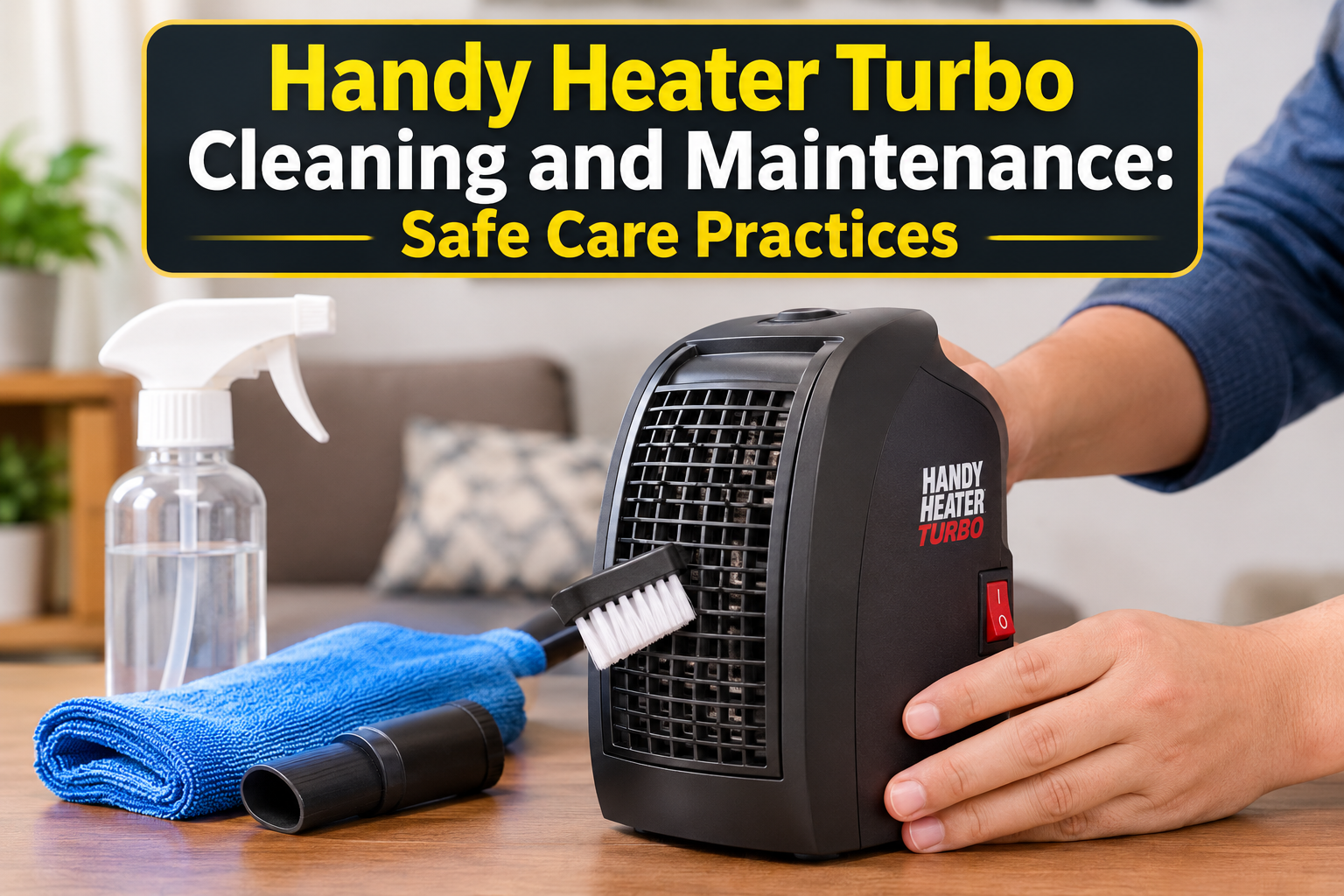
Switch it off, unplug it and let it cool completely. Then wipe the outside with a dry or slightly damp cloth and gently remove dust from the grille. Never let water enter the unit.
What should I check before buying online?
Confirm the wattage, voltage compatibility with your country’s supply, safety features, warranty and return policy on the listing, and read recent customer feedback for real-world performance.
Final Verdict
The Handy Heater Turbo style of compact fan heater can be a practical way to stay warm at work without waiting for the building’s heating to improve. It is quick, portable and budget friendly, making it a smart option for personal desk comfort. Its value depends on choosing a well-made unit with proper safety protection, using it responsibly and having realistic expectations about the area it can warm. Check the latest specifications, price and customer feedback on the seller’s product page before ordering, and use the checklist in this guide to make a confident decision.