







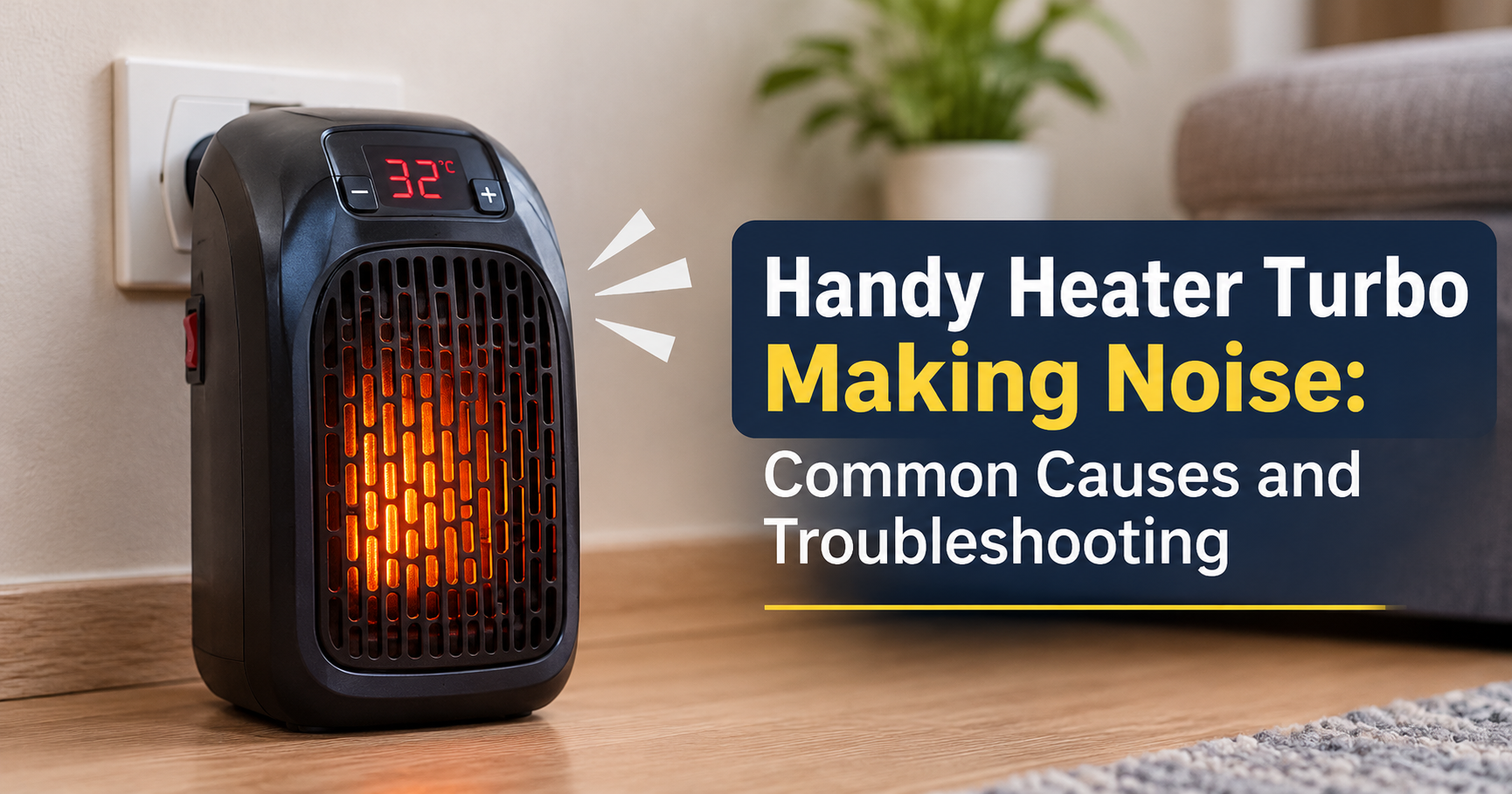
A Handy Heater Turbo is a compact, fan-driven room heater that many people use during cold months. It warms a small space quickly, but like any heater with a motor and a heating element, it can start making unusual sounds over time. A soft hum is normal. A loud buzz, rattle, grind or squeal is a signal that something needs attention.
In this guide you will learn why a Handy Heater Turbo makes noise, how to tell harmless sounds from warning signs, what you can safely fix at home, and when it is time to stop using the heater altogether.
Table of Contents
- What is a normal sound for a fan heater?
- Common noises and what they mean
- Main causes of noise in a Handy Heater Turbo
- Step-by-step troubleshooting
- Safety warning signs
- Prevention and maintenance tips
- When to repair, replace or contact support
- Frequently asked questions
What Is a Normal Sound for a Fan Heater?
Every fan heater produces some noise. The internal fan pushes air across a hot element, and that moving air creates a steady, soft whooshing sound. You may also hear gentle ticking when the unit heats up or cools down, because metal parts expand and contract with temperature changes.
These sounds are usually even, low and consistent. Noise becomes a concern when it is louder than before, changes in pitch, comes and goes, or is accompanied by vibration, a burning smell or reduced heating.
Common Noises and What They Usually Mean

Buzzing or Humming
A buzz often comes from a loose internal part, an unstable surface, or dust sitting on the fan motor. Electrical hum can also appear when a component vibrates at the frequency of the power supply. A faint hum is usually fine, but a growing buzz should be checked.
Rattling
Rattling normally points to a loose front grille, a loose screw, or a housing panel that no longer sits tightly. It is one of the easiest problems to solve.
Clicking
Short clicks during warm-up or cool-down are generally normal. Repeated, rapid clicking while running can suggest a thermostat or switch cycling on and off, which deserves a closer look.
Grinding or Squealing
These sounds usually come from a worn fan bearing, a motor that lacks lubrication, or a blade rubbing against the housing. This is a more serious fault because failing bearings can overheat the motor.
Whistling or Roaring
High-pitched whistling is often caused by restricted airflow, such as clogged vents or an object pressed against the intake. Running on the highest fan speed can also make the unit sound louder.
Main Causes of Noise in a Handy Heater Turbo
1. Dust and Lint Buildup
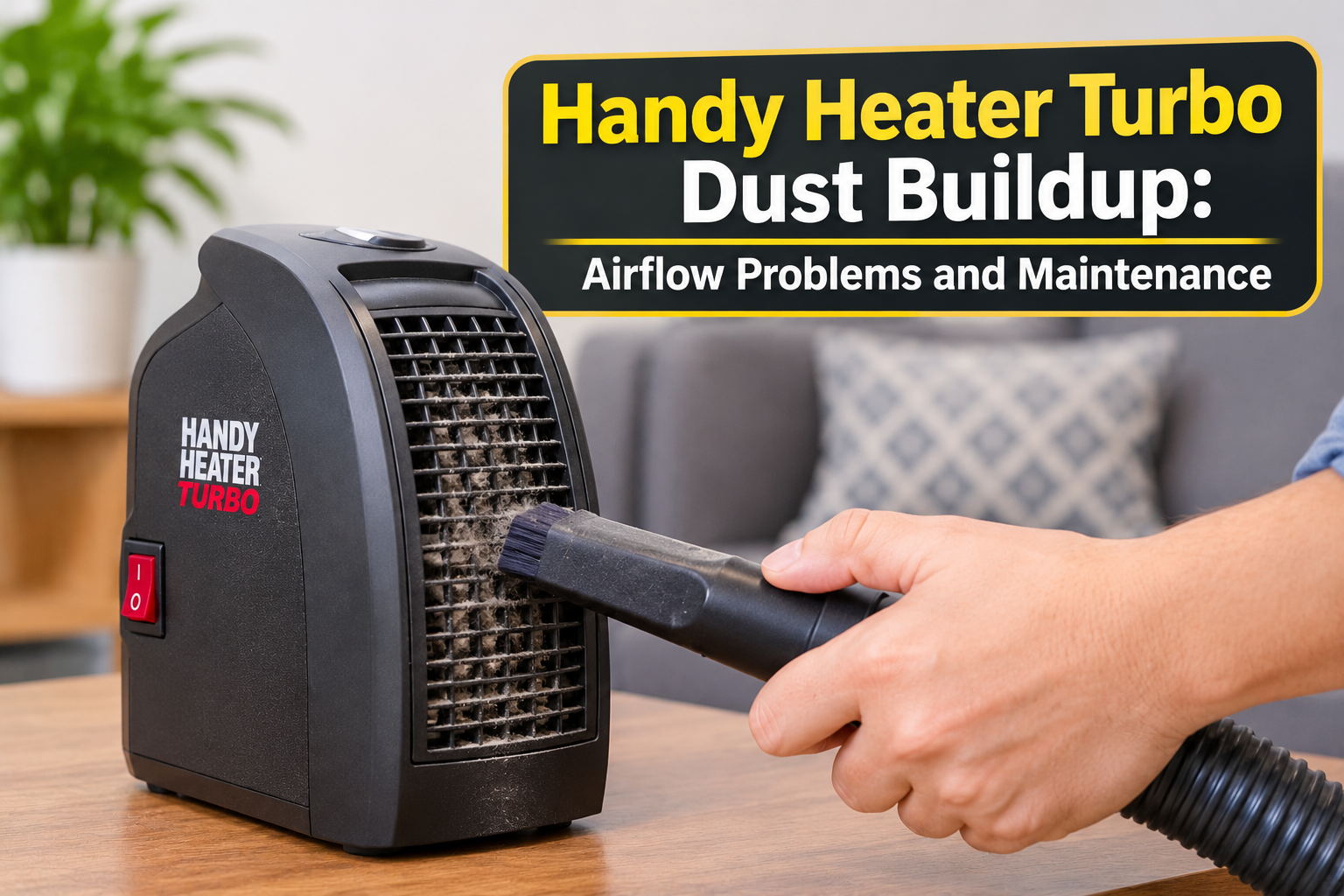
Dust is the most common cause. Over weeks of use, lint and pet hair collect on the fan blades and vents. The blades become unbalanced, the motor works harder, and the sound gets louder. Dust on a hot element can also create a faint burning smell.
2. Uneven or Soft Surface
If the heater stands on carpet, a rug, or a wobbly table, vibration spreads through the body and amplifies the noise. A flat, hard and stable floor reduces this immediately.
3. Loose Parts
Regular use and transport can loosen the grille, screws or panels. Even a small gap lets parts vibrate against each other and produce rattling.
4. Worn Fan Motor or Bearing
Fan motors have a limited life. When bearings wear out, you will hear grinding, squeaking or a rough, scraping tone. This usually gets worse over time and does not fix itself.
5. Blocked Airflow
Placing the heater too close to a wall, sofa or curtain restricts air intake and exhaust. The fan strains, pitch rises, and the unit can overheat. Always leave open space around the heater.
6. Foreign Objects
Small items, thread, paper or a piece of fabric can enter the vents and touch the fan. This causes tapping or scraping sounds. Switch the unit off and unplug it before checking.
7. Heat Expansion Sounds
Plastic and metal expand as they warm. Light ticking while heating up or cooling down is normal and not a defect.
8. Age and Heavy Use
A heater used many hours a day for several seasons will naturally develop more noise than a new one. Components wear, and small tolerances become larger.
Step-by-Step Troubleshooting

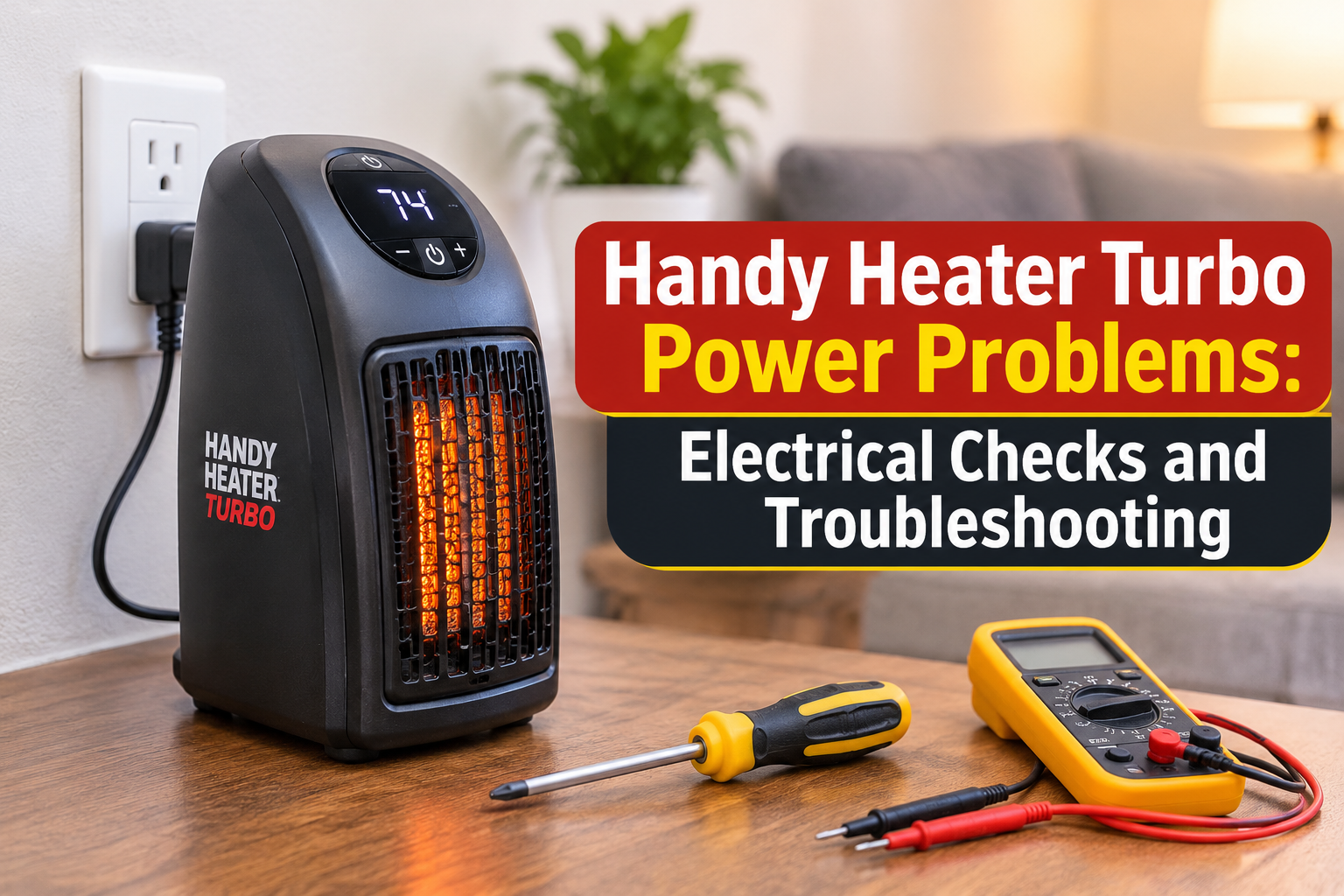
Important: Always switch the heater off, unplug it, and let it cool completely before touching or inspecting it.
- Turn it off and let it cool. Wait at least 20 to 30 minutes so no part is hot.
- Move it to a stable surface. Place it on a flat, hard floor away from carpet. Check whether the noise changes.
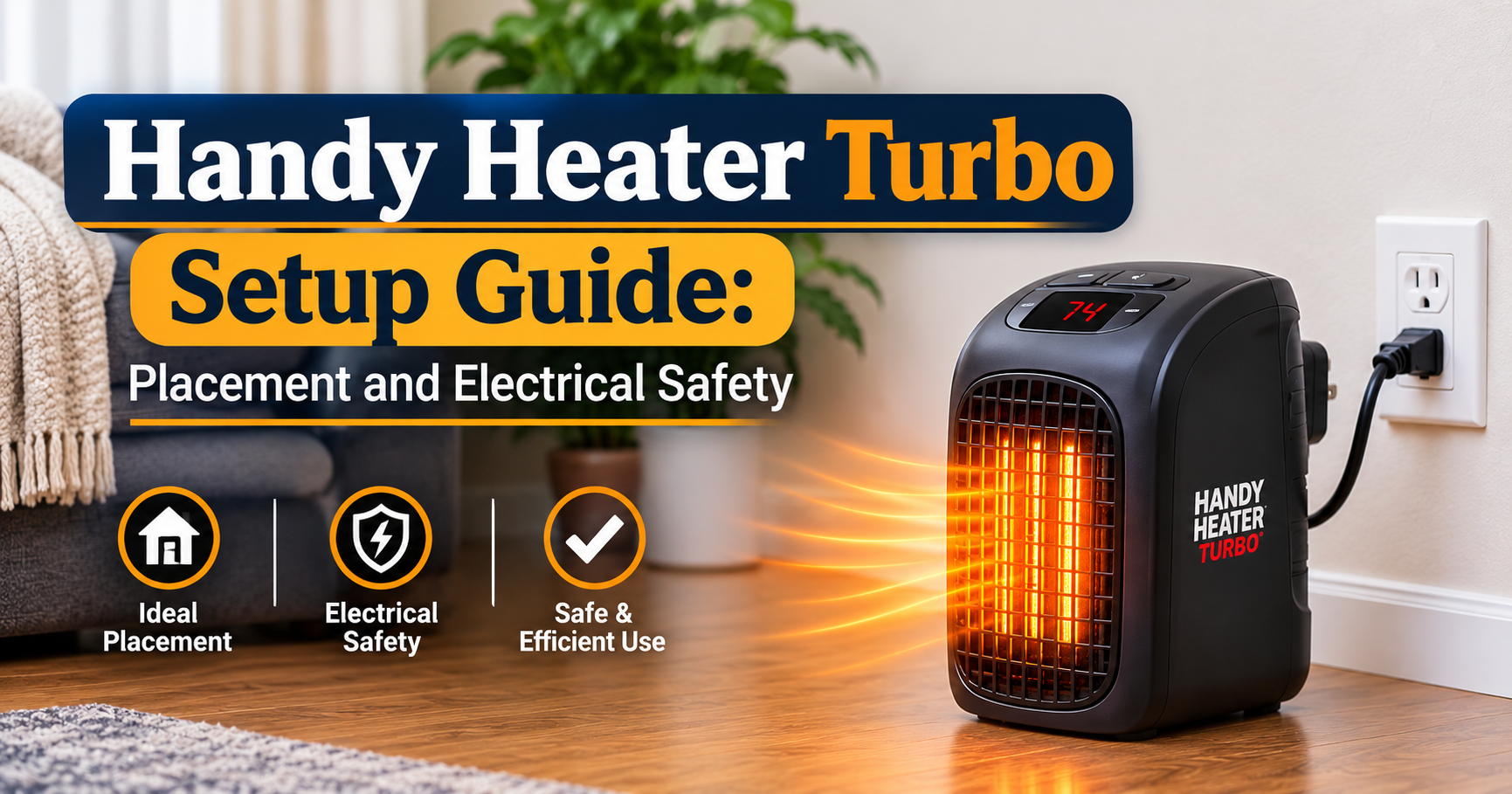
- Check the position. Keep at least one metre of free space around the front and sides, and keep it away from curtains, bedding and furniture.
- Inspect for loose parts. Gently press the grille and housing. If anything moves, carefully tighten visible screws using the correct screwdriver. Do not over-tighten plastic.
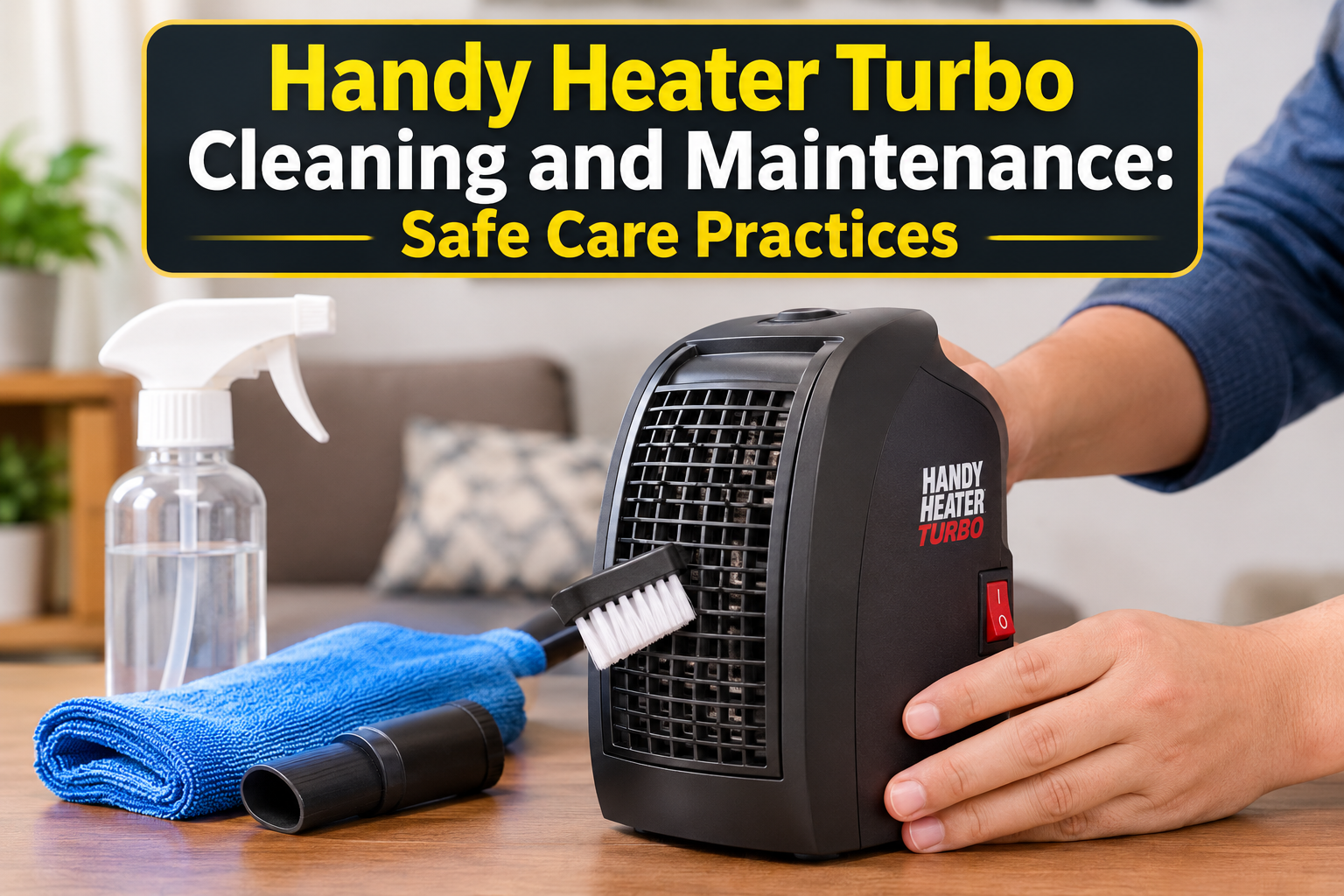
- Clean the vents. Use a soft brush or a vacuum cleaner with a brush attachment to remove dust from the intake and outlet. Do not use water or liquid cleaners on the heater.
- Look for foreign objects. Shine a torch into the vents and remove anything visible with plastic tweezers while the unit is unplugged.
- Test on a low setting. Plug it in and run it on the lowest fan setting. Listen for several minutes, then increase gradually.
- Compare modes. If noise appears only on high or turbo mode, the fan may be working at its limit or may have a worn motor.
If the sound disappears after these steps, the cause was most likely dust, a loose part or an unstable surface. If it continues, the problem is probably inside the motor or the electrical parts.
Safety Warning Signs: When to Stop Using the Heater

Some noises are not just annoying; they can indicate a fire or shock risk. Stop using the heater at once and unplug it if you notice:
- A burning, hot-plastic or electrical smell
- Grinding, scraping or sparking sounds
- A power cord or plug that feels very hot or looks discoloured
- A cracked, melted or deformed body
- The heater turning itself off repeatedly or tripping the breaker
- Smoke of any kind
Do not attempt to open the internal electrical parts yourself unless you are qualified. Opening the unit can be dangerous and may void any warranty.
How to Prevent Noise in the Future
- Clean regularly. Dust the vents every two to four weeks during heavy use.
- Store it properly. At the end of winter, clean the heater and store it in a dry, covered place.
- Use a stable base. Always run it on a flat, hard surface.
- Do not block airflow. Keep objects and fabrics well away from the unit.
- Avoid constant high speed. Use the lower setting once the room is warm to reduce motor wear.
- Handle with care. Avoid dropping or pulling it by the cord, which can loosen parts inside.
- Never leave it unattended. Turn it off when you leave the room or go to sleep.
Repair, Replace or Contact Support?
Simple fixes at home: cleaning dust, tightening a loose grille, changing the surface and improving airflow solve most noise complaints.
Contact the seller or a technician: if the unit is still under warranty, or if the sound is a grind, squeal or electrical buzz that remains after cleaning.
Consider replacing it: if the heater is several years old, the motor is worn, or there are signs of overheating. A replacement fan motor and labour can cost nearly as much as a new compact heater, and an old damaged unit is not worth the safety risk.
Tips for Choosing a Quieter Heater
If your current heater is too loud for a bedroom or study, look for these features when buying a new one:
- Multiple fan speed settings, including a low-noise option
- Adjustable thermostat to avoid running at full power
- Tip-over protection and overheat protection
- Good ventilation design and sturdy body
- Reviews that mention quiet operation
Frequently Asked Questions
Is it normal for a Handy Heater Turbo to make some noise?
Yes. A steady, low fan sound is normal. Loud, rough or changing noises are not.
Why is it louder in turbo mode?
Turbo mode uses higher fan speed and more power, so the airflow and motor sound increase. If it is much louder than before, check for dust or a worn motor.
Can dust really make a heater noisy?
Yes. Dust on the fan blades throws them off balance and adds friction, which creates humming or buzzing.
Is a clicking sound dangerous?
A few clicks when it warms up or cools down are normal. Continuous fast clicking can mean a thermostat or switch problem and should be checked.
Can I lubricate the fan myself?
It is not recommended. Opening the unit and applying oil can be unsafe, and the wrong lubricant may attract dust or create a fire risk. Leave motor work to a qualified technician.
How often should I clean it?
During regular winter use, a light cleaning every two to four weeks keeps airflow clear and noise low.
When should I stop using it?
Stop immediately if you notice burning smells, sparks, smoke, an overheated cord or a grinding sound that keeps getting worse.
Final Thoughts
Most noise from a Handy Heater Turbo comes from simple causes such as dust, an uneven surface, loose parts or blocked airflow, and these can be fixed in a few minutes. Regular cleaning and sensible placement keep the heater quieter and extend its life. However, never ignore grinding, burning smells or overheating. Your safety is more important than saving an old heater, so when in doubt, switch it off, unplug it and get it checked or replaced.