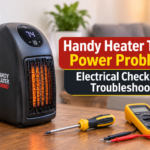
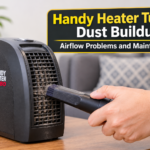
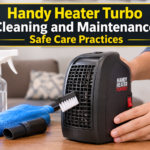
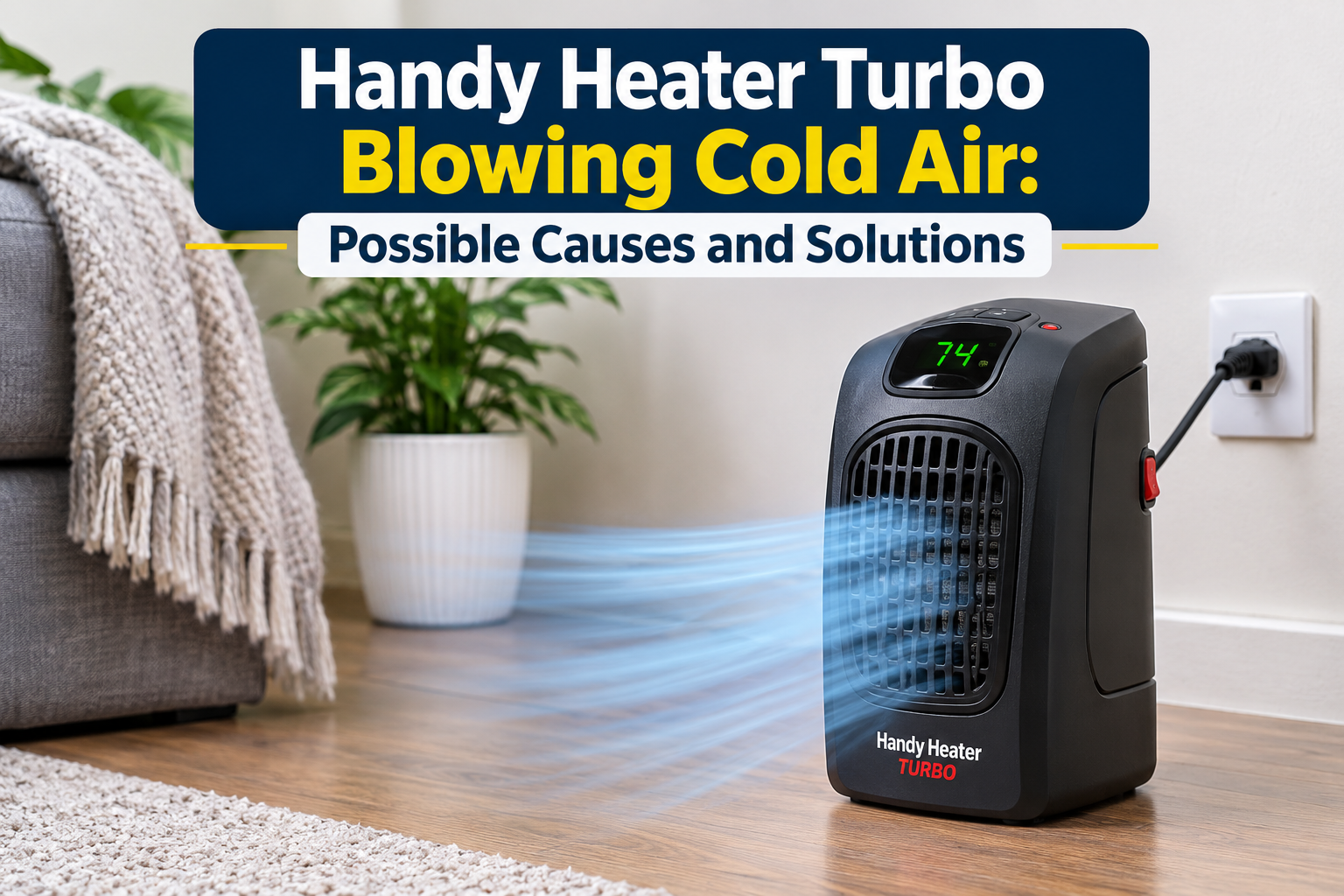
You switch on your Handy Heater Turbo on a chilly evening, wait for the warmth to spread, and instead feel a steady stream of cool air. It is frustrating, and it makes you wonder whether the heater is broken. The good news is that a compact fan-forced heater that blows cold air has a short list of common causes, and many of them are easy to fix at home.
This guide explains how these heaters work, why cold air happens, how to check each cause safely, and when it is time to stop troubleshooting and replace the unit.
Table of Contents
- How a handy turbo heater produces warm air
- Why the heater blows cold air
- Step by step troubleshooting
- Safety rules while checking your heater
- When to replace the heater
- How to prevent the problem
- Frequently asked questions
How a Handy Turbo Heater Produces Warm Air
Small fan-forced heaters have three main parts that must work together:
- Heating element: a ceramic or resistance element that turns electricity into heat.
- Fan: pulls room air across the hot element and pushes it back into the room.
- Thermostat and safety sensors: switch the element on or off to hold a set temperature and cut power if the unit overheats or tips over.
The fan can keep running even when the heating element is off. That is why you can feel moving air without any warmth. Cold air almost always means the fan is working but the element is not producing heat at that moment.
Why the Heater Blows Cold Air
1. The Thermostat Is Set Too Low
If the temperature dial is set below the current room temperature, the heater will not heat. The fan may still run, so you feel cool air. Turn the dial to the highest setting and test again.
2. The Heater Is in Fan-Only Mode
Many compact heaters have a fan-only or cool setting. If a mode switch or button was pressed by accident, the heating element will stay off. Check that the heat or turbo mode is selected and the indicator light matches.
3. Warm-Up Delay
Ceramic heating elements need a short time to reach working temperature. In the first 10 to 30 seconds the air can feel cool. If warmth arrives after a short wait, nothing is wrong.
4. Blocked Air Vents or a Dirty Filter
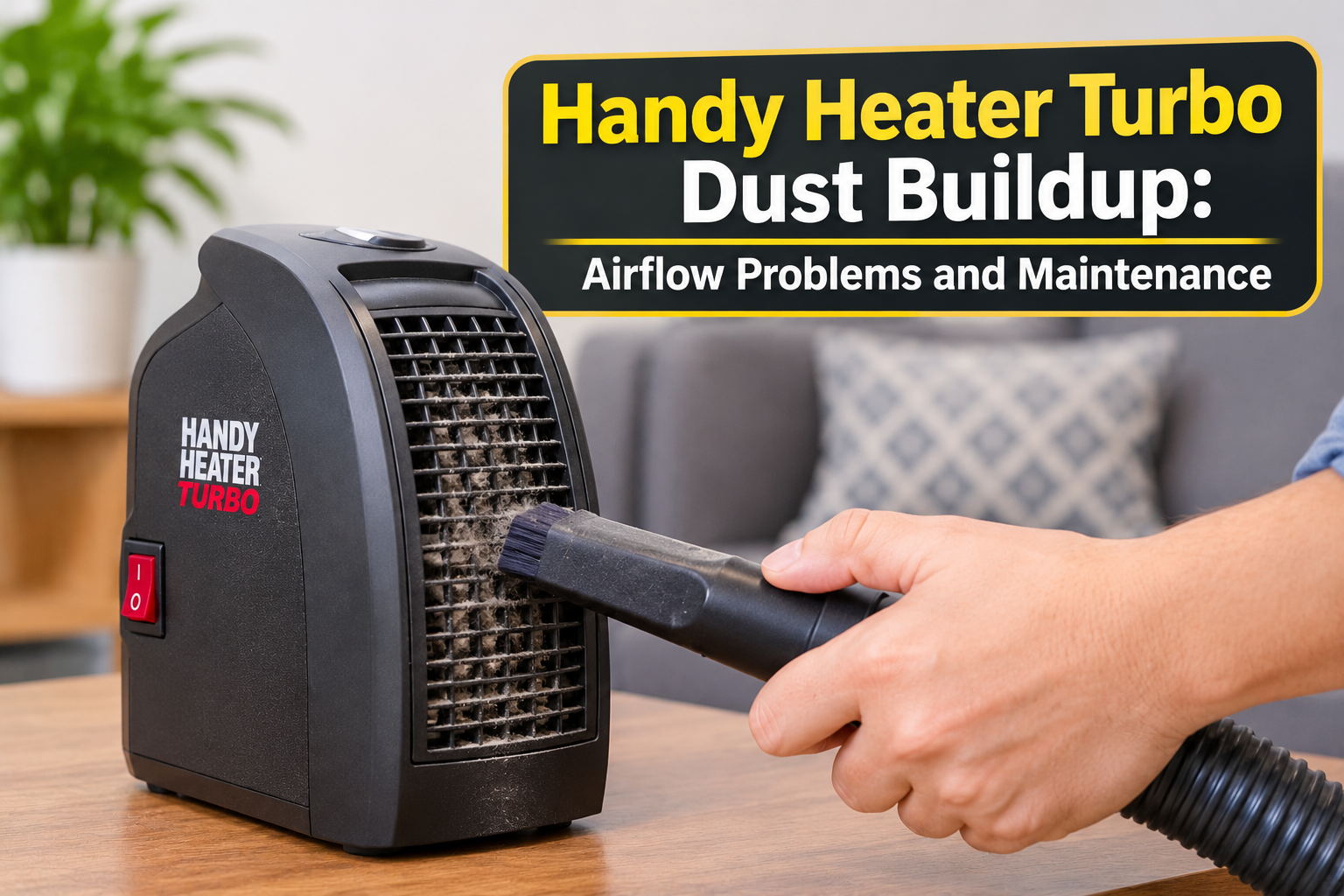
Dust and lint on the intake grille restrict airflow. The element then overheats, and the safety sensor switches it off while the fan keeps running. This is one of the most common reasons for sudden cold air.
5. Dust Buildup on the Heating Element
Dust that settles on the element can burn, reduce heat output and trigger overheat protection. Regular cleaning prevents this.
6. Overheat Protection Has Tripped
Heaters include a thermal cut-out that stops the element if internal temperature gets too high. When it trips, the fan may run to cool the unit, and you feel cold air. After the unit cools, it may reset on its own.
7. Tip-Over or Position Sensor Activated
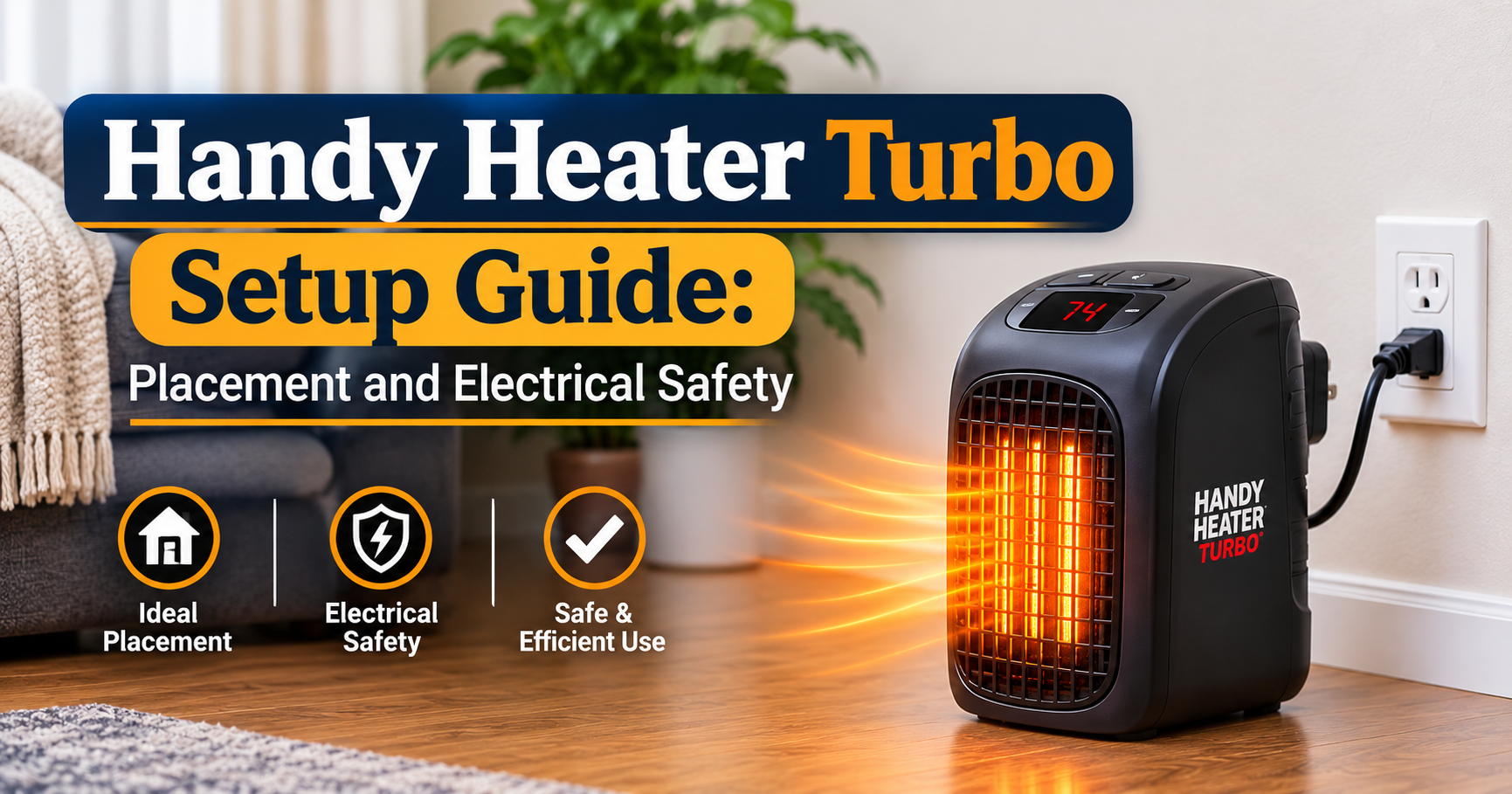
If the heater is on a soft or uneven surface such as a rug or bed, a tilt sensor may think it has tipped. Place it on a flat, hard, stable surface.
8. Low Voltage or a Poor Power Connection
A loose plug, a worn socket or an extension cord can reduce power. The low-power fan may still run while the element, which needs much more power, does not work properly. Plug the heater straight into a wall socket and avoid extension cords and power strips.
9. Faulty Thermostat or Control Board
If the thermostat sensor fails, it can wrongly tell the unit that the room is warm enough. In that case the element never switches on.
10. Failed Heating Element
Over time, heating elements can wear out. If the fan runs normally, the vents are clean and the settings are correct but there is never any warmth, the element has likely failed. This is not a home repair.
Step by Step Troubleshooting
- Check the settings. Make sure the thermostat is at maximum and that heat or turbo mode is on, not fan-only.
- Give it time. Run the heater for at least 30 to 60 seconds before deciding it is not heating.
- Check the surface. Place it upright on a flat, hard floor or table.
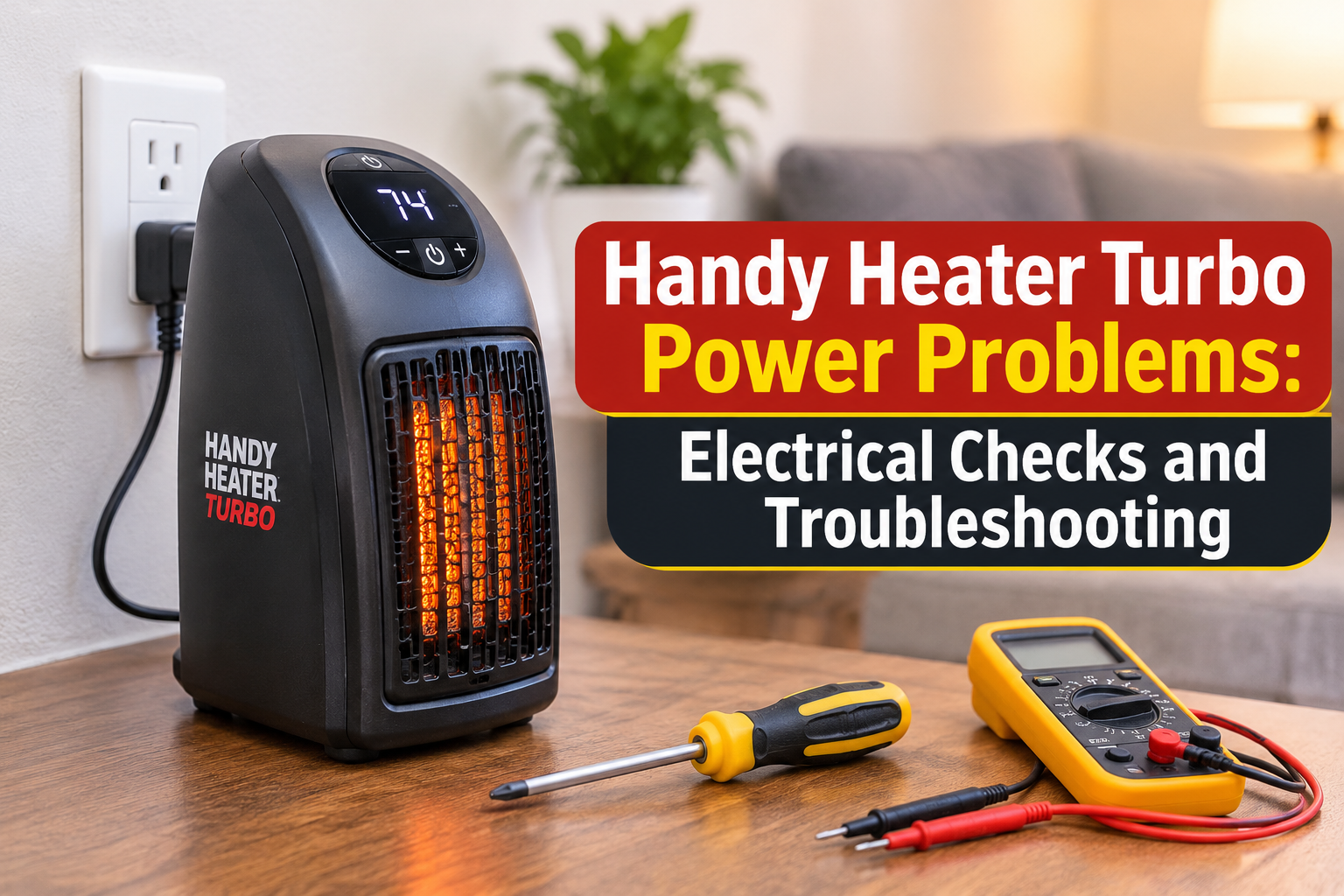
- Check the power source. Plug directly into a working wall socket. Test the socket with another device. Remove extension cords and power strips.
- Unplug and let it cool. Wait at least 20 to 30 minutes if the unit felt hot or smelled of burning dust, so any overheat protection can reset.
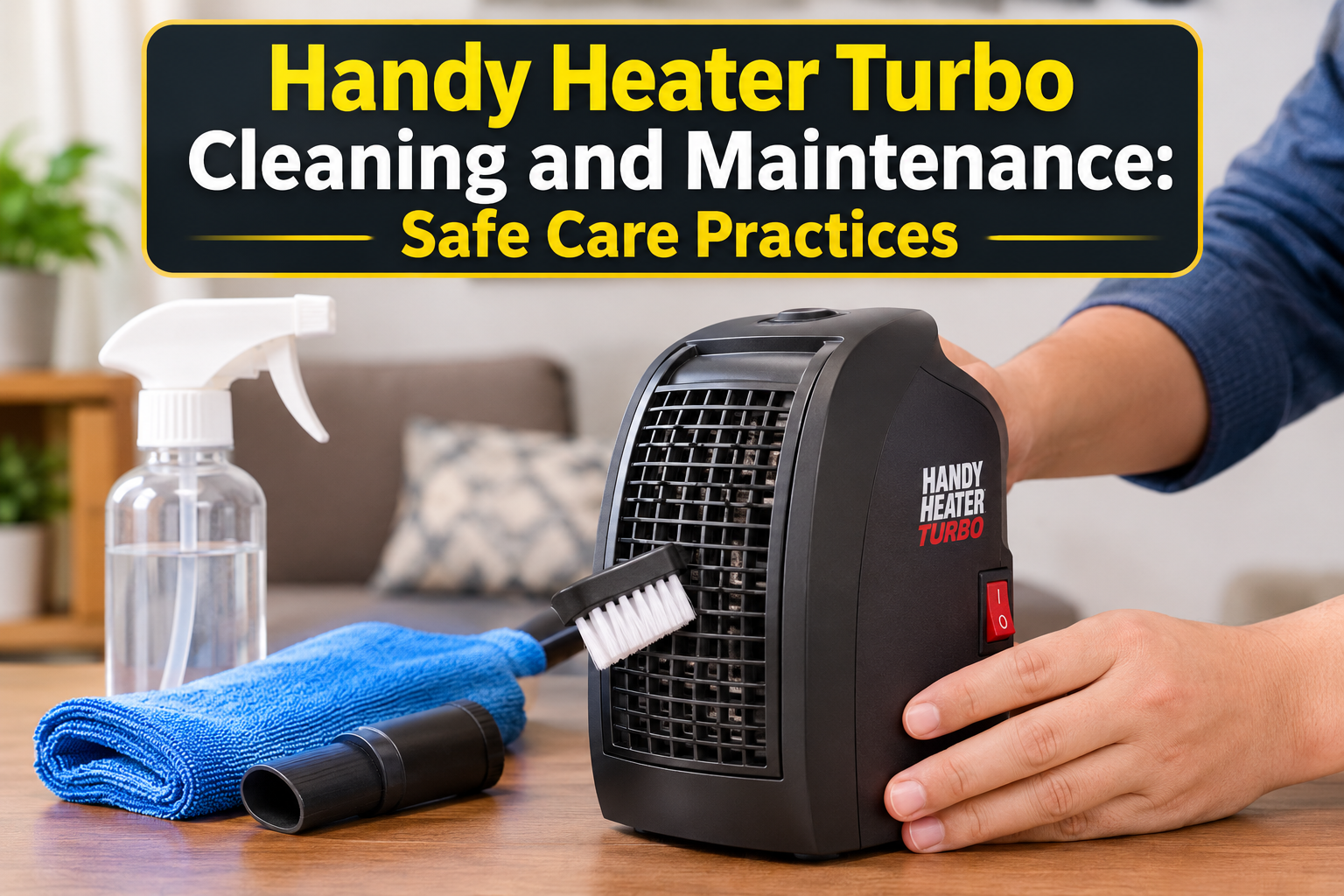
- Clean the vents. With the heater unplugged, use a soft brush or a vacuum with a brush attachment to remove dust from the intake and outlet grilles.
- Test again. Plug it in and run it on the highest heat setting for a few minutes.
- Stop if the problem continues. If it still blows cold air, do not open the heater. Internal faults need a qualified technician or a replacement unit.
Safety Rules While Checking Your Heater
- Always unplug the heater before cleaning or moving it.
- Never open the housing or touch internal parts.
- Never use water or liquid cleaners on the unit.
- Keep it at least three feet (about one meter) from curtains, bedding, furniture and other flammable items.
- Do not use it with an extension cord or multi-plug adapter.
- Never cover the heater or block its vents.
- If you notice a burning smell, melted plastic, sparks, a hot plug or a damaged cord, stop using it immediately.
- Do not leave it running unattended or while you sleep.
When to Replace the Heater
Consider replacing the heater if:
- It still blows cold air after cleaning and checking all settings.
- The power cord or plug is damaged or becomes hot.
- The housing is cracked or discolored by heat.
- It keeps shutting off repeatedly.
- The unit is several years old and heating output has gradually dropped.
If the product is still under warranty, contact the seller or manufacturer before attempting anything else. When choosing a new compact heater, look for built-in tip-over protection, overheat protection, a stable base, a reliable thermostat and a clearly stated power rating that suits the size of your room.
How to Prevent Cold Air Problems
- Clean the vents and filter every two to four weeks during the heating season.
- Store the heater in a dry, dust-free place after winter, ideally covered.
- Use a wall outlet that is in good condition.
- Keep the heater on a firm, level surface.
- Do not run it in very dusty rooms or near pet hair without regular cleaning.
- Choose a heater size that matches the room. Small heaters work best for small spaces and personal warmth, not whole-house heating.
Frequently Asked Questions
Why does my Handy Heater Turbo blow cold air at first?
The heating element needs a short time to warm up. A delay of up to 30 seconds is normal.
Can a dirty filter cause cold air?
Yes. Blocked airflow causes overheating, and the safety sensor can switch the element off while the fan continues running.
Is it safe to keep using a heater that blows cold air?
If the cause is simple, such as a low thermostat setting or dusty vents, it is safe once fixed. If there is a burning smell, a hot plug or damage, stop using it at once.
Can I repair the heating element myself?
No. Internal electrical repairs are dangerous and are best left to a qualified technician, or you should replace the heater.
Does turbo mode make the heater heat faster?
Turbo or high-power modes increase fan speed or heat output, but they cannot make a faulty element work. Check the basics first.
Final Thoughts
A Handy Heater Turbo blowing cold air is rarely a mystery. In most cases the cause is a simple setting, a short warm-up delay, dust blocking the vents, an unstable surface or a poor power connection. Work through the checklist in order, stay safe, and replace the heater if it still refuses to produce warmth. A clean, properly placed heater will keep you comfortable all winter.