







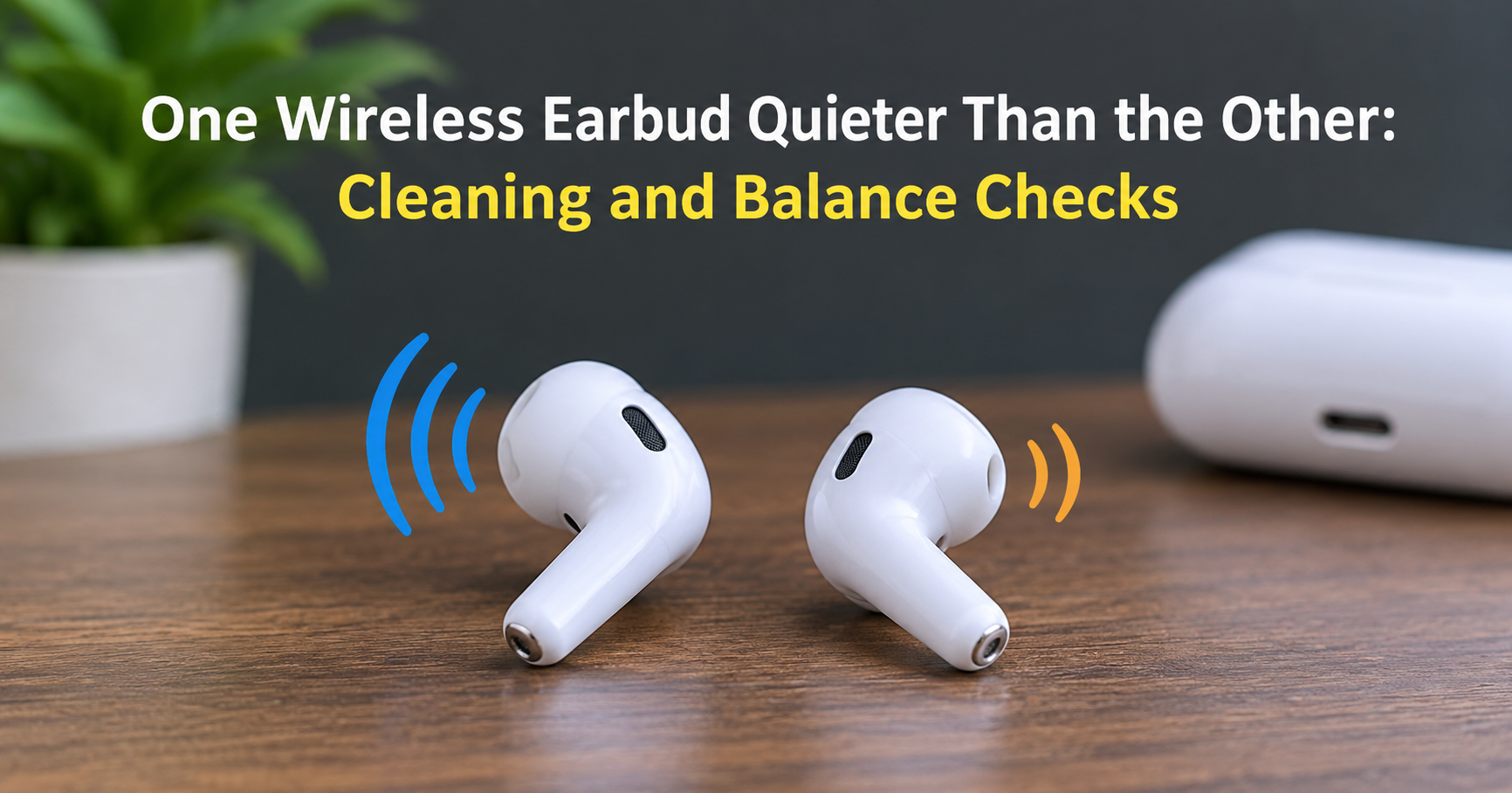
You put your wireless earbuds in, press play, and something feels off. The music leans to one side, voices sound weak in one ear, and you keep adjusting the volume without any luck. If one wireless earbud is quieter than the other, you are far from alone. It is one of the most common complaints among people who use true wireless earbuds, and in most cases it is fixable at home in a few minutes.
This guide explains why it happens, how to work out whether the problem is dirt, settings, Bluetooth or hardware, and what to do about it step by step. It also covers what to look for when you decide it is time for a replacement pair.
- The most common cause is earwax or debris blocking the small speaker mesh.
- Next most common: a left/right balance setting, a poor ear-tip seal, or a Bluetooth glitch between the two buds.
- Swap the earbuds between ears first. If the quiet side follows the bud, the earbud is the issue. If it stays in the same ear, check your settings, your source device, or your hearing.
Why Is One Earbud Quieter Than the Other?
Wireless earbuds look simple from the outside, but each bud contains its own battery, Bluetooth chip, microphone and tiny speaker driver. Because every bud is a small device of its own, many things can make one of them perform differently. The causes fall into a handful of groups.
1. Earwax or Debris Blocking the Speaker Mesh
Every earbud has a tiny mesh or grille over its speaker opening. Over weeks of use, earwax, skin oils, dust and lint pack into that mesh and choke the sound. Because most people have one ear that produces more wax or sits a little differently, one bud often clogs faster than the other. This is by far the most frequent reason for uneven volume.
2. A Poor Seal or the Wrong Ear Tip
Earbuds with silicone tips depend on a snug seal to deliver bass and volume. If one tip is slightly loose, worn, or the wrong size for that ear, sound leaks out. The bud then seems thin, quiet and lacking in bass even though the speaker is working perfectly. Your ears are rarely identical, so using a different tip size on each side is completely normal.
3. Left/Right Balance or Mono Audio Settings
Phones, tablets and computers include an accessibility setting that shifts audio between the left and right channels. If the slider has moved slightly off centre, one earbud will play quieter than the other on every pair of headphones you connect. It can change by accident, after an update, or after someone else used the device.
4. Bluetooth Connection Problems Between the Buds
In many true wireless designs, one earbud connects to your phone and passes the audio to the second bud. A weak link, interference from Wi-Fi or crowded areas, or a bad pairing record can cause the secondary bud to stutter, drop out, or play at a lower level.
5. Different Battery Levels or Outdated Firmware
Each bud has its own battery, and the two rarely drain at exactly the same rate. A bud that is very low on charge, or one with an ageing battery, can sound weaker. Outdated firmware can also cause odd volume behaviour that the maker later fixed in an update.
6. Moisture, Impact or a Damaged Driver
Sweat, rain, drops and general wear can damage the speaker driver or let moisture reach the electronics. When this happens, the sound may stay permanently quieter, crackle, or cut out. This is the one cause that usually needs a repair, a replacement or a warranty claim.
7. A Real Difference Between Your Ears
It is also possible that the earbuds are fine and your ears are not perfectly matched. Many people have slightly different hearing in each ear, and earwax buildup inside the ear canal can reduce what you hear on one side. The simple tests below will tell you which situation you are in.
Step 1: Run Two Quick Tests to Find the Cause
Before you clean, reset or buy anything, spend two minutes narrowing the problem down. These tests save a lot of guesswork.
Test A: Swap the Earbuds
Put the left bud in your right ear and the right bud in your left ear, then play the same track. If the quiet sound moves with the earbud, the earbud (mesh, driver, tip or connection) is responsible. If the quiet side stays in the same ear, look at your settings, your source device or your ears.
Test B: Try a Different Device and a Different Pair of Headphones
Connect the earbuds to a second phone or computer. If the problem disappears, the first device has a balance or audio setting issue. Then try a different pair of wired or wireless headphones on your original device. If the quiet side still appears in the same ear with other headphones, the cause may be the device setting or a difference in your hearing rather than the earbuds.
Step 2: Clean the Earbuds Safely
If the quiet sound followed the earbud, cleaning is the first and most successful fix. Do it gently, because the mesh and the driver behind it are delicate.
- Remove the ear tips if they come off, and wash them in lukewarm water with a drop of mild soap. Rinse and let them dry completely before refitting.
- Brush the mesh with a clean, dry, soft-bristle brush, such as an unused soft toothbrush or a small anti-static brush. Brush gently across the mesh to lift loose debris.
- Dab, do not dig. A small piece of reusable putty or adhesive tack pressed lightly on the mesh and lifted away can pull out stubborn wax. Avoid pins, needles and sharp tools, which can puncture the mesh and the driver behind it.
- Wipe the outside with a dry microfibre cloth. If the maker allows it, a cloth very lightly dampened with alcohol can clean the exterior, but never soak the earbud or let liquid run into the speaker opening.
- Do not blow or use compressed air directly into the opening, because the burst of pressure can damage the driver.
- Let everything dry for several minutes, then test again.
Check the charging contacts on each earbud and inside the case as well. Dirty contacts can mean one bud charges less than the other, which sometimes shows up as weaker sound.
Step 3: Check the Fit and the Ear Tips
A good seal makes a surprising difference. Try each bud with a different tip size, and choose the one that feels secure without causing pressure. Gently twist the earbud as you insert it so that the nozzle points into your ear canal rather than at the wall of the ear. If you are using foam tips, replace them when they stop springing back, because compressed foam seals poorly.
Step 4: Check Your Balance and Mono Audio Settings
If the quiet side stayed in one ear when you swapped the buds, or if it happens on several headphones, check the audio balance on your device. The exact wording changes between versions and brands, but the settings are usually in the accessibility menu.
- iPhone and iPad: open Settings, then Accessibility, then Audio & Visual, and set the Balance slider to the centre. While you are there, make sure Mono Audio is off unless you want it.
- Android: look under Settings, Accessibility, then Audio or Hearing enhancements, for a left/right sound balance control. Menu names differ between brands.
- Windows: open Sound settings, choose your earbuds as the output device, open its properties and check the Levels tab for the balance control.
- Mac: open System Settings, then Sound, then Output, select your earbuds and centre the Balance slider.
Some earbud companion apps also include their own equaliser or balance control, so open the app that came with your earbuds and check that nothing is set unevenly there too.
Step 5: Reset and Re-Pair the Earbuds
If cleaning and settings do not help, a connection fault between the two buds may be the cause. A reset clears the stored pairing and lets the buds re-sync with each other.
- Remove the earbuds from your phone’s Bluetooth list by choosing the option to forget or unpair the device.
- Place both earbuds in the charging case and close the lid for about 30 seconds.
- Follow your model’s reset method. Many earbuds reset by holding a button on the case or touching the buds for several seconds until the light changes. The exact method differs, so check the manual for your model.
- Pair the earbuds again, and play a track that has clear left and right separation to test both sides.
Charge both buds fully, and check that the app shows a similar battery level on each side. Then install any available firmware update through the companion app, because updates often fix bugs that cause uneven volume or dropouts.
When Is It a Hardware Problem?
If you have cleaned the mesh, checked the fit, centred the balance, reset the earbuds and updated the firmware, and the same bud is still clearly quieter, the cause is probably hardware. Warning signs include crackling, distortion, sound that cuts in and out, a bud that gets hot, or a bud that loses charge far faster than the other. In these cases, stop troubleshooting and contact the manufacturer or retailer. If the earbuds are within their warranty period, a repair or replacement is often free. Water damage and physical damage may not be covered, so read the warranty terms.
What If It Is Your Hearing?
If one side sounds quieter with every pair of headphones you try, and also in everyday life, it is worth getting your ears checked. Earwax buildup in the ear canal is a common and easily treated cause, and a professional can remove it safely. A sudden drop in hearing in one ear, ringing, pain or dizziness should be assessed by a doctor promptly, rather than put down to the headphones.
How to Stop It Happening Again
- Wipe your earbuds with a dry cloth after each use, and brush the mesh once a week.
- Store them in their case so that dust and pocket lint stay out.
- Replace silicone tips every few months, or sooner if they look stretched or discoloured.
- Keep the case and the charging contacts clean and dry.
- Avoid sleeping in your earbuds, because pressure and sweat can push debris into the mesh and loosen the fit.
- Keep the firmware updated, and avoid leaving the buds in a hot car or in direct sun.
- Use a sweat-resistant pair for workouts and wipe them off afterwards.
What to Look for in Your Next Pair of Earbuds
If your pair is old or damaged and you decide to replace it, a few features make uneven volume problems less likely and easier to solve.
| Feature | Why it matters |
|---|---|
| Several ear-tip sizes | Lets you fit each ear properly for a strong seal and even sound. |
| Replaceable tips | Worn tips are easy and cheap to swap rather than replacing the whole pair. |
| Companion app with balance and firmware updates | Gives you direct control over left/right levels and a path for bug fixes. |
| Water and sweat resistance rating | Reduces the risk of moisture damage to one bud. |
| Easy-to-clean mesh design | Makes routine cleaning quicker and lowers the chance of clogging. |
| Clear warranty and support | Makes a single faulty bud a simple claim rather than a lost purchase. |
Reading honest user reviews is useful here. Look for comments about one bud failing, uneven battery drain and connection stability over several months, not just first-week impressions.
Frequently Asked Questions
Why is my left earbud quieter than my right?
The reason is the same whichever side is affected. A blocked mesh, a loose ear tip, a balance setting, a connection glitch or a hardware fault can all affect either bud. Swap the earbuds between ears to find out whether the bud or the ear side is responsible.
Can earwax really make an earbud quieter?
Yes. Wax and debris block the small speaker mesh, which reduces volume and clarity. Cleaning the mesh gently often restores the sound completely.
Will resetting my earbuds fix uneven volume?
It can, particularly when the problem is a pairing or synchronisation fault between the two buds. It will not help if the speaker is blocked or damaged.
Is it normal for one earbud to be slightly quieter?
A very small difference can come from the fit or the shape of your ears. A clear, consistent difference is not normal and is worth investigating with the steps above.
Is it safe to clean earbuds with alcohol?
Some makers allow a lightly dampened cloth for the outer shell, but they warn against letting liquid enter the speaker opening. Always check your manufacturer’s cleaning guidance first, and when in doubt use a dry brush and a dry cloth.
When should I replace my earbuds?
Replace them if the problem returns quickly after cleaning, if you hear crackling or distortion, if one bud drains much faster than the other, or if repairs would cost close to the price of a new pair.
Final Thoughts
When one wireless earbud is quieter than the other, the cause is usually simple. Start by swapping the buds between ears, clean the speaker mesh, check the fit, and make sure your balance setting is centred. If the problem remains, reset and update the earbuds. Only after all of that should you suspect hardware damage or a difference in your own hearing. Working through the steps in order saves time, protects your earbuds from accidental damage, and tells you quickly whether a repair, a warranty claim or a new pair is the right next move.