



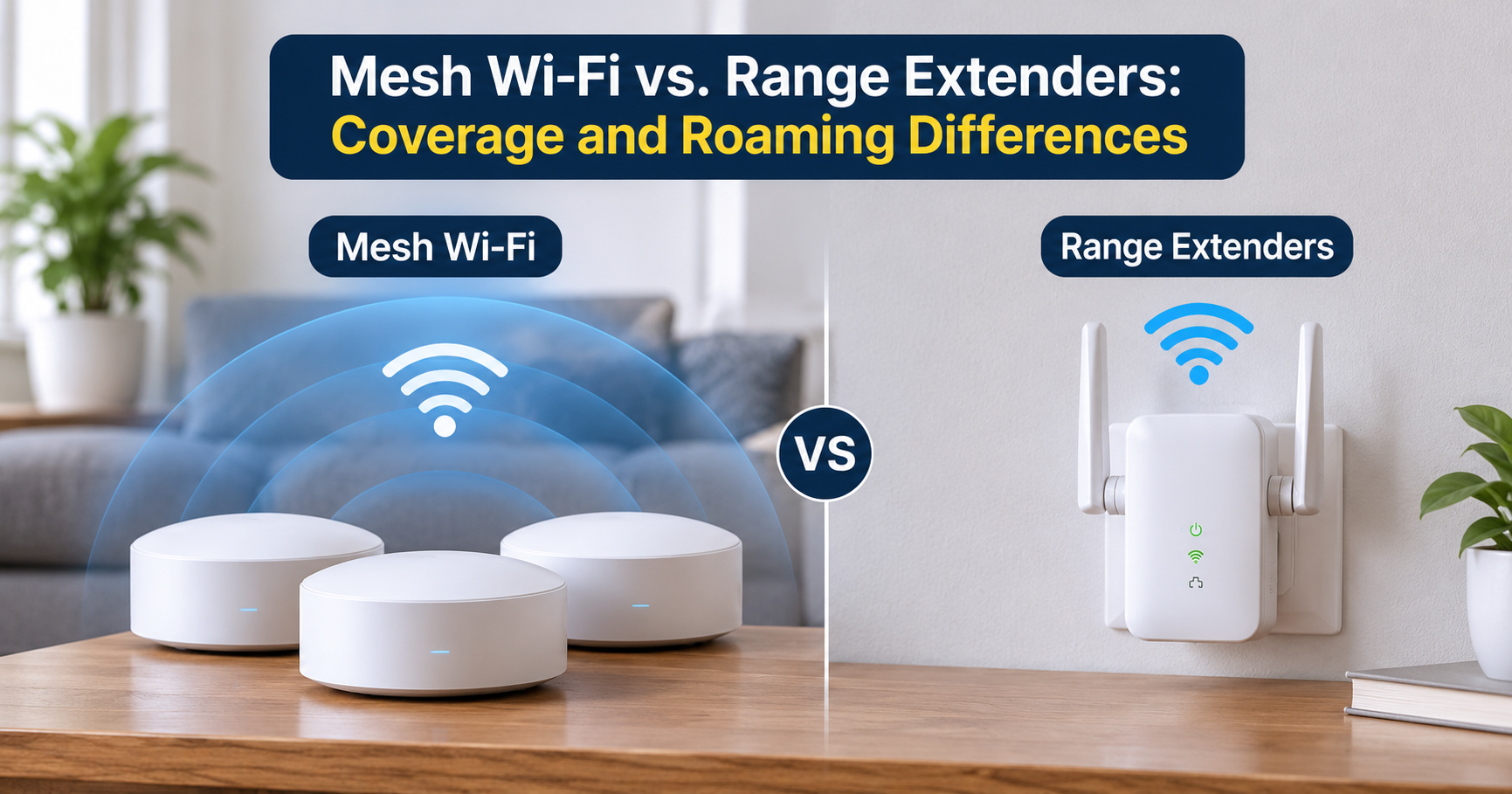
If your WiFi is great beside the router and terrible at the other end of the house, you have a coverage problem, not a speed problem. The two most popular fixes are a WiFi extender and a mesh WiFi system. They look similar on the shelf, but they work very differently, and in a large house that difference decides whether you end up happy or frustrated.
This guide explains how each one works, where each one shines, where each one fails, and how to choose for your own home. By the end, you will know exactly what to buy and how to set it up for the best results.
Quick Answer: Which Is Better for a Large House?
For most large houses, mesh WiFi is the better choice. It covers more area, keeps one network name across every room, and holds its speed far better than an extender. A WiFi extender is a sensible budget fix only when you have one or two weak spots in an otherwise well-covered home.
Large, multi-story, or thick-walled home: choose mesh WiFi. One stubborn dead zone in a small or medium home: an extender can be enough.
Why Large Houses Struggle With WiFi
A single router is designed to cover a limited area. In a large house, the signal has to travel farther and push through more obstacles, and every obstacle takes a bite out of it.
- Distance: WiFi signal weakens quickly as you move away from the router, especially on the faster 5 GHz and 6 GHz bands.
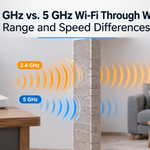
- Building materials: Brick, concrete, stone, and plaster over metal mesh block signal strongly. Even a couple of interior walls can cut speeds sharply.
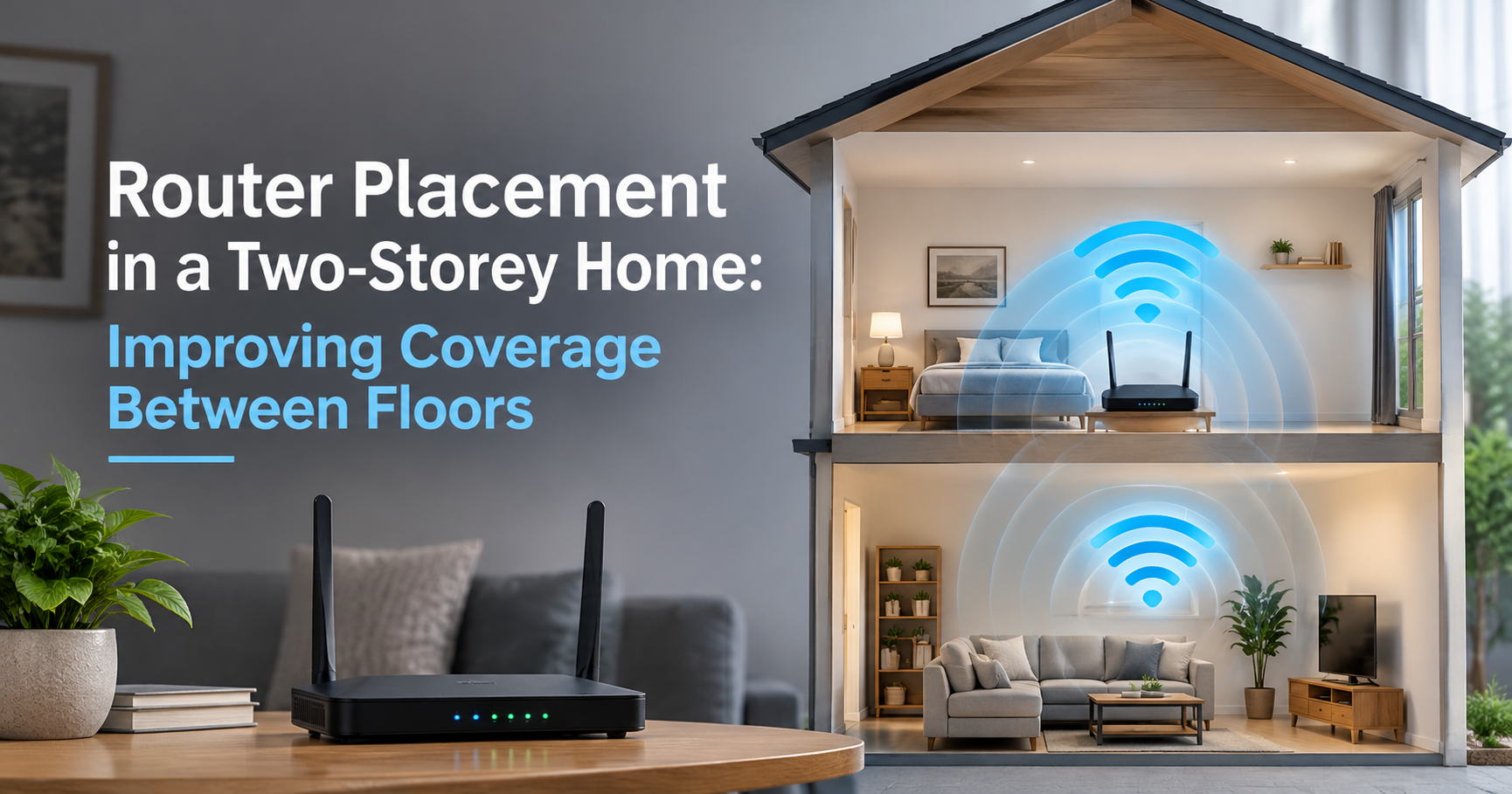
- Multiple floors: Floors and ceilings are tough for signals to pass through, so rooms directly above or below the router can still be weak.
- Large appliances and metal: Refrigerators, mirrors, metal cabinets, and water tanks reflect or absorb signal.
- Interference: Neighboring networks, microwaves, and cordless devices compete for the same airwaves.
The router in the corner of the living room simply cannot reach the back bedroom upstairs at a usable speed. To fix that, you need a second source of signal closer to where you use the internet.
What Is a WiFi Extender?
A WiFi extender, also called a range extender or repeater, picks up your router’s existing signal and rebroadcasts it. You place it about halfway between the router and the dead zone, and it creates a second pocket of coverage.
Advantages of a WiFi Extender
- Low cost: Extenders are usually the cheapest way to add coverage.
- Easy to start: Many models plug straight into a wall outlet and set up in minutes.
- Works with your current router: You keep the router you already own.
- Good for a single dead spot: A garage, a back room, or a patio is a typical use.
Disadvantages of a WiFi Extender
- Speed loss: A basic extender uses the same radio to receive and to rebroadcast, which can cut the speed on the extended network by roughly half or more. Dual-band and tri-band extenders reduce this, but a loss is still common.
- It is only as good as the signal it receives: If you place it where the router signal is already weak, it just repeats a weak signal.
- Two networks to manage: Many extenders create a separate network name. Your phone or laptop may keep clinging to the weaker one as you walk around.
- Limited coverage: One extender patches a hole. It does not reshape coverage for a whole large home.
- No central control: Each unit is set up and managed on its own.
What Is a Mesh WiFi System?
A mesh WiFi system replaces your router with a group of devices, usually one main router and one or more satellite nodes. The nodes talk to each other and act as one network with one name and one password. As you move through the house, your phone or laptop is handed from node to node without you doing anything.
Advantages of Mesh WiFi
- Whole-home coverage: Mesh is built to blanket large and multi-story homes.
- One seamless network: No switching between network names, and smoother handoff for video calls and streaming while you move around.
- Better speed consistency: Tri-band systems dedicate a radio to talking between nodes, which protects the speed your devices receive.
- Wired backhaul option: Many systems let you connect nodes with Ethernet cables for the most stable and fastest results.
- Simple management: A phone app handles setup, guest networks, parental controls, and updates.
- Easy to expand: Add another node later if you still find a weak area.
Disadvantages of Mesh WiFi
- Higher cost: A good multi-node system costs more than a single extender.
- Replaces your router: You normally set the mesh system up as your main router, which may take a few extra steps if your internet provider gives you a combined modem and router.
- Not every home needs it: In a small home it can be more than you need.
Mesh WiFi vs WiFi Extender: Side-by-Side Comparison
| Feature | WiFi Extender | Mesh WiFi |
|---|---|---|
| How it works | Receives your router’s signal and rebroadcasts it | A set of nodes that work as one coordinated network |
| Network name | Often a second name, or a shared name with weak handoff | One name for the whole house |
| Speed in far rooms | Often drops noticeably, especially on single-radio units | Stays much more consistent, best with a dedicated backhaul |
| Moving around the house | Devices may stay stuck on the weaker connection | Devices are guided to the best node automatically |
| Coverage size | Fills one dead zone | Covers whole floors and multiple levels |
| Setup and management | Quick, but each unit is managed on its own | App-based setup and one place to manage everything |
| Cost | Lower | Higher, but you replace your router too |
| Best for | One or two weak spots | Large, multi-story, or thick-walled homes |
Speed: Why Backhaul Matters
The most important technical idea in this comparison is backhaul. Backhaul is the link that carries data between your router and the extender or node. If that link is slow or shared with your devices, everything behind it slows down.
- Single-radio extender: The same radio handles both the connection back to the router and the connection to your devices, so throughput can fall sharply.
- Dual-band mesh: The nodes still share radios with your devices, which works well in medium homes but can limit speed in very large ones.
- Tri-band mesh: One band is reserved for node-to-node traffic, which leaves the other bands free for your devices.
- Wired backhaul: Ethernet between nodes takes the wireless link out of the equation entirely and usually gives the best and most stable performance.
If you can run Ethernet cables, or your house already has them in the walls, a mesh system with wired backhaul is the strongest setup you can build for a large house.
How Big Is Too Big for an Extender?
There is no exact line, because layout and materials matter more than raw square footage. Still, these rules of thumb help:
- Small to medium home, one weak area: An extender is often enough.
- Roughly 2,500 square feet (about 230 square meters) or more: Mesh becomes the safer choice.
- Two or more floors: Mesh handles vertical coverage better because you can place nodes on different levels.
- Thick walls, such as brick, concrete, or stone: Mesh with wired backhaul, or more nodes, works best.
- Several weak spots, not just one: Adding multiple extenders gets messy quickly. Mesh solves this more cleanly.
Where to Place Mesh Nodes and Extenders
Even the best hardware performs poorly in the wrong spot. Good placement is free and makes a bigger difference than most people expect.
- Start with the main router. Place it in a central, open, elevated spot, not in a cabinet, a corner, or behind the TV.
- Put each node about one to two rooms away. A node needs a strong connection to the unit before it, then it shares that strength with the next area. Placing it at the very edge of the router’s range wastes its potential.
- Go high and stay open. Shelves and tables work better than the floor. Avoid placing nodes inside furniture or right next to large metal objects.
- Spread nodes across floors. On a two-story house, put a node on each level instead of stacking two on the same floor.
- Keep away from interference. Stay clear of microwaves, cordless phone bases, and baby monitors.
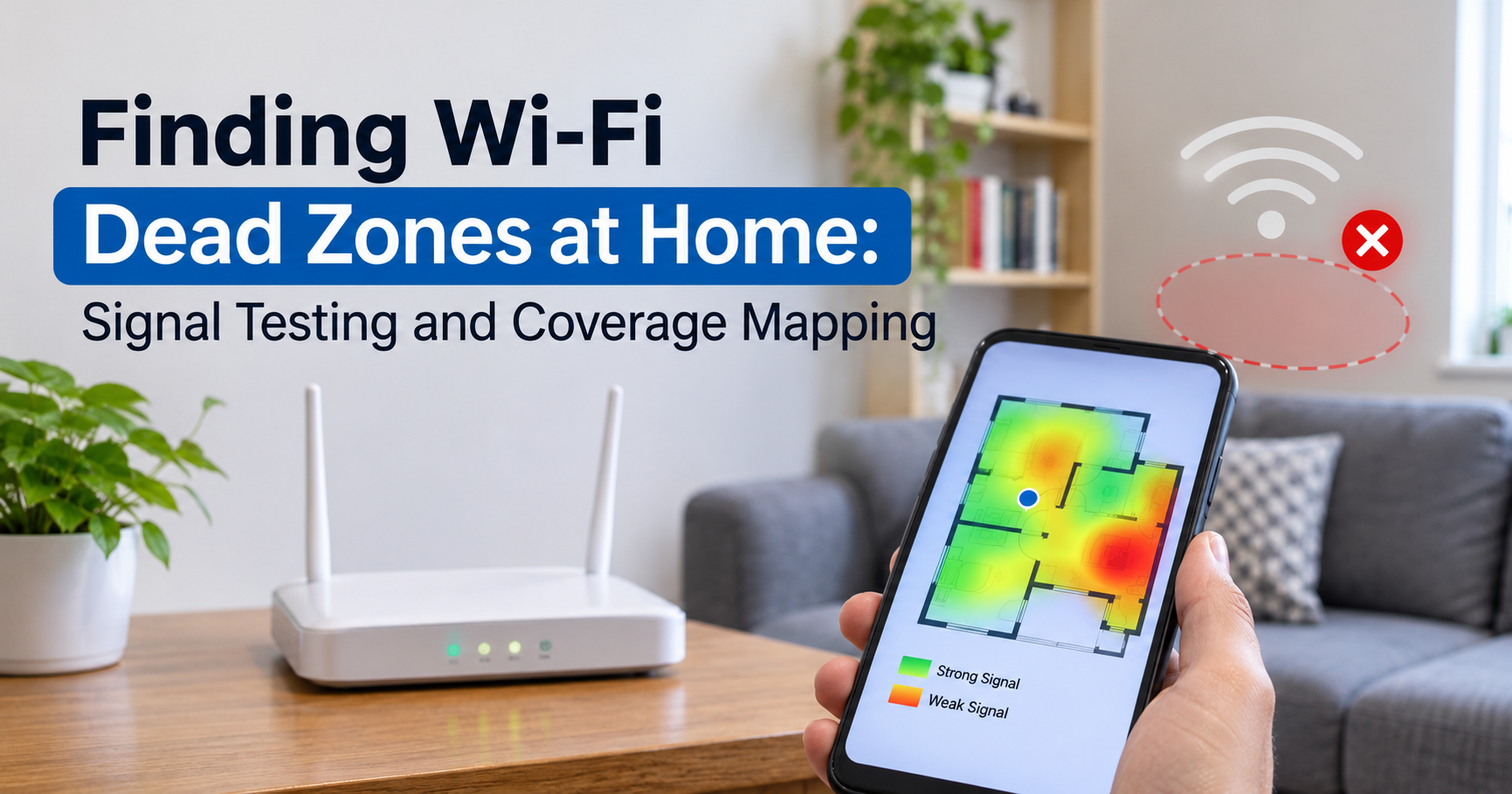
- Check signal after each step. Most mesh apps show the connection quality of each node, so move it until the app reports a strong link.
WiFi Standards: What to Look For When Buying
The WiFi generation you choose affects speed, how many devices you can connect, and how long the hardware stays useful.
- WiFi 5: Older and budget-friendly, fine for basic browsing and standard streaming, but showing its age in busy homes.
- WiFi 6: A strong balance of price and performance with better handling of many devices at once. A good target for most families.
- WiFi 6E: Adds the 6 GHz band, which offers cleaner airwaves and works well as a dedicated backhaul in tri-band systems.
- WiFi 7: The newest generation, with higher peak speeds and features that combine bands for better reliability. It makes the most sense if you have fast internet and compatible devices, or want to future-proof your setup.
Remember that your devices also need to support a standard to benefit from it. A WiFi 7 system does not make an older phone faster, though it can still improve coverage and stability for everything else.
Buyer’s Checklist for a Large House
- Tri-band support: Strongly recommended for very large homes without wired backhaul.
- Ethernet ports on every node: Lets you use wired backhaul and connect a TV, console, or desktop directly.
- Coverage rating: Match the manufacturer’s rated coverage to your home size, then allow extra margin for thick walls and multiple floors.
- Number of nodes: A two-pack suits many homes, while a three-pack suits larger or multi-story ones.
- Router speed versus your internet plan: Make sure the system can handle the speed you pay for.
- Security and updates: Choose a brand that provides regular firmware updates and modern encryption.
- App and features: Look for easy setup, guest network, parental controls, and device prioritization if you need them.
- Expandability: The ability to add more nodes later protects your purchase.
Other Options Worth Knowing
Mesh and extenders are not the only tools available. Depending on your home, these can help too:
- Wired access points: If Ethernet is already in your walls, access points on different floors give excellent performance.
- Powerline adapters: They send the network over your electrical wiring. Results depend heavily on the quality of your home’s wiring.
- MoCA adapters: They use existing coaxial cable and can offer fast, stable links in homes with coax outlets.
Common Mistakes to Avoid
- Placing an extender in the dead zone itself. It must go where the signal is still good.
- Stacking multiple extenders. Each hop adds delay and cuts speed further.
- Hiding nodes in cabinets or behind furniture. This blocks the very signal you paid for.
- Buying by the biggest speed number on the box. Real-world results depend on placement, backhaul, and your walls.
- Ignoring the router you already have. Sometimes simply moving it to a better, more central position fixes part of the problem.
- Skipping updates. Firmware updates improve stability and security.
Which Should You Choose?
Choose a WiFi extender if:
- You have a small or medium home with only one or two weak areas.
- Your budget is tight and the dead spot is not critical.
- You mainly need basic browsing or streaming in that area.
Choose mesh WiFi if:
- Your home is large, has multiple floors, or has thick walls.
- You want one network name and smooth roaming for calls, gaming, and streaming.
- Many people and devices use the network at the same time.
- You want a setup that is easy to manage and expand.
Frequently Asked Questions
Can I use a WiFi extender with a mesh system?
It is possible in some cases, but it is usually not recommended. Adding an extender can undo the smooth roaming that mesh provides. If you need more coverage, add another mesh node instead.
Does mesh WiFi make my internet faster?
Not in the sense of increasing the speed your provider delivers. What it does is deliver that speed more evenly to every room, so far areas of the house stop being slow.
How many mesh nodes does a large house need?
A two-pack often covers medium-to-large homes, and a three-pack is common for bigger or multi-story houses. Layout and wall materials matter, so use the manufacturer’s coverage rating as a starting point and adjust from there.
Is a mesh system better than a powerful single router?
A powerful router can cover more than a basic one, but it still sends all its signal from one spot. In a large house with several floors, mesh is generally more effective because the coverage comes from multiple locations.
Do I still need to keep my old router?
Usually you set the mesh system up as your main router. If your internet provider gives you a combined modem and router, you can often put it in bridge or modem-only mode, or place the mesh system behind it. Check your provider’s guidance for the right option.
Will a WiFi extender work with any router?
Most extenders work with standard routers, but matching the extender’s WiFi generation to your router gives the best results.
Final Thoughts
An extender is a quick patch, and a mesh system is a proper solution. In a large house, where distance, walls, and multiple floors all work against your signal, mesh WiFi is the choice that is most likely to give you fast, steady internet in every room. If you have only a single weak spot and want to save money, a well-placed extender can do the job.
Whichever you pick, remember the basics: put the main router in a central open spot, space your nodes sensibly, use wired backhaul if you can, and choose a system that matches your home size and internet plan. Get these right, and the dead zones in your house will become a thing of the past.