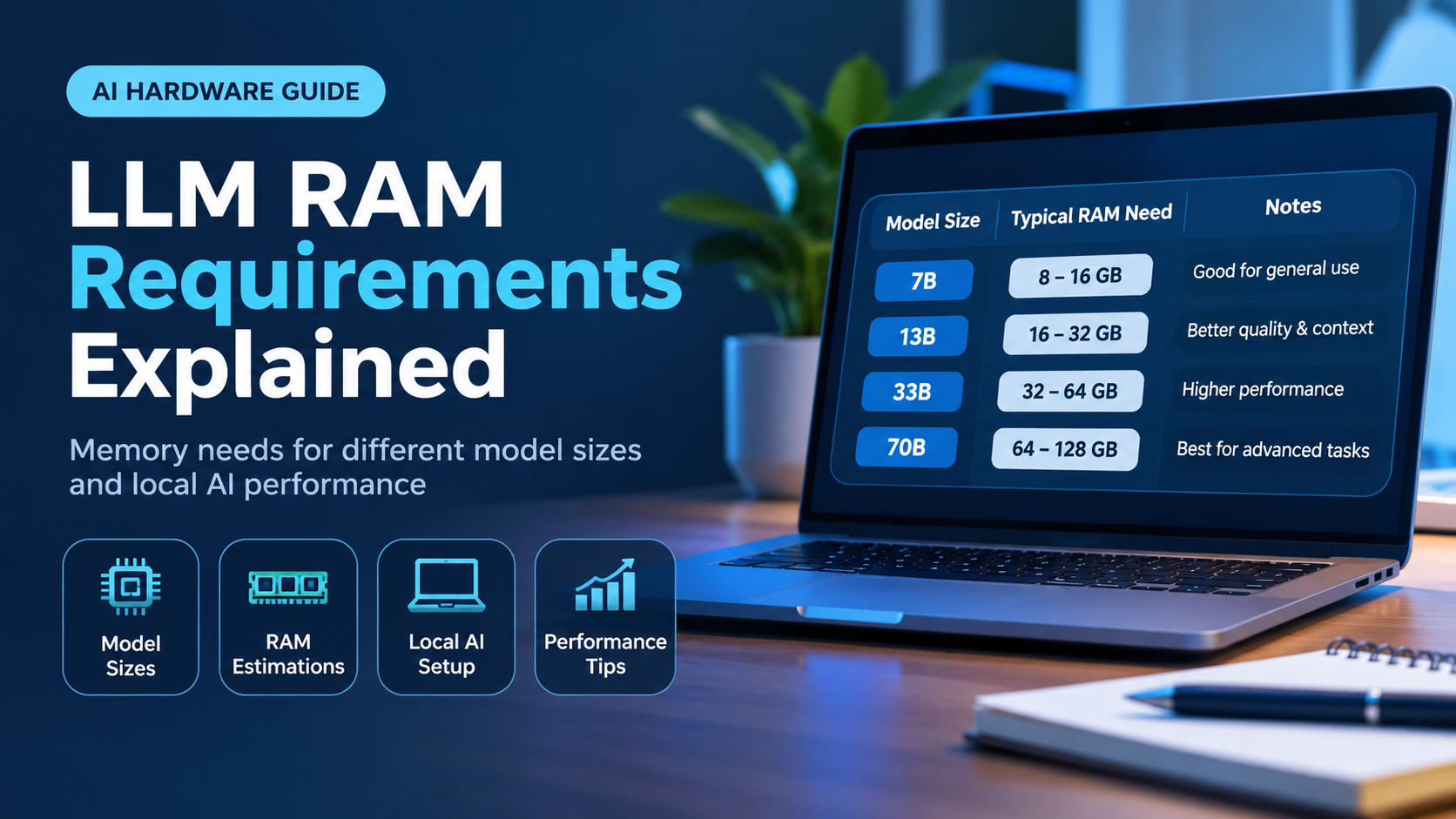








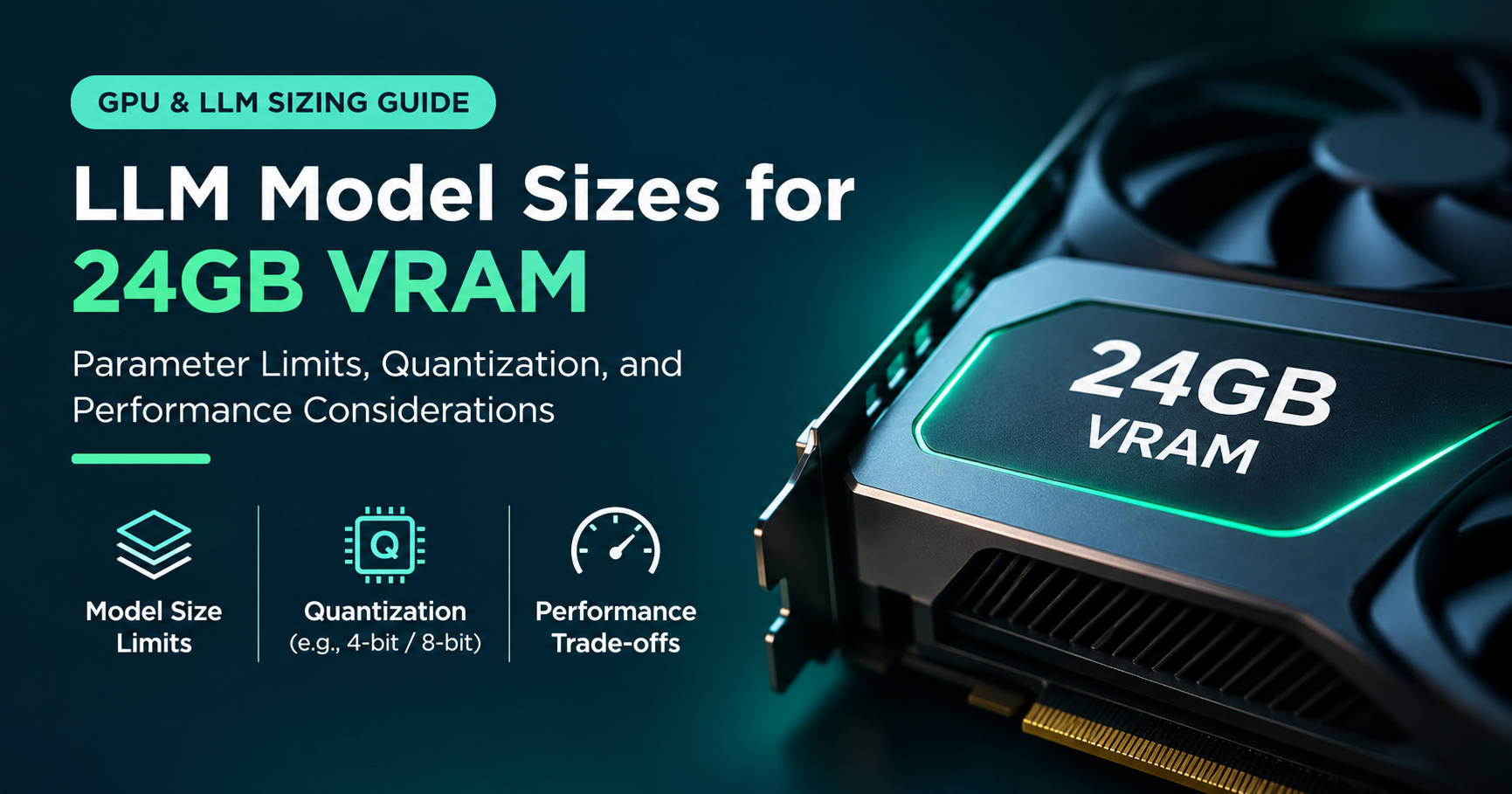

A 24GB graphics card is the sweet spot for running large language models at home. It is big enough to host serious models, yet it does not cost as much as a workstation GPU. But the question every buyer asks is simple: how many parameters can 24GB VRAM actually run?
The short answer is that it depends on precision. A 24GB card can run roughly 10 billion parameters at full 16-bit precision, around 32 billion parameters with 4-bit quantization, and even models above 40 billion parameters at very aggressive compression. In this guide you will learn exactly where those numbers come from, how to calculate them yourself, and which real models fit on your card.
Quick answer
- FP16 (16-bit): about 8 to 10 billion parameters comfortably
- 8-bit (Q8): about 14 to 18 billion parameters
- 4-bit (Q4_K_M): about 30 to 32 billion parameters, the best balance of size and quality
- 3-bit and below: up to roughly 40 to 50 billion parameters, with noticeable quality loss
- Full fine-tuning: only about 1 to 2 billion parameters
What Does “Parameters” Mean and Why Does VRAM Matter?
Parameters are the learned numbers, also called weights, that make up a neural network. When you see a model labeled 7B, 13B or 70B, the letter B stands for billions of these numbers. More parameters generally means a more capable model, but it also means more memory.
For fast generation, the whole model needs to sit in your GPU’s video memory (VRAM). VRAM is far faster than ordinary system RAM, and language models read almost every weight for every single token they produce. If the model does not fit in VRAM, part of it spills into system memory and speed drops sharply. That is why VRAM capacity, not raw compute, is usually the first limit you hit.
The Simple Formula for Estimating Model Memory
You can estimate the memory a model needs with one line of arithmetic:
Weights memory (GB) = parameters (in billions) × bytes per parameter
The bytes per parameter depend on the precision, also called the quantization level:
| Precision | Approx. bytes per parameter | Memory for a 7B model | Memory for a 32B model |
|---|---|---|---|
| FP16 / BF16 | 2.0 | ~14 GB | ~64 GB |
| Q8_0 (8-bit) | ~1.06 | ~7.4 GB | ~34 GB |
| Q6_K (6-bit) | ~0.82 | ~5.7 GB | ~26 GB |
| Q5_K_M (5-bit) | ~0.71 | ~5.0 GB | ~23 GB |
| Q4_K_M (4-bit) | ~0.61 | ~4.3 GB | ~19.5 GB |
| Q3_K_M (3-bit) | ~0.49 | ~3.4 GB | ~15.7 GB |
| Q2_K (2-bit) | ~0.42 | ~2.9 GB | ~13.4 GB |
So a 32B model at FP16 needs around 64GB, far beyond a 24GB card. Compress the same model to 4-bit and it shrinks to roughly 19.5GB, which fits with room left for context. That single step, quantization, is what makes large models practical on consumer hardware.
How Many Parameters Fit in 24GB at Each Precision?
Not all 24GB is available for the model. The operating system, display output, CUDA or ROCm runtime, and the context cache all take their share. A realistic plan is to reserve about 3 to 4GB for everything that is not weights, leaving roughly 20GB for the model itself. Pushing to 22GB of weights is possible but leaves almost no room for conversation history.

| Precision | Comfortable size | Stretch limit | Quality notes |
|---|---|---|---|
| FP16 | ~8 to 10B | ~11B | Original quality, no compression |
| Q8_0 | ~14 to 18B | ~20B | Practically indistinguishable from FP16 |
| Q6_K | ~22 to 24B | ~27B | Excellent quality |
| Q5_K_M | ~27 to 28B | ~31B | Very close to the original |
| Q4_K_M | ~30 to 32B | ~35B | Small, usually acceptable loss; the community favorite |
| Q3_K_M | ~38 to 40B | ~45B | Visible degradation on harder tasks |
| Q2_K | ~45B | ~52B | Significant quality loss; only for experimenting |
The practical sweet spot
For most people, a 27B to 32B model at 4-bit is the best use of a 24GB card. You get a model that is far more capable than a 7B or 8B one, while keeping enough free memory for a useful context window.
It Is Not Just the Weights: KV Cache and Overhead
Many beginners calculate that a 32B model at 4-bit is about 19.5GB, see that it is under 24GB, and assume everything is fine. Then the program crashes with an out-of-memory error. The reason is the KV cache, the memory that stores the conversation so the model does not recompute it for every new token.
The KV cache grows linearly with context length. It also depends on the number of layers and attention heads, so larger models need more of it per token. As a rough guide, a typical 8B model using grouped-query attention needs about 128KB per token, and a typical 32B model needs about 256KB per token at FP16 cache precision.

Beyond the cache, you also need a small amount of memory for compute buffers, the framework itself and, if the card drives your monitor, the desktop. Count on roughly 1 to 1.5GB for this overhead.

Notice the last bar. The exact same 32B 4-bit model that fits comfortably at an 8K context overflows 24GB when you ask for a 32K context. Context length is the hidden variable that decides whether a model really “fits”.
Real Models That Fit on a 24GB GPU
Theory is useful, but it helps to see actual models. The chart below compares approximate file sizes of popular models with the 24GB limit. File sizes vary slightly between quantization providers, so treat these as ballpark figures.

| Model class | Quantization | Approx. size | Fits in 24GB? |
|---|---|---|---|
| 8B dense (Llama-style) | FP16 | ~16 GB | Yes, with plenty of context |
| 14B dense | Q8_0 | ~15 to 16 GB | Yes, comfortably |
| 20B mixture-of-experts (MXFP4) | Native 4-bit | ~13 GB | Yes, with lots of headroom |
| 24B dense | Q6_K | ~19 GB | Yes, at moderate context |
| 27B dense | Q4_K_M | ~16 to 17 GB | Yes, with generous context |
| 32B dense | Q4_K_M | ~19 to 20 GB | Yes, at 8K to 16K context |
| 47B mixture-of-experts | Q3_K_M | ~20 GB | Yes, but tight |
| 70B dense | Q4_K_M | ~42 GB | No, needs about 48GB or offloading |
What About Mixture-of-Experts Models?
Mixture-of-experts (MoE) models split their parameters into many “experts” and only activate a few for each token. That makes them fast, because only a fraction of the weights are used per token. However, all of the experts must still be stored in memory. A 30B MoE model that activates only 3B parameters per token still needs the memory of a 30B model.
The good news is that MoE models often run much faster than dense models of the same total size, so a 24GB card paired with a quantized MoE model of around 30B total parameters gives an excellent speed-to-quality ratio. Always size your memory by the total parameters, not the active ones.
Can You Run Bigger Models by Offloading to System RAM?
Yes. Tools such as llama.cpp can place some layers on the GPU and keep the rest in system RAM. This lets a 24GB card technically run a 70B model, but there is a catch. System memory is many times slower than VRAM, so every layer that sits in RAM drags the overall speed down. Expect generation to fall from dozens of tokens per second to just a few.
Offloading is a good option when you want to try a larger model occasionally and speed is not critical. For daily use, picking a smaller model that fits entirely in VRAM almost always gives a better experience.
How Fast Will Models Run on 24GB?
Text generation speed is limited mainly by memory bandwidth. Each new token requires reading roughly the whole model from VRAM, so a rule of thumb is: tokens per second ≈ memory bandwidth ÷ model size. Popular 24GB cards have around 900 to 1,000 GB/s of bandwidth, which gives these ballpark results:
| Model in VRAM | Theoretical ceiling | Typical real-world speed |
|---|---|---|
| 8B at FP16 (~16 GB) | ~55 to 60 tokens/s | ~40 to 50 tokens/s |
| 14B at Q8 (~16 GB) | ~55 to 60 tokens/s | ~35 to 45 tokens/s |
| 32B at Q4_K_M (~20 GB) | ~45 to 50 tokens/s | ~25 to 35 tokens/s |
Real speeds vary with software, drivers, context length and the specific model, but all of these are comfortably faster than reading speed, which makes a 24GB card feel responsive for chat and coding assistance.
Training and Fine-Tuning: A Very Different Limit
Everything above applies to running a finished model, also called inference. Training or fine-tuning needs far more memory, because the GPU must also store gradients and optimizer states, and these can be several times larger than the model itself.

- Full fine-tuning: needs roughly 12 to 16 bytes per parameter with a standard optimizer, so only models of about 1 to 2 billion parameters fit.
- LoRA (16-bit base model): trains small adapter layers on top of a frozen model, so roughly 7B to 8B models are realistic.
- QLoRA (4-bit base model): keeps the frozen model in 4-bit, so around 13B models are comfortable, and larger models of roughly 30B can work with short sequences and small batch sizes.
If your main goal is customizing a model rather than just chatting with it, QLoRA is the technique that makes a 24GB card genuinely useful.
Which GPUs Have 24GB of VRAM?
Several well-known graphics cards offer 24GB, and they differ mainly in price, speed and software support:
- NVIDIA GeForce RTX 3090 and RTX 3090 Ti: older generation, but often the best value on the used market for local models.
- NVIDIA GeForce RTX 4090: the fastest 24GB consumer card of its generation, with excellent software support.
- NVIDIA RTX A5000 and similar workstation cards: lower power draw and blower-style cooling, useful for multi-GPU or compact builds.
- AMD Radeon RX 7900 XTX: a strong value option with 24GB, with support that is improving but still less universal than NVIDIA’s.
When comparing options, remember that for language models VRAM capacity and memory bandwidth matter more than gaming benchmarks. Also check your power supply, case size and cooling before buying, as these cards are large and power-hungry.
Tips to Fit Larger Models in 24GB
- Pick the right quantization. Q4_K_M is the best all-round choice; step up to Q5 or Q6 only if the model still fits with room for context.
- Quantize the KV cache. Many runtimes can store the cache in 8-bit, which roughly halves its memory with little quality impact and can double your usable context.
- Enable flash attention where supported to reduce memory spikes during long prompts.
- Free up video memory. Close browsers with hardware acceleration, games and other GPU applications. If you have integrated graphics, plug your monitor into it so the 24GB card is fully dedicated to the model.
- Limit your context window. Do not set 128K context if you only need 8K. Allocate only what you use.
- Choose a model with efficient attention. Models using grouped-query attention need far less cache per token than older designs.
Common Mistakes to Avoid
- Ignoring context length. A model that “fits” at 4K context may crash at 32K.
- Counting only active parameters for MoE models. Total parameters decide memory use.
- Using 2-bit models and expecting top quality. A smaller model at a higher precision often beats a bigger model compressed too far.
- Forgetting the desktop. The operating system and monitor can quietly consume a gigabyte or more.
- Trusting file size alone. Always leave 3 to 4GB beyond the file size for cache and overhead.
Which Model Size Should You Choose? Quick Recommendations
| Your goal | Recommended setup on 24GB |
|---|---|
| Everyday chat and writing | 27B to 32B model at Q4_K_M |
| Coding assistant with long files | 14B to 24B model at Q6 or Q8 for a larger context window |
| Maximum quality for small tasks | 8B to 14B model at Q8 or FP16 |
| Fast responses | MoE model of around 20B to 30B total parameters at 4-bit |
| Customizing a model | QLoRA on a 7B to 13B model |
| Experimenting with huge models | A 70B model with partial offloading, accepting slow speed |
Frequently Asked Questions
Can 24GB VRAM run a 70B model?
Not entirely in VRAM at normal quality. A 70B model at 4-bit is about 42GB. You can run it by offloading layers to system RAM, but expect slow output. Extremely compressed 2-bit versions can approach the size of a 24GB card, but quality drops substantially, so a 27B to 32B model at 4-bit is usually the better choice.
Can 24GB VRAM run a 30B model?
Yes. A 30B to 32B model at 4-bit (around 19 to 20GB) runs well on 24GB with a context of roughly 8K to 16K tokens. At 5-bit it is possible but leaves very little room for context.
Is 24GB VRAM enough for a 13B or 14B model?
More than enough. A 13B or 14B model at 8-bit needs about 14 to 16GB, leaving plenty of memory for long context. You can even run it at higher precision if you prefer.
Does a 24GB card run models at full FP16 precision?
Only smaller ones. At FP16 each parameter takes 2 bytes, so the practical ceiling is about 10 billion parameters, and an 8B model is the comfortable choice.
Is it better to buy two 16GB cards or one 24GB card?
A single 24GB card is simpler and avoids the overhead of splitting a model across GPUs. Two cards can offer more total memory, but you need software that supports splitting, a motherboard with enough lanes and a bigger power supply. For most people, one 24GB card is the easier path.
How much system RAM do I need alongside a 24GB GPU?
At least 32GB is a comfortable minimum, and 64GB is better if you plan to offload larger models or load big files. System RAM matters mostly when a model spills out of VRAM.
Final Thoughts
So, how many parameters can 24GB VRAM run? The honest answer is a range: about 10 billion at full precision, 14 to 20 billion at 8-bit, and 30 to 35 billion at 4-bit, with even larger models possible if you accept lower quality or slower speed. To check any model yourself, multiply its parameter count by the bytes per parameter, then add a few gigabytes for context and overhead.
If you are choosing hardware for local models, 24GB remains the most practical capacity today. It comfortably runs the 27B to 32B class of models that deliver a big jump in quality over smaller options, and it gives you room to experiment with fine-tuning. Plan your context length, choose a sensible quantization, and your 24GB card will handle an impressive range of models.