






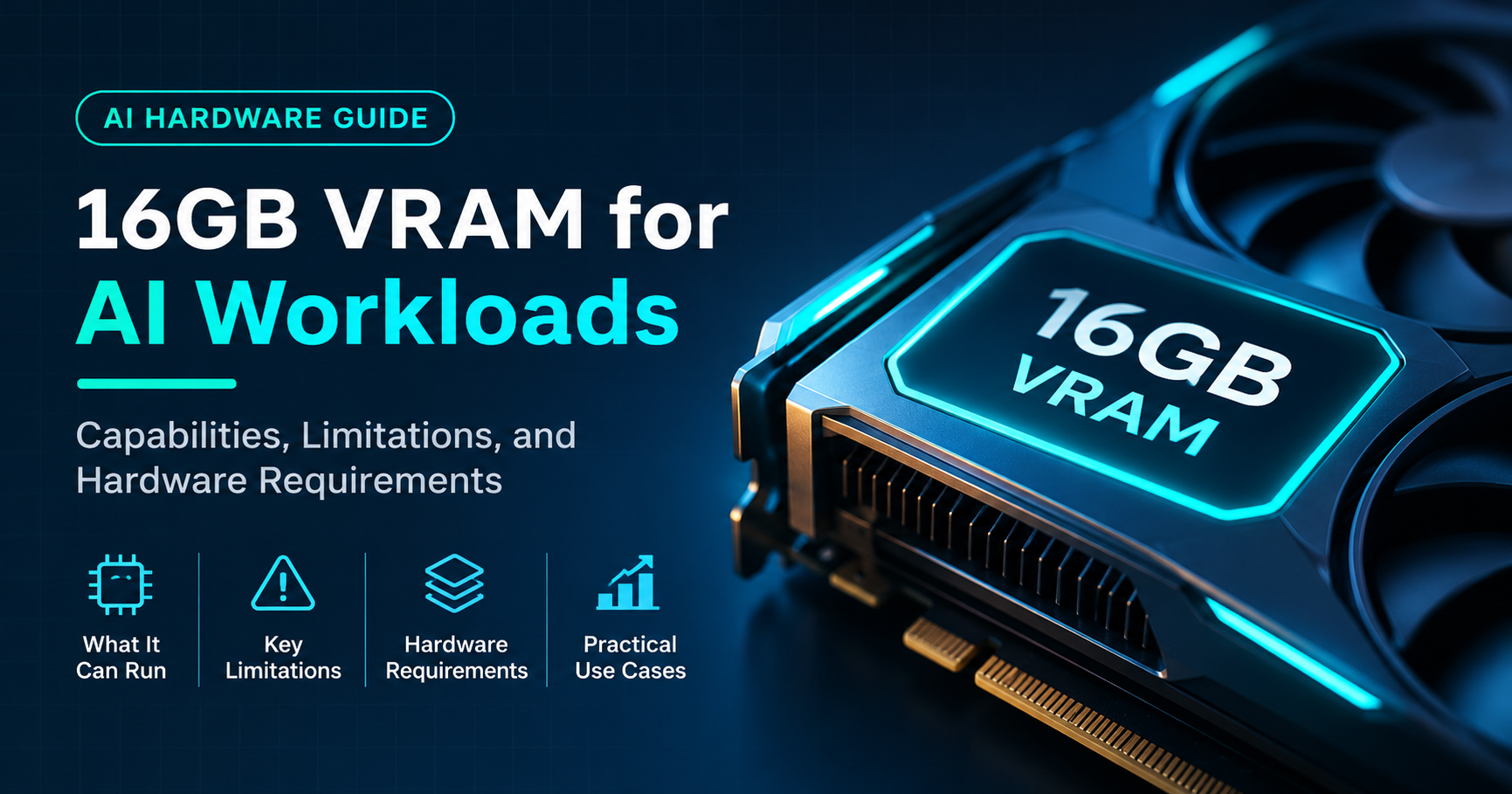

If you are building a PC for local AI, or shopping for a graphics card that can handle more than games, one question comes up again and again: is 16GB of VRAM enough for AI? The short answer is yes for most people. But “enough” depends entirely on what you want to run, and there are a few hard limits you should know about before you spend money.
Quick answer
16GB of VRAM is enough to run most popular local language models up to about 14 billion parameters comfortably, generate high-quality images with SDXL and quantized Flux models, and fine-tune small models with QLoRA. It is not enough for 32B-class models at good quality, 70B models, or full-precision training. For most hobbyists, developers and creators, 16GB is the best balance of price and capability.
Key Takeaways
- 16GB runs 7B to 14B language models easily, using 4-bit or 8-bit quantization.
- 24B models can fit in 4-bit, but you will have very little room left for long conversations.
- 32B and 70B models do not fit entirely in 16GB without heavy compromises.
- SDXL runs smoothly, and Flux runs well in FP8 or GGUF versions.
- Context length, the model’s memory of the conversation, quietly eats several gigabytes of VRAM.
- Memory bandwidth affects speed as much as capacity, so not all 16GB cards perform the same.
What Does VRAM Actually Do in AI Workloads?
VRAM, or video memory, is the fast memory built into your graphics card. When you run an AI model, the model’s parameters (its “weights”) must be loaded into memory so the GPU can read them again and again for every word or image it produces. If the whole model fits in VRAM, everything runs at full speed. If it does not, parts of the model spill into regular system RAM, and performance can drop by a factor of ten or more.
That is why VRAM matters more than almost any other spec for AI. A card with a fast processor but too little memory simply cannot load the model you want. A card with plenty of VRAM can run larger, smarter models even if it is not the fastest GPU on the market.
How Much VRAM Do AI Models Need?
A useful rule of thumb for language models is that the memory needed for the weights equals the number of parameters multiplied by the number of bytes used per parameter. The precision, or quantization level, changes this a lot:
- FP16 (16-bit): about 2 bytes per parameter. A 7B model needs roughly 14 to 16GB.
- Q8 (8-bit): about 1 byte per parameter. A 7B model needs roughly 8GB.
- Q4 (4-bit): about 0.6 bytes per parameter. A 7B model needs roughly 5GB.
Quantization compresses the model by storing each weight with fewer bits. Modern 4-bit methods keep most of the original quality, which is why they are the default choice for local AI on consumer hardware.

Which Language Models Fit in 16GB of VRAM?
The table below shows approximate memory for the weights of common model sizes. These numbers do not include the context cache or overhead, which we cover in the next section.
| Model size | FP16 | Q8 | Q4 | Fits in 16GB? |
|---|---|---|---|---|
| 3B | ~6 GB | ~3.2 GB | ~1.9 GB | Yes, at any precision |
| 7B to 8B | ~15-16 GB | ~8.5 GB | ~4.9 GB | Yes in Q8 or Q4; FP16 leaves no room |
| 13B to 14B | ~27-28 GB | ~14.5 GB | ~8.5 GB | Yes in Q4; Q8 is very tight |
| 20B (native 4-bit) | n/a | n/a | ~12-14 GB | Yes, with moderate context |
| 24B | ~48 GB | ~25 GB | ~14.3 GB | Q4 only, small context |
| 32B | ~64 GB | ~34 GB | ~19 GB | No, needs offloading |
| 70B | ~140 GB | ~74 GB | ~42 GB | No |
In practice, the sweet spot for 16GB is a 7B to 14B model in 4-bit or 8-bit form. These models are good at writing, summarizing, coding help, translation and general chat. If you want to push to a 24B model, it can work, but you will need to keep the conversation short.
Don’t Forget the Context Window
This is the part most beginners miss. When a language model reads your prompt and keeps track of a long conversation, it stores intermediate data called the KV cache in VRAM. The longer the conversation or document, the larger that cache grows.
For a typical 8B model, the cache uses roughly 1GB for every 8,000 tokens of context when stored at full precision. That means a 32,000-token context can add about 4GB on top of the model, and a very long 128,000-token context can consume more than the entire card. The exact number varies by model architecture, but the lesson is the same: the weights are only part of the bill.

Your operating system and browser also use some VRAM, often 0.5 to 1.5GB on Windows. When you plan, always leave 2 to 3GB of headroom so the model does not crash or slow down in the middle of a long chat.
Is 16GB VRAM Enough for AI Image Generation?
For image generation, 16GB is comfortable territory. Here is what to expect:
- Stable Diffusion 1.5: needs about 4GB. Runs effortlessly, even with several add-ons.
- SDXL: needs roughly 8 to 12GB depending on resolution and extras. Runs smoothly at high resolution on 16GB.
- Flux: the full-precision version is very large and wants a 24GB card. On 16GB, the FP8 and GGUF quantized versions work well, usually with the text encoders handled in system memory.
- ControlNet, LoRAs and upscalers: each adds some memory, but 16GB gives you room to stack several at once.
Generation speed depends on the GPU’s processing power, so a faster card will produce images in fewer seconds. But for simply getting the job done at high quality, 16GB is plenty.
What About AI Video Generation?
Video is the most demanding workload for consumer GPUs. Smaller open video models can generate short clips on 16GB, especially at lower resolutions or with quantized versions. The largest models, however, are designed for 24GB and above, or they rely on offloading parts of the model to system RAM, which makes generation slow. If video is your main goal, treat 16GB as a capable starting point rather than a comfortable long-term solution.
Can You Fine-Tune or Train Models on 16GB?
Yes, with the right technique. Full fine-tuning of a language model needs far more memory than running it, because the GPU must also store gradients and optimizer states. That is out of reach for anything but very small models on 16GB.
The solution is parameter-efficient training. QLoRA keeps the base model in 4-bit and trains only a small set of added weights. With QLoRA, 16GB can fine-tune 7B to 8B models with comfortable sequence lengths, and 13B to 14B models with shorter sequences. For custom chatbots, style training and domain-specific assistants, this is more than enough.
Training image models such as LoRAs for SDXL is also practical on 16GB, which makes it a favorite for creators who want to teach a model a specific character, product or art style.
Memory Bandwidth: Why Not All 16GB Cards Are Equal
Capacity tells you what fits. Bandwidth tells you how fast it runs. When a language model generates text, the GPU reads the entire model from memory for every token, so tokens per second is closely tied to memory bandwidth.
Many 16GB cards use different memory bus widths. A card with a narrow 128-bit bus has far less bandwidth than a card with a 256-bit bus, even though both carry 16GB. Approximate bandwidth figures for popular options show the gap clearly:
- Cards with a 128-bit bus sit roughly in the 290 to 450 GB/s range.
- Cards with a 256-bit bus reach roughly 640 to 960 GB/s.
In real use, a 256-bit card can generate text noticeably faster than a 128-bit card on the same model. If you plan to chat with local models all day, the faster-bandwidth card is worth considering. If you mainly run occasional image generation or short tasks, a cheaper 16GB card is often fine.
16GB vs 8GB, 12GB and 24GB
To put 16GB in context, here is how each common tier compares for AI work.

Going from 12GB to 16GB unlocks a meaningful jump: bigger models, longer context and more headroom for image generation add-ons. Going from 16GB to 24GB unlocks 32B-class models and full-precision workflows, but typically at a much higher price. For most buyers, 16GB captures the majority of the benefit.
Who Is 16GB of VRAM Enough For?
- Hobbyists who want to run local chatbots and coding assistants privately.
- Content creators generating images with SDXL or Flux.
- Developers testing and building applications on 7B to 14B models.
- Students and researchers learning how language models work.
- Anyone who also games and wants one card for both jobs.
Who Needs More Than 16GB?
- People who want to run 32B or larger models at high quality on a single card.
- Users who need very long context windows for large documents or codebases.
- Creators working with the biggest video generation models.
- Teams doing serious fine-tuning without compression tricks.
How to Get the Most Out of 16GB of VRAM
- Use 4-bit quantization. Q4_K_M style formats are the best balance of quality and size for most models.
- Keep context short. Only set the context window as large as you truly need.
- Quantize the KV cache. Many runtimes can store the context cache in 8-bit, which roughly halves its memory.
- Close other GPU apps. Browsers with hardware acceleration, games and video editors all consume VRAM.
- Use partial offloading wisely. Moving a few layers to system RAM lets slightly larger models run, at a speed cost.
- Enable efficient attention. Features like flash attention reduce memory use during long prompts.
- Pick the right model for the task. A well-tuned 14B model often beats a poorly suited, larger one.
Which 16GB Graphics Cards Are Worth Considering?
Several current graphics cards come with 16GB of VRAM. When comparing them for AI, focus on three things: memory bandwidth, software support and power requirements.
- NVIDIA GeForce RTX 5060 Ti 16GB: an affordable entry into 16GB with modern architecture, though its narrower memory bus limits token speed.
- NVIDIA GeForce RTX 4060 Ti 16GB: a budget option with the same capacity but lower bandwidth.
- NVIDIA GeForce RTX 4070 Ti Super and RTX 4080 Super: stronger bandwidth and processing power for faster generation.
- NVIDIA GeForce RTX 5070 Ti and RTX 5080: the fastest 16GB options in the consumer range, with very high bandwidth.
- AMD Radeon RX 9070 XT and similar 16GB cards: good raw performance, though AI software support is still less universal than on NVIDIA.
NVIDIA cards are generally the safest choice for AI because nearly every tool, from chat apps to image generators, supports them first. AMD cards can work well, but check that your preferred software supports them before buying.
Common Mistakes to Avoid
- Judging by weights alone. Always add the context cache and overhead to your estimate.
- Ignoring bandwidth. Two 16GB cards can feel very different in daily use.
- Expecting 70B models to run well. They simply need more memory than a single 16GB card offers.
- Running at maximum VRAM. Leaving no headroom causes crashes and slowdowns.
- Forgetting power and cooling. High-end cards need a capable power supply and good airflow.
Frequently Asked Questions
Is 16GB VRAM enough for running local LLMs?
Yes. It handles 7B to 14B models comfortably at 4-bit or 8-bit precision, and some 20B to 24B models in 4-bit with limited context. It is not enough for 32B or 70B models without offloading to system RAM.
Is 16GB VRAM enough for Stable Diffusion and Flux?
Yes. Stable Diffusion 1.5 and SDXL run very well, and Flux works in FP8 or GGUF versions. Only the largest full-precision workflows prefer 24GB.
Is 16GB VRAM enough for AI in 2026 and beyond?
It is enough for the majority of consumer use today. Models keep getting more efficient through better quantization and smarter architectures, which helps 16GB last longer. However, newer models and longer context windows keep pushing memory needs upward, so power users should consider more headroom.
Is 12GB or 16GB better for AI?
16GB is clearly better. The extra 4GB lets you run larger models, use longer context and stack more tools for image generation. If your budget allows it, 16GB is worth the upgrade over 12GB.
Can I use system RAM when VRAM runs out?
Yes, many tools can offload part of a model to system RAM. This lets larger models run, but speed drops sharply because system RAM is much slower than VRAM. Treat it as a fallback, not a plan.
Is 16GB VRAM enough for gaming and AI together?
Yes. 16GB is excellent for modern gaming at high resolutions and also gives you room for local AI. It is one of the best all-round capacities for anyone who wants a single graphics card for both.
Final Verdict: Is 16GB VRAM Enough for AI?
For most people, yes. A 16GB graphics card can run capable language models, produce high-quality images, and even fine-tune small models, all on a single consumer PC. It hits the best balance between cost and capability, and it removes the constant memory struggles that 8GB and 12GB cards face.
The limits are real but clear: 32B and larger models, very long context windows, and the biggest video and training workloads need more memory. If those are your goals, aim for 24GB or higher. If not, a 16GB card, ideally one with strong memory bandwidth, is a smart and future-friendly choice for local AI.