





If you have shopped for a graphics card recently, you have probably seen the term GDDR7 on spec sheets and product pages. It sounds like a small technical detail, but the memory on a graphics card has a huge effect on frame rates, high-resolution gaming, content creation and even how well a GPU handles large workloads. So what is GDDR7 memory, how is it different from the memory in older cards, and does it actually matter when you buy?
This guide explains GDDR7 in plain language: what it is, how it works, how fast it is, which graphics cards use it, and what to look for before you spend your money.
What Is GDDR7 Memory?
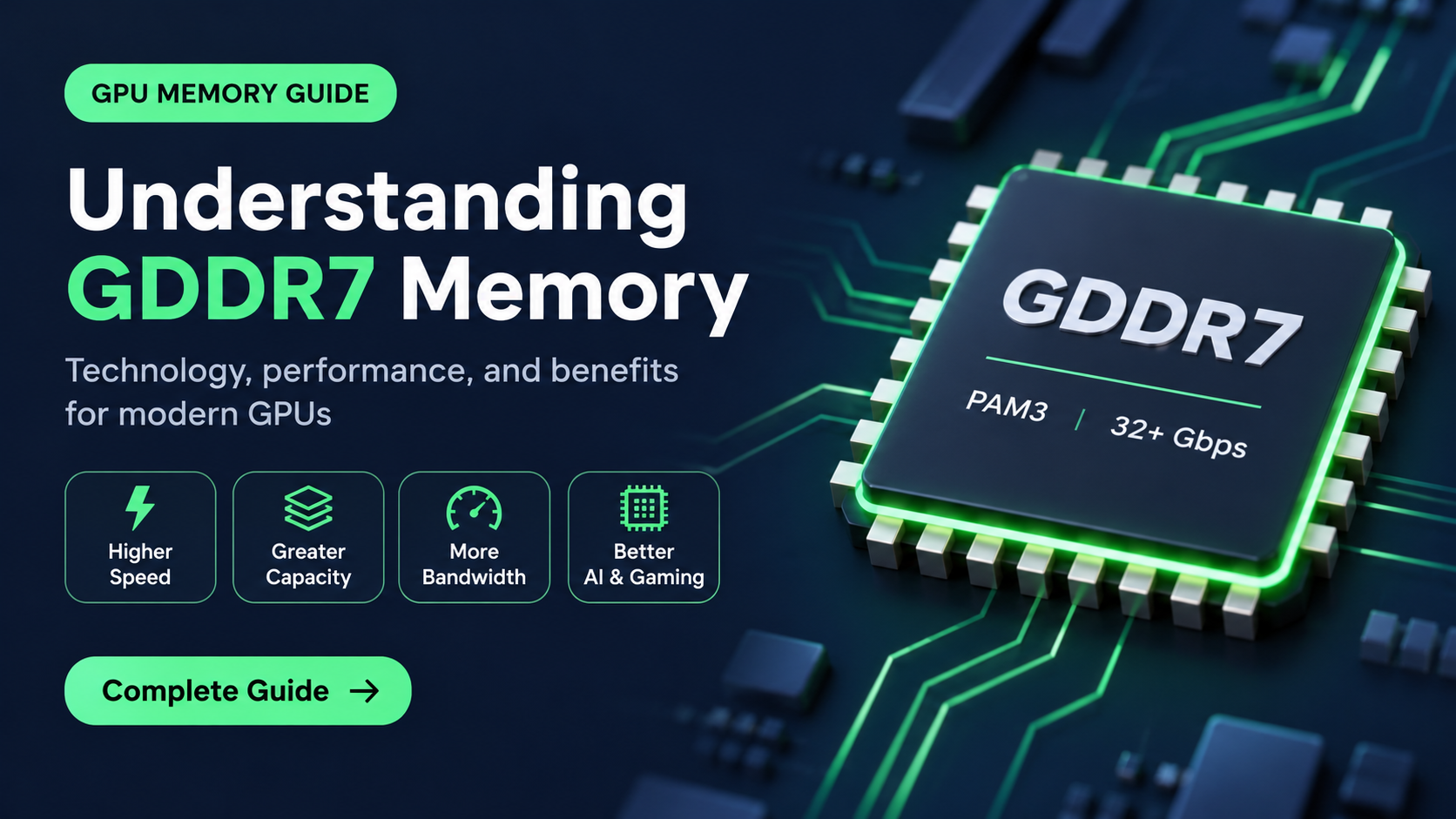
GDDR7 stands for Graphics Double Data Rate 7. It is the latest standard of dedicated video memory (VRAM) designed for graphics cards, and it was formally published by JEDEC, the organization that sets memory standards, in March 2024. It is the successor to GDDR6 and GDDR6X.
Video memory is the high-speed storage that sits right next to the graphics processor (GPU). It holds textures, frame buffers, geometry, lighting data and everything else the GPU needs to draw each frame. The faster this memory can send and receive data, the less time the GPU spends waiting, and the better it performs in demanding situations.
GDDR7 is built for exactly that: moving far more data per second than the previous generation while using energy more efficiently.

Quick Specs: GDDR7 at a Glance
| Feature | GDDR7 |
|---|---|
| Full name | Graphics Double Data Rate 7 |
| Standard published | March 2024 (JEDEC) |
| Signaling | PAM3 (three voltage levels) |
| Launch data rate | 28 to 32 Gbps per pin in first products |
| Standard ceiling | Up to 48 Gbps per pin, roughly 192 GB/s per chip |
| Channels per chip | 4 independent 8-bit channels |
| Chip capacities | 16Gb (2GB) and 24Gb (3GB) modules |
| Reliability | On-die error correction (ECC) |
How Fast Is GDDR7 Compared With GDDR6?
Speed is where GDDR7 makes the biggest statement. GDDR6 cards typically ship with memory running at 14 to 20 Gbps per pin, and the faster GDDR6X used on some high-end cards reaches around 21 to 24 Gbps. The first GDDR7 graphics cards launched at 28 to 30 Gbps, and the standard itself allows speeds up to 48 Gbps per pin.
Memory makers have already shown what is coming. Samsung has demonstrated chips running at 36 Gbps and beyond, Micron has talked about 40 Gbps and above, and SK hynix has shown prototype GDDR7 running at 48 Gbps. Those faster parts are aimed first at professional and next-generation products, but they show how much headroom the technology has.

How Does GDDR7 Work? PAM3 Signaling Explained
Earlier memory types such as GDDR6 send data using NRZ signaling. Each signal has two voltage levels, so each clock cycle carries one bit: a 0 or a 1. GDDR6X took a different approach and moved to PAM4, which uses four levels to carry two bits per cycle.
GDDR7 chooses PAM3, which uses three voltage levels. By combining signals across two clock cycles, it can send three bits of data in that time, which works out to 1.5 bits per cycle. That is a 50 percent increase over NRZ at the same clock speed.
Why not simply use four levels? Because the more levels you squeeze into the same voltage range, the harder it is to tell them apart, especially at very high speeds. Three levels offer a good balance: noticeably more data per cycle than NRZ, but with larger gaps between levels than PAM4, which helps keep the signal clean, efficient and easier to manufacture.

A Smarter Internal Design
Raw speed is only part of the story. GDDR7 also changes how each chip is organized internally. Each memory chip has a 32-bit interface, and GDDR7 splits it into four independent 8-bit channels. GDDR6 used two 16-bit channels. More channels let the memory handle more requests in parallel, which reduces waiting time and improves efficiency, especially in workloads with many small, scattered memory accesses.
GDDR7 also includes on-die error correction, which helps catch and fix data errors inside the chip itself. Combined with a lower operating voltage than GDDR6, manufacturers say the new memory delivers noticeably better energy efficiency, with claims of up to around 50 percent improvement in some designs. Power-saving features and faster wake-up from low-power states also help reduce idle consumption.

Memory Bandwidth: What the Numbers Really Mean
When people talk about how powerful a graphics card’s memory is, they usually mean memory bandwidth: how many gigabytes of data can move between the GPU and its memory every second. It depends on two things, the speed of the memory and the width of the memory bus.
The formula is simple: Bandwidth (GB/s) = (Bus Width in bits ÷ 8) × Data Rate in Gbps.
- 128-bit bus at 28 Gbps: (128 ÷ 8) × 28 = 448 GB/s
- 256-bit bus at 30 Gbps: (256 ÷ 8) × 30 = 960 GB/s
- 512-bit bus at 28 Gbps: (512 ÷ 8) × 28 = 1,792 GB/s
This is why GDDR7 matters so much. At the same bus width, faster memory directly means more bandwidth. It also lets manufacturers keep a card’s bus narrower, which saves cost and board space, without giving up performance.

Bigger Capacity: The Arrival of 3GB Modules
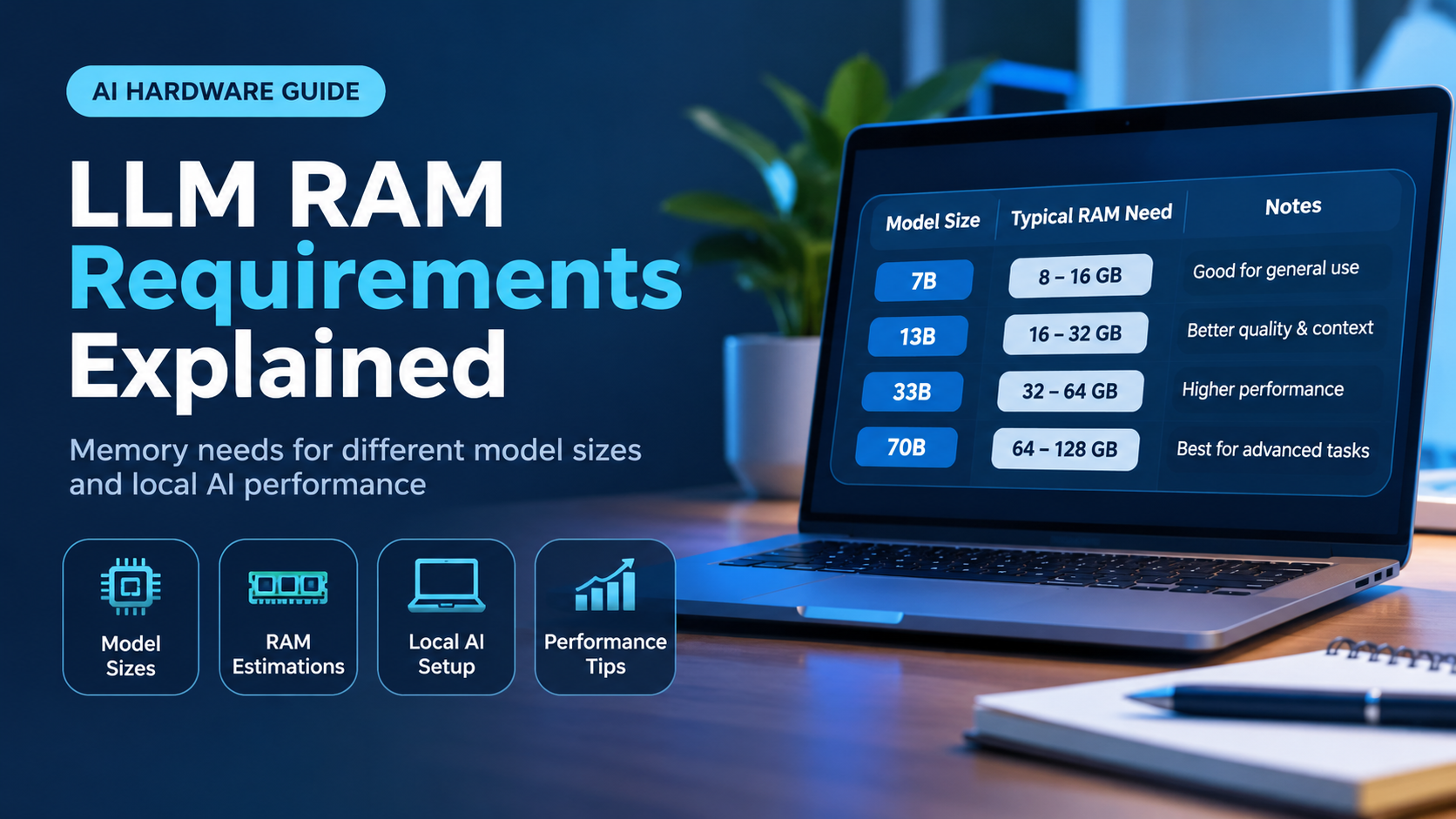
GDDR7 does not only bring speed. It also supports higher-density chips. Early GDDR7 cards mostly use 16Gb (2GB) modules, but 24Gb (3GB) modules are now in production. Since a graphics card’s total VRAM equals the number of modules multiplied by the capacity of each one, 3GB chips let a manufacturer build a card with 50 percent more memory on the same bus.
For example, a 256-bit card using eight 2GB modules has 16GB, while the same layout with eight 3GB modules reaches 24GB. This is useful for high-resolution textures, ray tracing, video editing, 3D rendering and running local AI models, all of which can fill up VRAM quickly. Professional cards already use these chips to reach very large memory sizes.

Which Graphics Cards Use GDDR7?
NVIDIA was the first to bring GDDR7 to consumer graphics cards with the GeForce RTX 50 series, which is built on the Blackwell architecture. This includes cards ranging from the entry-level RTX 5060 to the flagship RTX 5090, and professional Blackwell cards also use GDDR7.
- GeForce RTX 5090: 32GB GDDR7 on a 512-bit bus
- GeForce RTX 5080: 16GB GDDR7 on a 256-bit bus
- GeForce RTX 5060: 8GB GDDR7 on a 128-bit bus at 28 Gbps
It is worth remembering that not every new graphics card uses GDDR7. Some current-generation cards from other brands still use GDDR6 to keep prices lower, and that can be a perfectly sensible choice at mainstream price points. Always check the product specification rather than assuming a new card has the newest memory.
GDDR7 vs GDDR6 vs HBM
You may also hear about HBM (High Bandwidth Memory). HBM stacks memory dies vertically and places them extremely close to the processor, delivering enormous bandwidth, but it is expensive and complex to build. That is why HBM is found mainly on data-center accelerators, while GDDR memory remains the practical choice for consumer graphics cards.
GDDR7 sits in the middle ground that suits gaming and workstation hardware. It offers a big step up in bandwidth over GDDR6 while remaining far cheaper and easier to manufacture than HBM.
Does GDDR7 Improve Gaming Performance?
It depends on the game and the card. Faster memory helps most when the GPU is limited by memory bandwidth, which happens more often at 4K resolution, with high-resolution textures, with ray tracing enabled, and when using modern upscaling and frame generation features. In those cases GDDR7 can help the GPU stay fed with data and keep frame rates steady.
At 1080p or 1440p with moderate settings, the GPU core itself is usually the bigger limit, so the gain from faster memory alone is smaller. The memory type is only one part of a graphics card. Core count, clock speeds, cache size, drivers and cooling all contribute to real-world performance, so no single spec tells the whole story.
GDDR7 for Creators and Local AI
Gamers are not the only ones who benefit. Video editors working with high-resolution footage, 3D artists rendering large scenes and people running local AI models all depend heavily on memory bandwidth and capacity. Large models and complex scenes need a lot of VRAM, and they read that memory constantly, so both the speed of GDDR7 and the larger 3GB modules can make a real difference in these workloads.
Should You Buy a GDDR7 Graphics Card?
Here is a practical way to think about it:
- Gaming at 4K or high refresh rates: GDDR7 is a clear advantage because bandwidth matters most at high resolutions.
- Content creation and 3D work: Look at both the memory speed and total VRAM, since capacity often matters as much as bandwidth.
- Local AI and large models: Prioritize VRAM size first, then bandwidth.
- 1080p or casual gaming on a budget: A well-balanced GDDR6 card can still offer excellent value, so do not pay extra for the memory type alone.
Also compare the bus width and total VRAM, not just the memory type. A card with GDDR7 but a very small memory pool or narrow bus may still run into limits in demanding titles.
The Future of GDDR7
GDDR7 is still early in its life. Faster speed grades above 32 Gbps are being developed, 3GB modules are becoming more common, and more graphics cards and professional products are expected to adopt the standard. As speeds climb toward the 48 Gbps ceiling of the specification, GDDR7 should remain the main memory for performance graphics cards for years to come.
Frequently Asked Questions
What does GDDR7 stand for?
It stands for Graphics Double Data Rate 7, the seventh generation of the GDDR family of graphics memory.
Is GDDR7 better than GDDR6?
Yes. GDDR7 offers much higher data rates, a more efficient internal design, on-die error correction and support for larger 3GB chips, so it delivers more bandwidth and capacity than GDDR6.
Is GDDR7 the same as VRAM?
VRAM is the general term for a graphics card’s dedicated memory. GDDR7 is one specific type of VRAM, just as GDDR6 is another.
Can I upgrade my graphics card to GDDR7 memory?
No. The memory is soldered onto the graphics card’s circuit board and works with the GPU design, so it cannot be swapped or upgraded. You would need to buy a graphics card that uses GDDR7.
What is PAM3 in GDDR7?
PAM3 is the signaling method GDDR7 uses. It transmits data using three voltage levels, which lets the memory send 1.5 bits per clock cycle and increases speed without making the signal too difficult to read.
Do I need GDDR7 for gaming?
No. Plenty of GDDR6 cards still deliver excellent gaming performance. GDDR7 mainly helps at high resolutions and in demanding workloads where memory bandwidth is the limit.
Final Thoughts
GDDR7 is a meaningful step forward for graphics memory. With PAM3 signaling, four-channel chips, higher speeds, better efficiency and bigger 3GB modules, it gives modern graphics cards the bandwidth and capacity they need for 4K gaming, creative work and AI workloads. It is not the only thing that decides a graphics card’s performance, but it is a strong sign of a modern design. When you shop, look at the memory type together with the bus width, total VRAM and the GPU itself, and you will be able to choose a card that fits both your needs and your budget.