







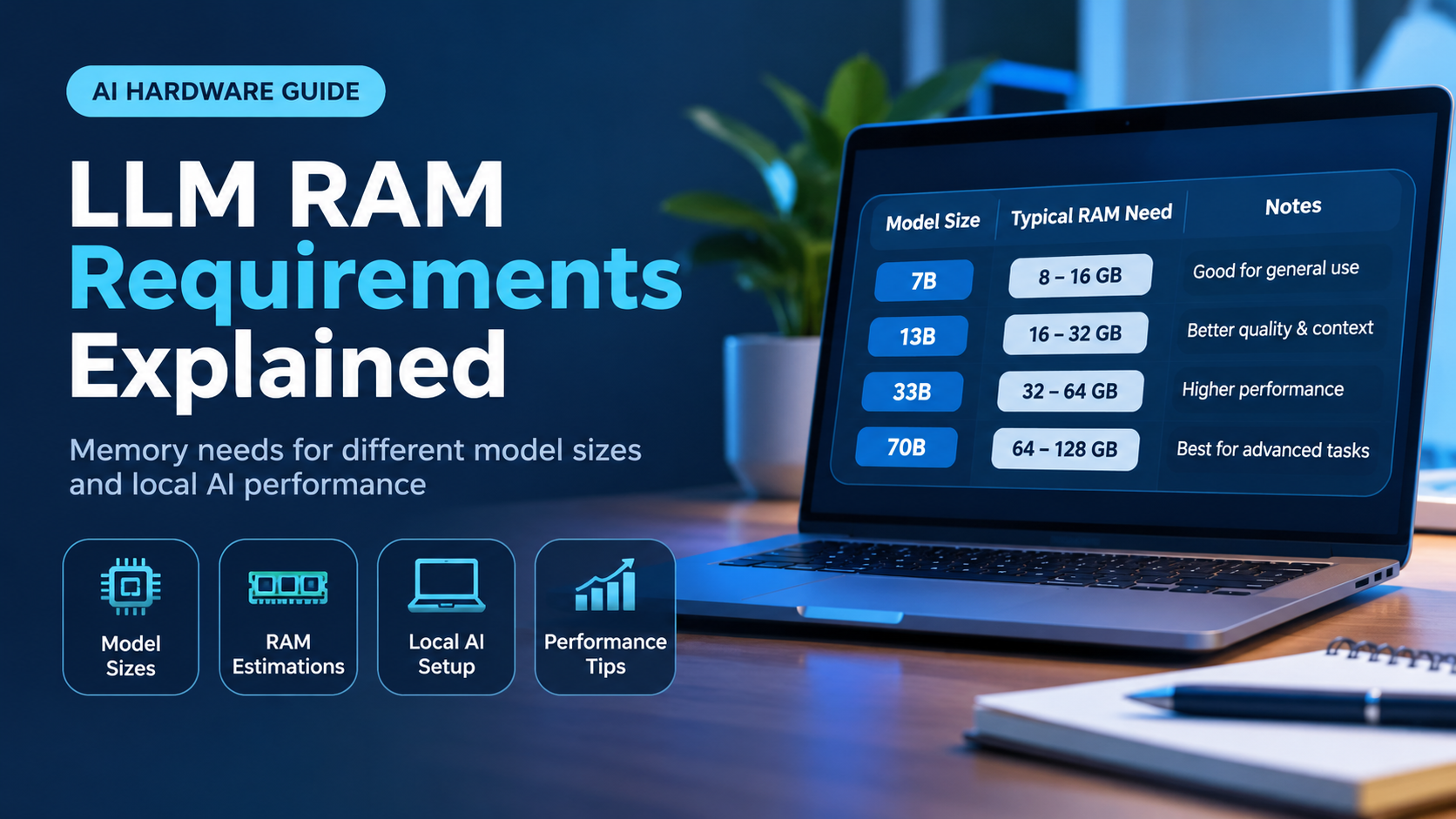
How Much RAM Do You Need for LLMs? A Complete Guide to Running Local Language Models

Running a large language model on your own computer is no longer a hobby reserved for researchers. With free tools and open-weight models, anyone can chat with a private assistant, summarize documents or write code without sending a single word to the cloud. But the first question almost everyone asks is the same: how much RAM do I need for an LLM?
The honest answer is that it depends on three things: the size of the model, how aggressively it is compressed, and how much text you want it to remember at once. This guide breaks all three down in plain language, gives you a simple formula to estimate memory yourself, and ends with clear recommendations so you can choose the right amount of RAM before you spend money on an upgrade or a new machine.
The Quick Answer
- 8 GB: small models only (1B to 3B parameters). A 7B model at 4-bit is possible but tight.
- 16 GB: the practical starting point. Runs 7B and 8B models comfortably.
- 32 GB: the sweet spot for most enthusiasts. Handles 14B models easily and can stretch to roughly 32B at 4-bit.
- 64 GB: opens the door to 70B-class models at 4-bit.
- 128 GB or more: for 70B at higher quality, very large mixture-of-experts models and long context windows.
Why RAM Matters So Much for LLMs
A language model is, at its core, a very large collection of numbers called parameters or weights. To generate every single word, the computer has to read through nearly all of those numbers. If the weights do not fit in fast memory, the system either refuses to load the model or falls back to storage, which is dramatically slower.
That is why memory capacity is the first gate you must pass. Processing power decides how fast the model runs, but RAM (or video memory) decides whether it runs at all.
The Simple Formula for Estimating LLM Memory
You can estimate the memory needed for the model weights with one line of arithmetic:
Memory (GB) is roughly Parameters (in billions) x Bytes per parameter
The bytes per parameter depend on the precision of the model:
- 16-bit (FP16 or BF16): 2 bytes per parameter
- 8-bit: about 1 byte per parameter
- 4-bit: about 0.5 to 0.6 bytes per parameter in practice, because common 4-bit formats store a little extra data for accuracy
So a 7 billion parameter model needs about 14 GB at 16-bit, roughly 7 to 8 GB at 8-bit, and around 4 to 5 GB at 4-bit. The difference is huge, which is why compression matters so much.
What Is Quantization and Why Does It Save RAM?
Quantization is the process of storing each weight with fewer bits. Instead of a high-precision number, the model keeps a rounded version that takes far less space. A well-made 4-bit model loses only a small amount of quality compared with the full-precision original, but it needs roughly a quarter of the memory. For almost every home user, 4-bit or 5-bit models are the best balance between quality and hardware cost.

Approximate Weight Sizes by Model Size and Precision
| Model size | 16-bit | 8-bit | 4-bit |
|---|---|---|---|
| 3B | ~6 GB | ~3 GB | ~2 GB |
| 7B – 8B | ~14 – 16 GB | ~8 GB | ~4.5 – 5 GB |
| 14B | ~28 GB | ~15 GB | ~9 GB |
| 32B | ~64 GB | ~34 GB | ~20 GB |
| 70B | ~140 GB | ~75 GB | ~42 GB |
These numbers cover the weights only. You still need extra room for context, the runtime and the operating system, which brings us to the part many beginners forget.
Context Length and the KV Cache
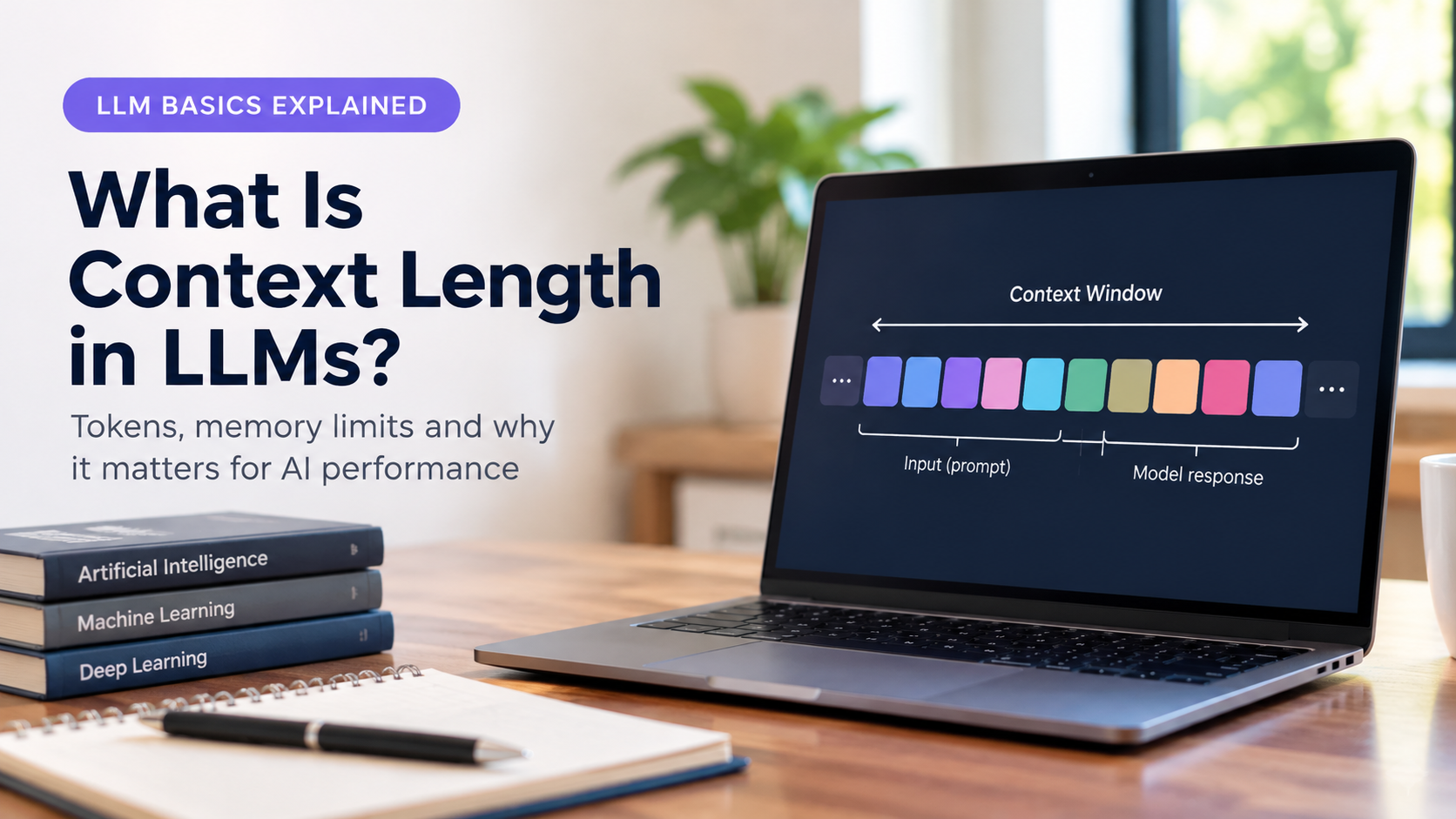
When a model reads your prompt and generates a reply, it keeps a running memory of the conversation called the KV cache. The longer the conversation or document, the larger this cache grows. It is stored on top of the model weights.
As a practical example, a typical 8B model with a standard architecture uses roughly 128 KB of cache per token at 16-bit precision. That works out to about 1 GB for an 8,000 token context and around 4 GB for a 32,000 token context. Models differ, so treat these as ballpark figures, but the lesson is universal: long context costs real memory. If you plan to paste in long documents or hold very long chats, budget several extra gigabytes.
Do Not Forget the Operating System and Other Apps
Your computer does not give 100 percent of its RAM to the model. Windows with a browser and a few background apps can easily use 4 to 6 GB. Linux is leaner, often 1 to 2 GB for a basic desktop. The inference software itself also needs a small overhead, usually under a gigabyte.

System RAM vs VRAM vs Unified Memory
Not all memory is equal, and understanding the three main types will save you from expensive mistakes.
System RAM
This is the normal memory in your PC. It is cheap, easy to upgrade and available in large capacities. The downside is speed. Running a model entirely from system RAM works, but it is slower than using a graphics card.
VRAM on a Graphics Card
Video memory is much faster than system RAM. If the whole model fits in VRAM, generation is quick and smooth. The catch is that VRAM is limited and expensive, with most consumer cards offering somewhere between 8 GB and 24 GB. Many tools can split a model, placing some layers on the GPU and the rest in system RAM, so extra RAM still helps even when you own a good graphics card.
Unified Memory on Apple Silicon
Apple Silicon Macs share one pool of memory between the CPU and GPU. That means a Mac with 64 GB of unified memory can load models that would need a very expensive multi-GPU setup on a PC. Keep in mind that macOS reserves part of that pool for the system, so not all of it is available to the model.
How Much RAM Do You Need? Recommendations by Tier

8 GB RAM: Entry Level
Good for experimenting with small models in the 1B to 3B range, which can still handle simple chat, summaries and basic writing help. A 7B model at 4-bit may load, but expect to close your browser and keep the context short.
16 GB RAM: The Practical Minimum
This is the first tier where local LLMs feel comfortable. A 7B or 8B model at 4-bit or even 8-bit runs well, leaving space for the system and a decent context window. A 14B model at 4-bit is possible but tight.
32 GB RAM: The Sweet Spot
With 32 GB you can run 14B models with plenty of room and try models around 30B at 4-bit. It is also enough to keep other apps open while you work, which is why it is the most popular recommendation for serious hobbyists, developers and writers.
64 GB RAM: Large Model Territory
A 70B model at 4-bit needs around 40 to 43 GB for weights, so 64 GB leaves enough breathing room for context and the system. If you want the quality of the biggest open models without cloud costs, this is the entry point.
128 GB RAM and Above: Enthusiast and Workstation
This tier allows 70B models at 8-bit, very long contexts, several models loaded at once and huge mixture-of-experts models. Most people do not need it, but it is valuable for researchers, teams and anyone who wants maximum flexibility.
| Your RAM | Comfortable model size (4-bit) | Best for |
|---|---|---|
| 8 GB | 1B – 3B (7B is tight) | Testing, simple chat |
| 16 GB | 7B – 8B | Daily assistant, light coding |
| 32 GB | 14B, up to ~32B | Coding, writing, research |
| 64 GB | Up to 70B | High-quality local assistant |
| 128 GB+ | 70B at 8-bit and beyond | Workstations, long context |
RAM Speed Matters Too
When a model runs on the CPU, the speed of generation is limited mainly by memory bandwidth, not just by capacity. For every word generated, the processor must read through the model’s active weights. A rough upper limit for generation speed is the memory bandwidth divided by the model size. For example, a 4.5 GB model on memory delivering about 80 GB/s could theoretically reach well over ten words per second, while real results are usually lower.

This gives you three practical rules when buying or upgrading RAM:
- Use two matching sticks so the system runs in dual-channel mode. It nearly doubles bandwidth compared with a single stick.
- Prefer DDR5 over DDR4 on a platform that supports it, and choose a faster kit when the price difference is small.
- Do not rely on swap or virtual memory. Letting the model spill onto a drive makes generation painfully slow.
Mixture-of-Experts Models and RAM
Some modern models use a mixture-of-experts design. They contain many specialist sections, but only a small part is active for each word. This makes them faster than their total size suggests, but there is a catch: all the weights still need to be loaded in memory. A large mixture-of-experts model can be fast on a system with lots of RAM, yet it will not fit on a small machine just because few parameters are active at once.
Easy Ways to Reduce RAM Usage
- Pick a smaller or more compressed model. Moving from 8-bit to 4-bit often saves almost half of the memory with a small quality trade-off.
- Shorten the context window. Lowering it from 32K to 8K tokens can free several gigabytes.
- Close heavy applications. Browsers with many tabs are among the biggest memory consumers.
- Offload layers to the GPU. Even a modest graphics card can take over part of the workload and reduce the RAM burden.
- Use a lean operating system setup. A minimal Linux desktop leaves more memory for the model than a busy Windows session.
- Try cache compression options. Some runtimes can store the KV cache at lower precision to save memory on long conversations.
Common Mistakes to Avoid
- Counting only the model file. The cache, runtime and operating system all need memory too.
- Buying a single large stick. A single stick limits bandwidth. Two smaller sticks often perform better than one large stick.
- Ignoring upgrade paths. Check how many memory slots your motherboard or laptop has and the maximum capacity it supports before buying.
- Expecting laptop RAM to be upgradeable. Many thin laptops have soldered memory. Choose the right capacity on day one.
- Chasing the largest model. A fast 8B model that fits comfortably is usually more useful than a 70B model that barely loads and crawls.
Frequently Asked Questions
Is 8 GB of RAM enough to run an LLM?
Yes, for small models. You can run 1B to 3B models smoothly and a heavily compressed 7B model with a short context. For a better experience, 16 GB is much more comfortable.
Is 16 GB of RAM enough for local AI models?
For 7B and 8B models, absolutely. It is the most common starting point and handles chat, summarizing and everyday coding help well.
Do I need a GPU to run an LLM?
No. Modern runtimes can run models entirely on the CPU using system RAM. A GPU makes generation faster, but it is optional, especially for smaller models.
Is RAM or VRAM more important?
If you use a graphics card, VRAM decides how much of the model runs at top speed. If you rely on the CPU, system RAM is what matters. Having plenty of both gives you the most flexibility.
Does RAM speed affect LLM performance?
Yes. Faster memory and dual-channel configurations increase bandwidth, which directly improves how many words per second the model can produce on a CPU.
How much RAM do I need for a 70B model?
At 4-bit, plan for around 42 GB for the weights plus extra for context and the system, so 64 GB is the realistic minimum. At 8-bit, you will want about 96 GB or, more comfortably, 128 GB.
Final Thoughts
The right amount of RAM for an LLM comes down to simple arithmetic: model size multiplied by precision, plus context and system overhead. For most people, 16 GB is the entry point, 32 GB is the sweet spot and 64 GB unlocks the largest open models. Add fast dual-channel memory and a sensible quantization level, and even an ordinary computer can become a capable private assistant.
Before you buy anything, decide which model size you actually want to use, estimate its memory with the formula in this guide, and add a healthy margin. A little planning now means smoother performance, fewer crashes and no wasted money on memory you do not need.