





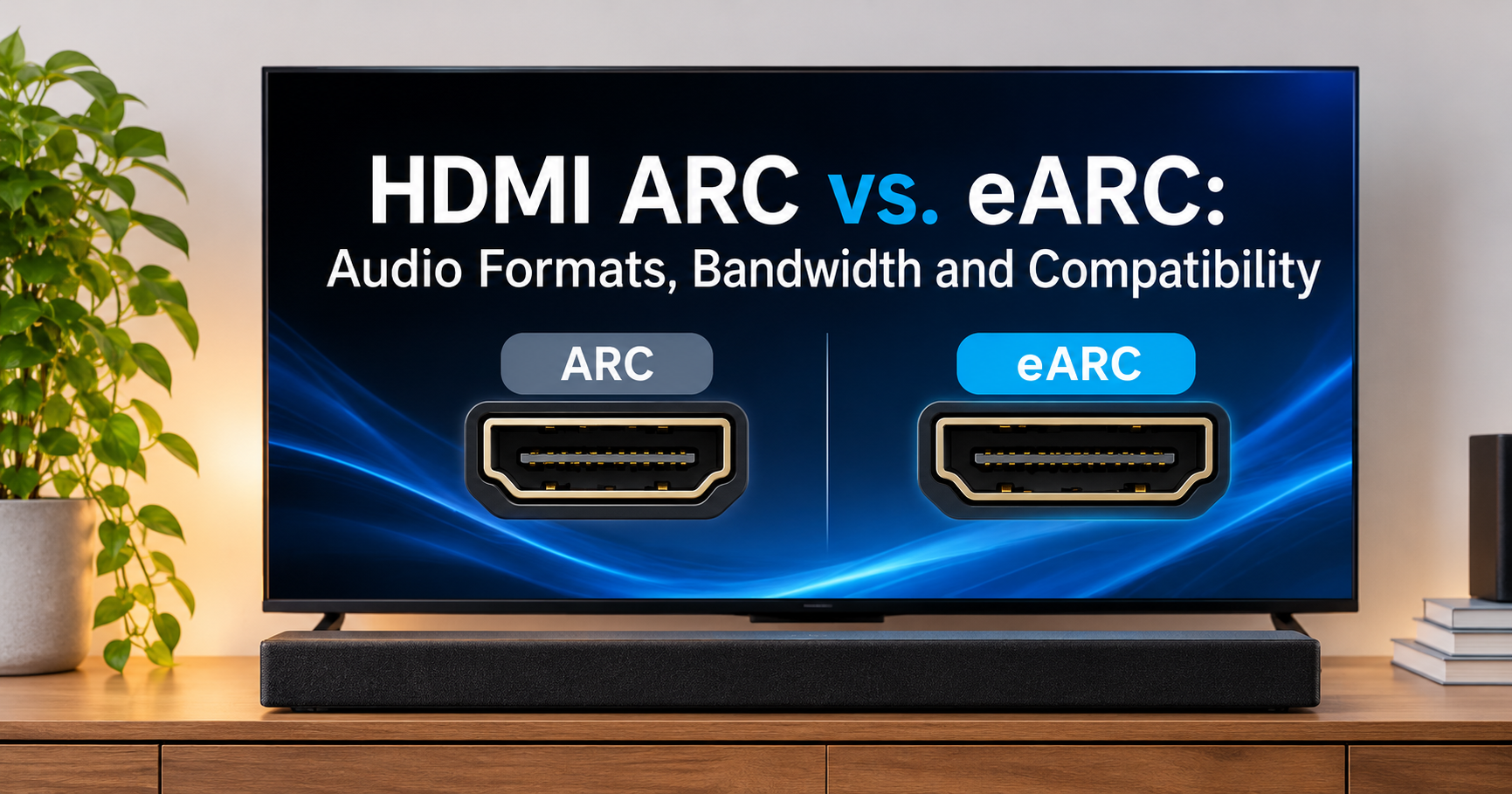
You plug a soundbar into your TV, press play on a Blu-ray movie, and something sounds… flat. The explosion lacks punch, and the overhead effects you paid for never appear. In many cases the culprit is a single HDMI port label on the back of your TV: ARC versus eARC.
Both do the same basic job, sending audio from your TV to a soundbar or AV receiver using one HDMI cable. But when it comes to audio quality, they are not in the same league. This guide explains exactly what each one does, what you actually hear, and how to decide whether eARC is worth it for you.
What Is HDMI ARC?
ARC stands for Audio Return Channel. It arrived with HDMI 1.4 in 2009 and solved a simple problem: sound from your TV’s built-in apps (Netflix, YouTube, the tuner) had to travel to your speakers through a separate optical cable. ARC lets the HDMI cable carry audio backwards, from the TV to the soundbar or receiver, so one cable handles everything.
ARC is convenient, but it was designed in an era of DVD-quality audio. Its bandwidth is roughly comparable to an optical (S/PDIF) connection, which means it can only carry:
- 2-channel uncompressed stereo (LPCM)
- Compressed 5.1 surround (Dolby Digital, DTS Digital Surround)
- Dolby Digital Plus, including the compressed Dolby Atmos used by streaming apps
What Is HDMI eARC?
eARC stands for Enhanced Audio Return Channel. It debuted with HDMI 2.1 and was built to remove ARC’s limitations. Instead of squeezing audio through a narrow pipe, eARC provides roughly 37 Mbps of bandwidth, enough for the highest-quality audio formats ever put on a disc.
It also upgrades the connection itself. eARC uses a dedicated data channel with better error handling and device detection, so audio negotiation is more reliable and less prone to dropouts.
ARC vs eARC: Audio Quality Comparison
| Feature | HDMI ARC | HDMI eARC |
|---|---|---|
| Bandwidth | Low (about 1 Mbps) | Up to 37 Mbps |
| Stereo PCM | Yes (48 kHz) | Yes (up to 192 kHz, 24-bit) |
| Dolby Digital / DTS 5.1 | Yes | Yes |
| Dolby Digital Plus (streaming Atmos) | Yes (lossy) | Yes |
| Dolby TrueHD / Atmos (lossless) | No | Yes |
| DTS-HD MA / DTS:X | No | Yes |
| Multichannel PCM 5.1 / 7.1 | No | Yes |
| Lip-sync correction | Optional | Mandatory, automatic |
| Device control (CEC) | Basic | Improved |
Compressed vs Lossless: What You Actually Hear
The difference comes down to compression. Compressed formats such as Dolby Digital discard audio data to fit into small files. Lossless formats preserve every bit of the studio master.
- Slightly narrower, less detailed soundstage
- Softer dynamics in explosions and music peaks
- Atmos with less precise object placement
- Tighter bass and cleaner dialogue
- More precise placement of overhead effects
- Better detail in quiet scenes and music
An honest reality check: if you mostly watch streaming apps built into your TV, the gap shrinks. Netflix, Disney+ and similar services use Dolby Digital Plus, which fits inside regular ARC. The big difference appears when you play 4K Blu-ray discs, use a game console, or run a media player that outputs lossless audio.
Cable and Compatibility Requirements
To use eARC, three things must support it: your TV, your soundbar or receiver, and the HDMI cable.
- TV port: Look for “HDMI eARC/ARC” printed on one port. Many TVs have only one such port.
- Soundbar or AV receiver: It must list eARC support. An eARC TV paired with an ARC-only soundbar will fall back to ARC.
- Cable: Use an Ultra High Speed HDMI cable (certified 48Gbps) or at least a High Speed cable with Ethernet. Cheap or damaged cables are the most common cause of eARC failing to activate.
How to Set Up eARC Properly
- Connect the HDMI cable to the TV port labeled eARC/ARC and to the soundbar’s matching eARC/ARC output port.
- Enable HDMI-CEC on both devices (names vary: Anynet+, Bravia Sync, Simplink and others).
- In the TV audio settings, choose the external speaker or HDMI eARC output.
- Set the TV’s digital audio output to Pass-through or Auto, not “PCM” or “Dolby Digital”.
- Set the source device (Blu-ray player or console) audio output to Bitstream or Auto.
- Play a lossless test disc or file and check the soundbar display for “TrueHD”, “Atmos” or “DTS:X”.
Troubleshooting Common Problems
No sound or sound drops out
Try a different HDMI cable, power-cycle both devices (unplug for a minute), and confirm you are using the correct eARC-labeled port.
Only getting 2-channel or basic Dolby Digital
Check that the source is set to bitstream, that the TV is on pass-through, and that your player is connected to the TV rather than routed through an incompatible device.
Audio delay (lip-sync issues)
eARC handles lip-sync automatically, but ARC may not. Look for an audio delay option in your soundbar or TV menu and adjust it in small steps.
Who Should Choose eARC?
- Watch 4K Blu-ray discs
- Own a Dolby Atmos or DTS:X soundbar or receiver
- Play on PS5 or Xbox with surround sound
- Use a media server with lossless audio
- Mostly stream with built-in TV apps
- Use a basic stereo soundbar
- Watch cable or broadcast TV
- Have an older TV without eARC
What to Look for When Buying
If you are shopping for a new setup, these features matter most for audio quality:
- eARC on both the TV and the soundbar/AVR. One without the other gives you ARC only.
- Dolby Atmos and DTS:X decoding if you want height effects.
- Multiple HDMI inputs on the soundbar or receiver so you can connect sources directly if you wish.
- HDMI 2.1 features such as 4K at 120Hz passthrough if you game.
- A certified Ultra High Speed HDMI cable rated at 48Gbps for reliable eARC.
- Room-correction and calibration tools to get the best out of your speakers.
Alternatively, a receiver connected directly to your sources removes the TV from the chain entirely, a solid option if your TV’s eARC port has limitations.
Frequently Asked Questions
Is eARC backward compatible with ARC?
Yes. If one device supports only ARC, the connection falls back to ARC automatically with standard ARC capabilities.
Do I need HDMI 2.1 for eARC?
eARC is part of the HDMI 2.1 specification, but some HDMI 2.0 devices received eARC through updates. Check the specific port label rather than the HDMI version.
Can I get Dolby Atmos over regular ARC?
Yes, but only the compressed Dolby Digital Plus version used by streaming services. Lossless Atmos from Blu-ray (TrueHD) requires eARC.
Is eARC audio quality better than optical?
Yes. Optical shares ARC’s limits and cannot carry lossless surround formats. eARC is the better choice for any modern setup.
Will a better HDMI cable improve sound quality?
Not directly. Digital audio is either delivered correctly or it is not. But a certified cable prevents dropouts and ensures eARC works at full bandwidth.
Final Verdict
For pure audio quality, eARC wins decisively. It is the only way to send lossless Dolby TrueHD, Atmos, DTS-HD MA and DTS:X from your TV to your sound system, and it adds more reliable lip-sync and device control. If you stream most of your content, ARC will serve you fine. But if you care about movies on disc, gaming and a high-end home theater, make sure your next TV and soundbar both carry the eARC label. It is a small port difference that delivers a big audible upgrade.