


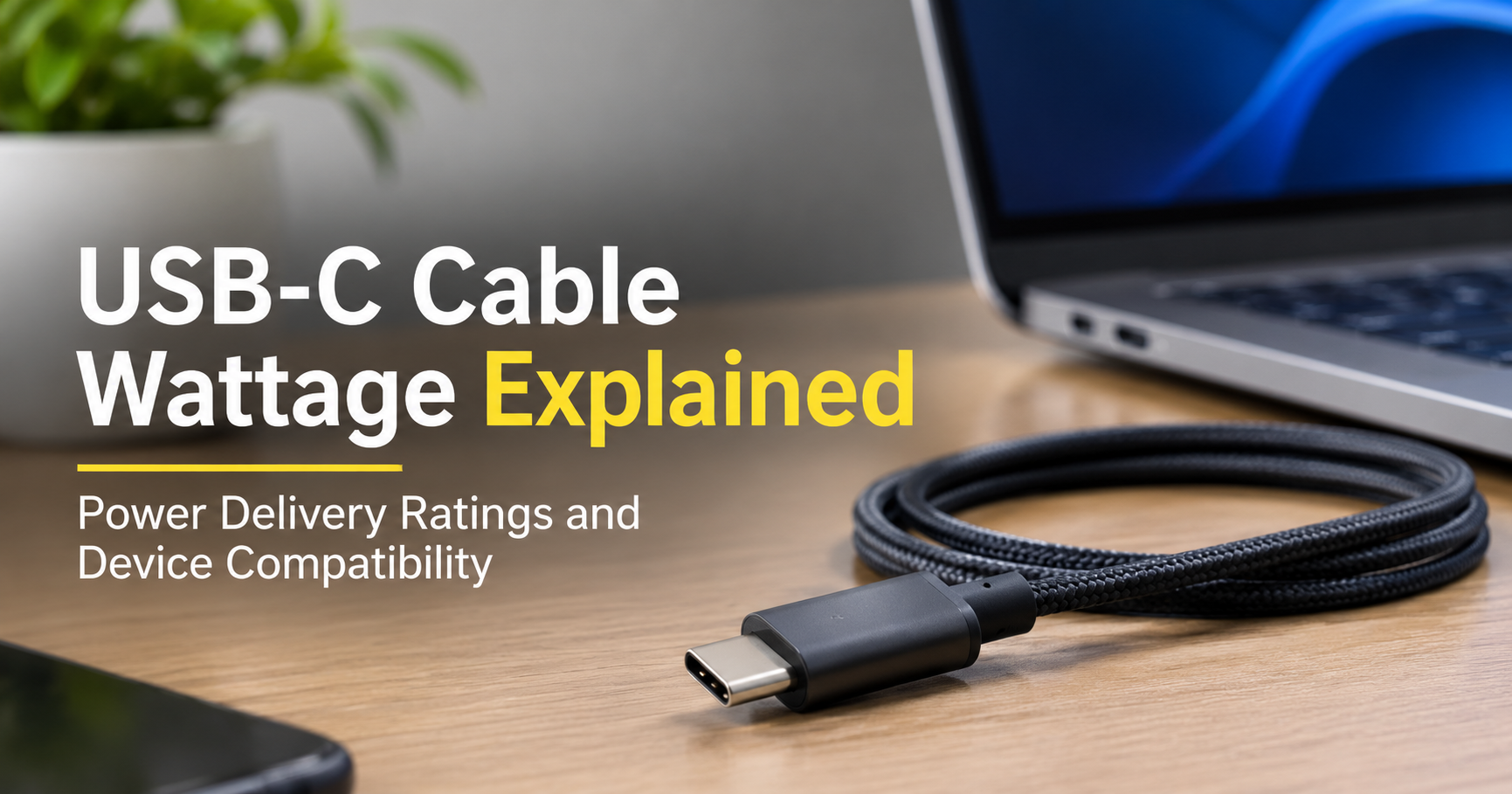
You plug in a USB-C cable, and your laptop says “charging slowly.” Or your phone charges fast with one cable and crawls with another, even though the cables look exactly the same. The reason is wattage. USB-C is a connector shape, not a power guarantee, and the cable behind that connector can safely carry anywhere from 15 watts to 240 watts.
This guide explains USB-C cable wattage in plain language: what the numbers mean, how cables, chargers and devices decide how much power to use, how to check what your cable supports, and how to pick the right one so you never buy the wrong cable again.
What Does “Wattage” Mean on a USB-C Cable?
Wattage (W) is the amount of power flowing through the cable. It comes from a simple formula:
Watts (W) = Volts (V) × Amps (A)
Think of a water hose. Voltage is the water pressure, amperage is the width of the hose, and wattage is how much water actually arrives per second. To deliver more power you can raise the pressure, widen the hose, or both. USB-C does both: older USB charging stayed at 5 volts, while modern USB Power Delivery (USB PD) lets the charger and device agree on higher voltages such as 9V, 15V, 20V, 28V, 36V or 48V.
For example, 5V × 3A = 15W, 20V × 3A = 60W, and 20V × 5A = 100W. When a cable is sold as “100W”, it means the cable is built and tested to carry 5 amps safely.
USB-C Cable Wattage Levels at a Glance
| Cable rating | Voltage / Current | Typical use |
|---|---|---|
| Up to 15W | 5V / 3A | Phones, earbuds, power banks, small gadgets |
| Up to 60W | 20V / 3A | Fast-charging phones, tablets, ultrabooks |
| Up to 100W | 20V / 5A | Most laptops, monitors, docks |
| Up to 140W | 28V / 5A | Large laptops such as 16-inch MacBook Pro class |
| Up to 240W | 48V / 5A | Gaming laptops, workstations, high-end docks |
The Weakest Link Rule: Charger, Cable and Device
This is the single most important idea in USB-C charging. Three parts take part in every charge, and the final power is capped by the lowest of them.
A few practical examples make this clear:
- A 100W charger with a 15W cable and a laptop delivers only about 15W, so the laptop may barely charge under load.
- A 240W cable on a phone that accepts 25W still charges at 25W. A stronger cable never forces extra power into a device.
- A 30W charger with a 100W cable and a 65W laptop delivers 30W at most, because the charger is the limit.
The device always controls how much it asks for, and the charger and cable must be able to supply it. That is why a higher-rated cable is never harmful: it simply provides headroom.
What Is an E-Marker Chip, and Why Does It Matter?
Any USB-C cable that carries more than 3 amps (so anything above 60W) must contain a tiny electronic marker chip called an e-marker. The chip tells the charger and device what the cable is rated for, including its maximum voltage, current and data speed. Without it, the charger assumes a cable is a 60W model at best and limits the power to stay safe.
This is why cheap, unmarked “fast charging” cables often disappoint on laptops. If you need 100W or more, make sure the cable clearly states its rating and is built to the USB-IF specification.
USB Power Delivery, PPS and Quick Charge
Wattage isn’t only about the cable. The charging protocol decides how the charger and device negotiate power.
USB Power Delivery (USB PD)
The universal standard used by laptops, tablets, phones and accessories. PD 3.0 reaches 100W. PD 3.1 adds the Extended Power Range, which raises the limit to 240W.
Programmable Power Supply (PPS)
A feature of newer PD versions that lets the charger fine-tune voltage and current in small steps. Many modern phones use it for faster, cooler charging.
Qualcomm Quick Charge and Other Proprietary Systems
Older Android phones and some brands use their own fast-charging systems. Many chargers now support several at once, but a proprietary mode usually needs the matching charger and cable to reach its top speed.
Wattage vs. Data Speed: Two Different Ratings
A cable’s power rating has nothing to do with its data speed. A 100W cable can still transfer files at slow USB 2.0 speed (480 Mbps), while a 40 Gbps USB4 cable might be rated for only 60W or 100W. The wattage covers charging, and the speed covers data. If you also want video output or fast file transfers, check both specifications before buying.
How to Check Your USB-C Cable’s Wattage
- Read the printed label. Reputable brands print the wattage (60W, 100W, 240W) on the cable or the packaging.
- Look for certification marks. USB-IF certified cables show a logo with the wattage or speed.
- Check the product specs. Look for “5A”, “e-marker”, “USB PD 3.1” or “240W” in the listing.
- Use a USB power meter. This small inline tester shows live volts, amps and watts while charging.
- Judge by thickness, carefully. A thicker cable often has heavier internal wires, but thickness alone is not proof of a rating.
Which USB-C Cable Wattage Do You Need?
| Device | Typical power need | Recommended cable |
|---|---|---|
| Smartphones | 15W to 65W | 60W cable |
| Tablets | 20W to 45W | 60W cable |
| Wireless earbuds, smartwatches | 5W to 10W | Any certified cable |
| Ultrabooks and 13-inch laptops | 45W to 65W | 60W or 100W cable |
| 15 to 16-inch laptops | 90W to 140W | 100W or 140W cable |
| Gaming laptops, workstations | 140W to 240W | 240W cable |
| Monitors and docking stations | 65W to 100W | 100W cable |
When in doubt, a 100W certified cable is the most versatile choice for a mixed household. Buying a 240W cable is a sensible long-term investment if you plan to upgrade to a powerful laptop soon.
USB-C Cable Buying Checklist
- Clear wattage rating that matches or exceeds your biggest device.
- USB-IF certification or a brand with a reliable testing record.
- Durable build such as braided nylon, reinforced connectors and strain relief.
- Right length. Longer cables lose a little more power, so choose 1 to 2 meters for high-wattage charging unless you truly need more.
- Data speed that fits your needs, from USB 2.0 for charging-only up to USB4 for fast transfers and displays.
- Warranty and honest reviews from people who tested it with a laptop, not just a phone.
Common USB-C Wattage Mistakes
- Assuming every USB-C cable is the same. They are not. The connector is identical but the wires and chip are not.
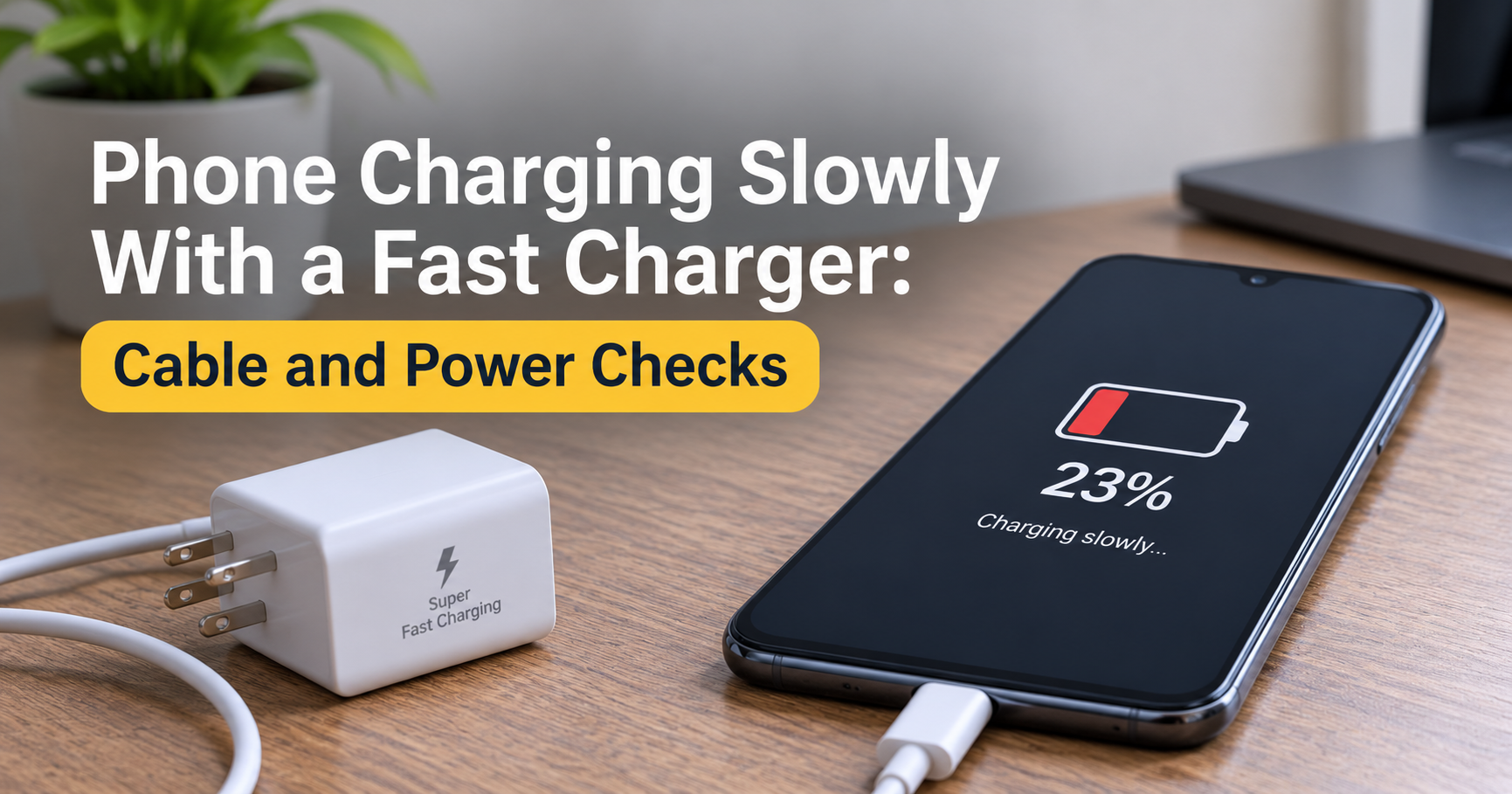
- Buying a powerful charger and reusing a phone cable. The old cable becomes the bottleneck.
- Worrying that a high-wattage cable will “fry” a phone. It won’t. The device only draws what it needs.
- Ignoring the charger’s port output. Many multi-port chargers split power, so one port may give less when others are in use.
- Trusting the wattage on the box alone. Look for certification, not just marketing claims.
Frequently Asked Questions
Can I use a 100W USB-C cable with a 20W phone charger?
Yes. The cable simply has more capacity than needed. Charging stays at whatever the charger and phone agree on.
Is a higher-wattage cable always faster?
No. Speed depends on the charger and device too. A higher-rated cable only removes the cable as a limit.
What does 5A mean on a USB-C cable?
It means the cable is built to carry up to 5 amps, which is required for power above 60W. These cables contain an e-marker chip.
Do 240W cables work with older chargers and devices?
Yes, they are backward compatible. They fall back to the highest power level both the charger and device support.
Does cable length affect charging wattage?
A little. Longer cables have more electrical resistance, so very long or poorly made ones can reduce efficiency and heat up more.
Can a USB-C cable charge a laptop?
Yes, as long as the laptop supports USB-C charging and the cable and charger can supply enough watts, usually 45W to 140W for most models.
Final Thoughts
USB-C cable wattage comes down to one idea: the cable is a pipe, and its rating tells you how much power it can safely carry. Match the cable to your most demanding device, pair it with a charger that can deliver enough power, and choose certified, well-built products. A good 60W cable covers phones and tablets, a 100W cable suits most laptops, and a 140W or 240W cable future-proofs powerful machines.
Understand these ratings once, and you can buy any USB-C cable with confidence.