


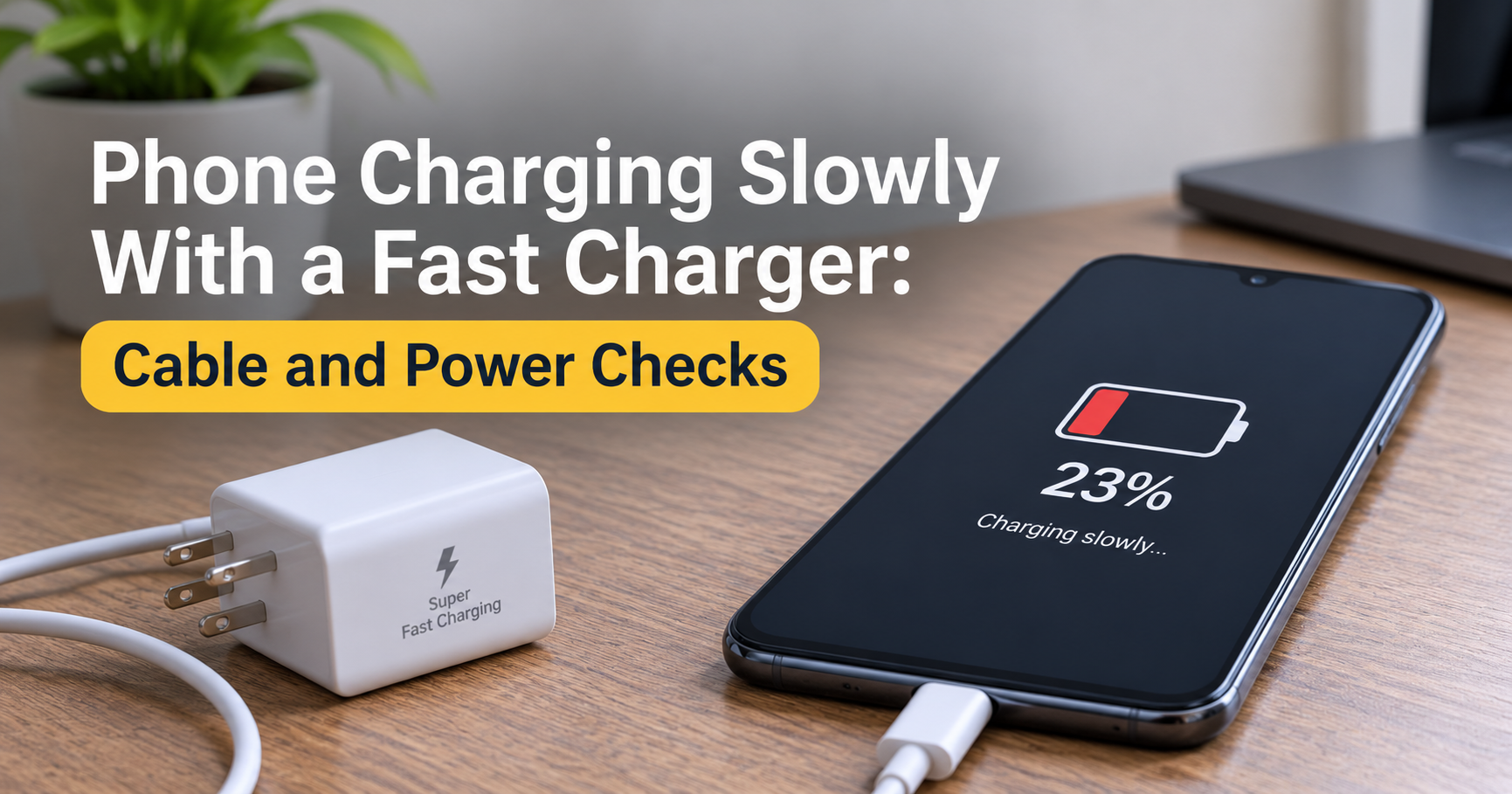
You plug in a brand-new “fast charger,” expect your phone to jump from 10% to 60% before you finish a cup of tea, and instead the battery crawls up like it is still 2012. It is frustrating, and it is also one of the most common charging complaints people have. The good news is that a phone charging slowly with a fast charger is almost always fixable, and in many cases the fix costs nothing.
In this guide you will learn exactly how fast charging works, the 12 most common reasons your phone charges slowly, a simple step-by-step troubleshooting routine, what to look for when buying a charger and cable, and the habits that keep your battery healthy for years.
Most slow-charging problems come from one of four things: a cable that cannot carry fast-charge power, a charger that does not match your phone’s fast-charging standard, heat that forces the phone to slow down, or a dirty or damaged port. Test with a different cable first, because it is the cheapest and most frequent culprit.
- How fast charging really works
- 12 reasons your phone charges slowly with a fast charger
- Why the last 20% always feels slower
- Charger wattage and real charging time
- Step-by-step troubleshooting checklist
- Symptom and cause quick table
- How to choose the right fast charger and cable
- Mistakes to avoid
- When to see a technician
- Habits that protect your battery
- Frequently asked questions
How Fast Charging Really Works
Fast charging is not just a stronger charger. It is a conversation. When you connect your phone, the charger, cable and phone “talk” to each other and agree on a voltage and current they can all safely handle. Power is measured in watts (W), which is voltage multiplied by current. A basic old charger delivers about 5W. Modern fast chargers deliver anywhere from 18W to 100W or more.
Several standards exist, including USB Power Delivery (PD), Programmable Power Supply (PPS), Qualcomm Quick Charge, and brand-specific systems used by some manufacturers. If your phone and charger do not share a compatible standard, they fall back to a safe, slow speed, even if the charger box says “65W.”
The key idea is the fast charging chain: charger, cable, port, and phone. The speed you get is limited by the weakest link in that chain.
12 Reasons Your Phone Is Charging Slowly With a Fast Charger
1. The Charger Does Not Support Your Phone’s Fast Charging Standard
This is the number one hidden cause. A high-wattage charger only helps if your phone can accept that wattage and speaks the same protocol. For example, a phone that supports 25W will not charge faster on a 100W charger, and a phone that needs a specific proprietary standard may charge at only basic speed on a generic charger. Check your phone’s specifications for its maximum charging wattage and supported standard, then match the charger to it.
2. A Low-Quality or Non-Rated Cable
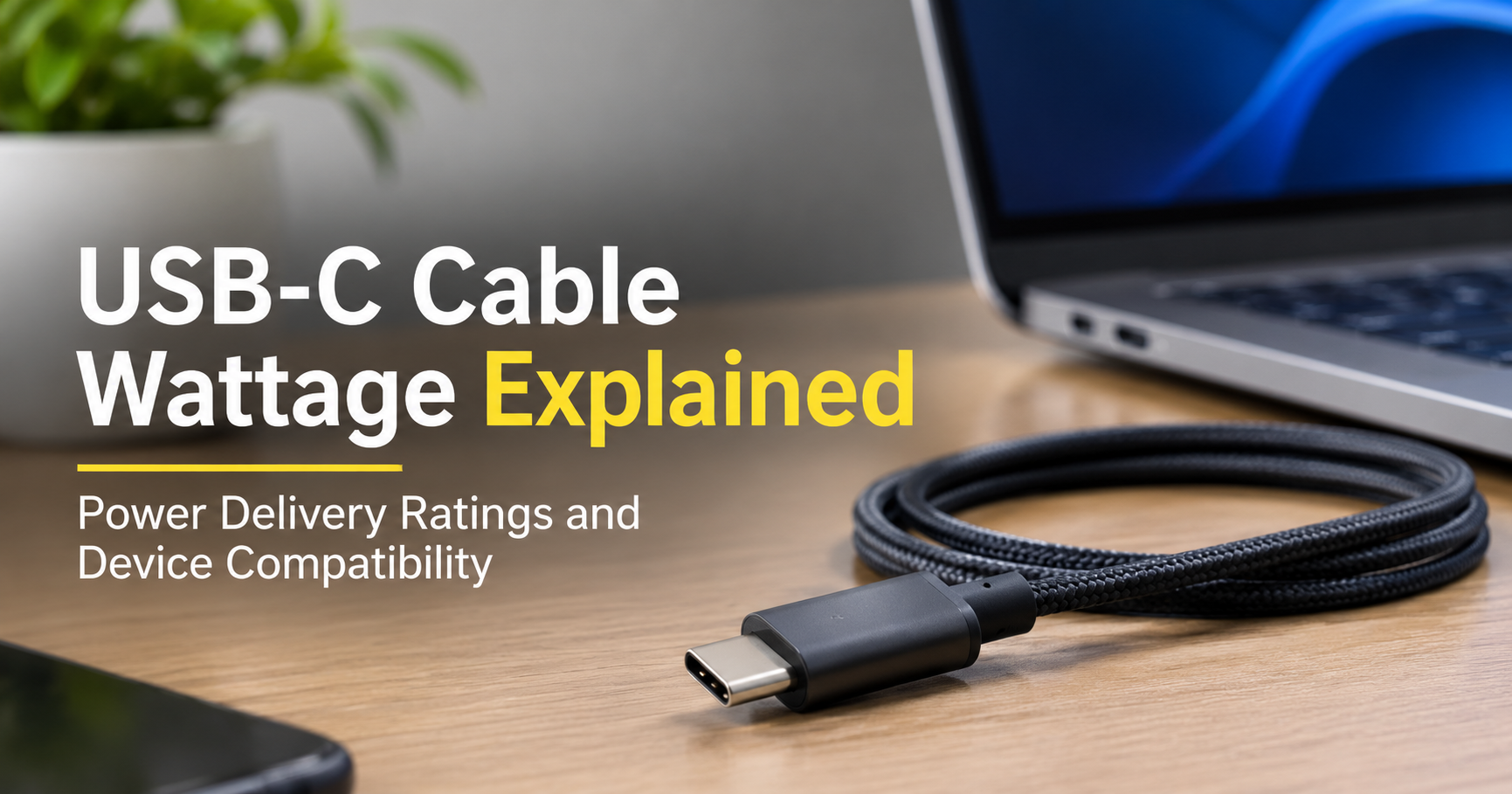
Many cables look identical but are built very differently. Thin internal wires create resistance, which wastes power as heat and limits current. Cheap cables may be designed for data or 5W charging only. For high wattage (above 60W), USB-C cables also need a special chip called an e-marker. If you are using an old or unbranded cable, replace it with a quality cable rated for the wattage you want.
3. Dust, Lint or Damage Inside the Charging Port
Pocket lint compresses into the port over time and stops the connector from seating fully. A loose connection charges slowly or keeps disconnecting. Power the phone off, then gently clean the port with a wooden toothpick or a soft plastic pick. Never use metal objects, and never use liquids.
4. Heat and Thermal Throttling
Batteries dislike heat. When the phone gets too warm, usually above roughly 40°C (104°F), software deliberately cuts charging speed to protect the battery. Direct sunlight, thick cases, gaming while charging, and charging under a pillow are all common triggers. Cool the phone down and charging speed often returns.
5. Using the Phone While It Charges
Streaming video, gaming, navigation and video calls all consume power at the same time the charger is supplying it. A heavy task can use almost as much power as the charger delivers, so the battery percentage barely moves. It also adds heat, which triggers throttling.
6. Your Battery Is Already Above 80%
Fast charging happens mostly between 0% and about 80%. After that, the phone intentionally slows down to avoid stress on the battery. Many users judge their charger on the final stretch, which is always slow by design. We explain this in detail in the next section.
7. Optimized, Adaptive or Protected Charging Is Turned On
Many phones include features that learn your routine and hold the battery at around 80% (or another limit) overnight, finishing the last part just before you wake up. Some phones also offer a manual battery-protection limit. These features are good for battery life, but they can look like slow charging if you did not know they were enabled. Check your battery settings.
8. Background Apps and Software Bugs
Apps running heavily in the background, a recent buggy update, or a corrupted system cache can slow charging or increase power use. Restarting the phone, updating the system and apps, and closing unneeded apps often fixes it. Booting in safe mode is a good way to test whether a third-party app is the cause.
9. An Aging or Worn Battery
Every battery loses capacity over time. After a few hundred charge cycles, the internal resistance rises, the battery heats more, and the phone limits charging speed. If your phone is two or three years old and also drains quickly, battery wear is likely. Many phones show battery health in settings or in a diagnostics menu.
10. A Weak Power Source
Plugging the charger into a loose extension board, a worn socket, a car USB port, or a laptop port can reduce the power delivered. Fast chargers work best when plugged directly into a stable wall outlet. In areas with unstable voltage, a poor supply can also make chargers fall back to slower modes.
11. Wireless Charging Limits
If you use wireless charging, expect it to be slower and warmer than a cable. Misaligned phones, thick or metallic cases, and low-wattage pads all reduce speed. If speed matters, use a cable. Use wireless charging for convenience, such as overnight on a desk.
12. A Hardware Fault
If you have tried everything and the phone still charges slowly, the charging port, charging circuit or battery itself may be faulty. Water exposure, drops and repeated plugging with a loose port are common reasons. This needs a technician, which we cover later.
Why the Last 20% Always Feels Slower
Lithium-ion batteries charge in two main stages. First comes the constant current stage, where the charger pushes high current in and the battery percentage rises quickly. As the battery fills, the phone switches to the constant voltage stage, where current gradually falls. This protects the battery from overcharging, overheating and wearing out early.
So if your phone reaches 80% in 40 minutes but needs another 35 minutes to finish, that is completely normal. It is not a defect and it is not your charger.
Charger Wattage and Real Charging Time
Higher wattage does shorten charging time, but only up to your phone’s own limit. The chart below gives approximate real-world times for a typical 5000mAh battery. Your phone may be faster or slower depending on its design, temperature and battery age.
| Charger Type | Good For | Notes |
|---|---|---|
| 5W–10W basic charger | Overnight charging, small devices | Very slow for modern phones with large batteries |
| 18W–25W | Everyday charging for most mid-range phones | Good balance of speed, heat and price |
| 30W–45W | Fast-charging flagship and upper mid-range phones | Needs compatible standard such as PD or PPS |
| 65W and above | Phones with very fast charging, tablets, laptops | Only helps if your phone supports the wattage |
Step-by-Step Troubleshooting Checklist
Follow these steps in order. Stop as soon as your charging speed improves.
- Restart your phone. This clears temporary glitches and background processes.
- Remove the case and let the phone cool to room temperature before charging.
- Swap the cable. Use the original cable that came with the phone, or a quality certified one.
- Swap the charger. Test with the original adapter or a trusted brand adapter with the right standard.
- Plug directly into a wall outlet, not an extension board or laptop.
- Clean the charging port gently with a wooden toothpick while the phone is off.
- Turn on airplane mode while charging to reduce power use and heat.
- Check battery settings and switch off adaptive, optimized or protected charging for a test.
- Update the system and apps, since manufacturers regularly fix charging bugs.
- Check battery health in settings or the manufacturer’s diagnostics tool.
- Back up and factory reset only if the problem began after an update and nothing else worked.
- Visit an authorized service center if the problem continues.
Symptoms and Likely Causes: Quick Table
| What You Notice | Most Likely Cause | Try This |
|---|---|---|
| Phone says “charging” but not “fast charging” | Charger or cable mismatch | Use the original charger and cable |
| Charges well, then slows near 80% | Normal battery protection | No fix needed |
| Phone gets hot and charging slows | Thermal throttling | Remove case, stop using the phone, cool it down |
| Charging stops and starts | Dirty or loose port, worn cable | Clean the port and change the cable |
| Percentage barely rises while using apps | Heavy usage drains as fast as it charges | Close apps or use airplane mode |
| Slow charging plus fast battery drain | Aged battery | Check battery health and consider replacement |
| Slow only overnight | Adaptive or optimized charging | Check battery settings |
How to Choose the Right Fast Charger and Cable
If your troubleshooting shows the charger or cable is the issue, here is how to buy wisely and avoid wasting money.
What to Look for in a Charger
- Match your phone’s maximum wattage. Buying far above it gives no extra speed. Buying below it limits you.
- Support for the right standard. For most modern phones, USB Power Delivery with PPS covers the widest range of devices.
- GaN technology. Gallium nitride chargers are smaller, run cooler and are more efficient.
- Safety protections. Look for over-voltage, over-current, over-temperature and short-circuit protection, plus recognized safety certifications.
- Trusted brand and warranty. Very cheap unbranded chargers can be unsafe and may damage your battery.
What to Look for in a Cable
- Correct rating. A cable rated for 60W is fine for most phones. For 100W or more, choose a cable with an e-marker chip.
- Good build quality. Reinforced connectors, braided or thick insulation and a strain-relief design last longer.
- Sensible length. Shorter cables (about 1 meter) usually lose less power than very long cables.
- Certification. Choose cables that are certified for the standard they claim to support.
Consider a Power Bank for Travel
If you often charge on the go, pick a power bank that supports the same fast-charging standard as your phone and has an output equal to or above your phone’s maximum wattage. Otherwise it may charge your phone at a much slower rate.
Common Charging Mistakes to Avoid
- Buying a high-wattage charger and pairing it with an old, thin cable.
- Assuming a bigger number on the box always means faster charging on your phone.
- Charging under a pillow, on a bed or in direct sun.
- Leaving a heavy case on while gaming and charging.
- Using damaged, frayed or bent cables.
- Cleaning the port with metal pins or sharp tools.
- Draining the battery to 0% regularly and then charging to 100% every time.
When You Should See a Technician
Visit an authorized service center if any of these apply after you have tried the checklist:
- The phone charges slowly with several different known-good chargers and cables.
- The port feels loose, the cable wiggles, or it only charges at a certain angle.
- Battery health is low, or the battery drains very quickly.
- The phone heats up while idle or while charging with no apps running.
- The phone was exposed to water or dropped before the problem began.
Replacing a worn battery or repairing a port is often much cheaper than buying a new phone, and it can bring back full charging speed.
Habits That Protect Your Battery and Keep Charging Fast
- Keep the battery between about 20% and 80% for daily use when possible.
- Avoid heat. Charge in a cool, ventilated place and remove thick cases if the phone gets warm.
- Use quality accessories. A good charger and cable are cheaper than a new battery.
- Keep software updated. Updates include battery and thermal improvements.
- Clean the port every few months using a soft, non-metal tool.
- Use fast charging when you need it, and slower charging overnight if your phone supports a gentler mode.
Frequently Asked Questions
Why is my phone charging slowly even with the original charger?
Common reasons include heat, a dirty or worn port, heavy background usage, a software bug, adaptive charging settings, or an aging battery. Clean the port, cool the phone, restart it and check battery settings first.
Does a higher-watt charger charge my phone faster?
Only up to your phone’s maximum supported wattage and only if the standards match. A 100W charger will not make a 25W phone charge at 100W.
Can a bad cable really slow down fast charging?
Yes. A thin, worn or non-rated cable cannot carry high current, so the phone and charger agree on a lower speed. It is one of the most common causes.
Is it normal for charging to slow down after 80%?
Yes. This is a built-in protection that reduces current as the battery fills, which helps limit heat and battery wear.
Is fast charging bad for my battery?
Fast charging generates more heat, which can wear a battery faster over time, but modern phones manage this with temperature sensors and charge control. Using good accessories and avoiding heat keeps the impact small.
Why does my phone charge slowly in the car?
Car USB ports and cheap car chargers often supply low power. Use a quality car charger that supports your phone’s fast-charging standard and a suitable cable.
Should I replace my phone battery if charging is slow?
If you have ruled out the charger, cable, port and software, and battery health is low or the phone drains quickly, replacing the battery is often the right fix.
Final Thoughts
A phone charging slowly with a fast charger usually does not mean you wasted your money. It means something in the charging chain is holding the speed back. Start with the simple checks: a different cable, a clean port, a cool phone, and the correct charger for your phone’s standard. If the problem remains, look at battery health and get the phone inspected.
With the right charger, a quality cable and a few smart habits, you can enjoy quick, safe charging for years. Bookmark this guide so you can run through the checklist the next time your phone slows down.