






Open the spec sheet of almost any new laptop or smartphone today and you will spot a new term: NPU. Manufacturers print it on the box, put it in ads, and call their devices “AI PCs” or “AI phones.” But what is an NPU, really, and does it matter when you buy a device?
In this guide, you will learn what an NPU is, how it works, how it differs from a CPU and a GPU, where it is used in real life, and what to check before you buy a device with one. No engineering degree needed.
Quick Answer
An NPU (Neural Processing Unit) is a specialized processor designed to run artificial intelligence and machine learning tasks quickly while using very little power. It handles jobs such as voice recognition, photo enhancement, live translation and background blur on video calls, so your CPU and GPU are free to do other work and your battery lasts longer.
What Does NPU Stand For?
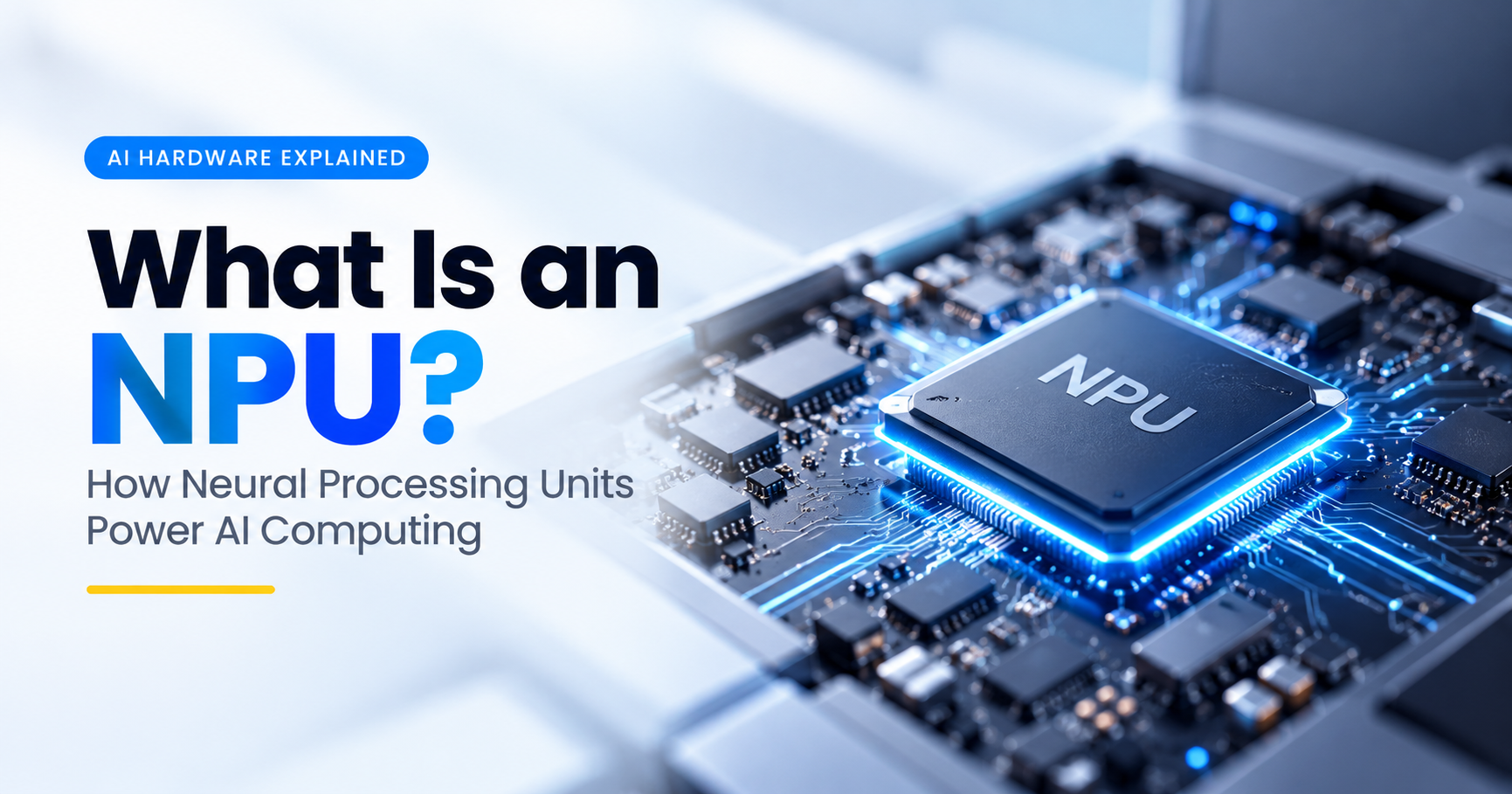
NPU stands for Neural Processing Unit. The word “neural” comes from neural networks, the mathematical models behind most modern AI. These models are loosely inspired by how neurons connect in the human brain. An NPU is a chip, or a section of a chip, built specifically to run these models efficiently.
You may also see NPUs called by brand names, such as “Neural Engine,” “AI Engine,” “AI Boost” or “AI accelerator.” The names differ, but the idea is the same: dedicated hardware for AI.
Why Do We Need an NPU?
AI features used to run almost entirely in the cloud. You spoke to your assistant, the audio was sent to a remote server, and the answer came back. That works, but it has real drawbacks: it needs an internet connection, adds delay, and sends your personal data to someone else’s computer.
Running AI directly on your device, often called on-device AI or edge AI, solves these problems. The catch is that AI workloads are demanding. Running them on a normal CPU is slow and drains the battery. Running them on a GPU is faster but still power hungry. The NPU exists to close that gap.
How Does an NPU Work?
At the heart of nearly every AI model is one repeated operation: multiplying numbers and adding the results together. This is called a multiply-accumulate (MAC) operation, and a single AI task can need billions of them.
An NPU is built around this one job. Instead of a few powerful, flexible cores, it contains a large grid of simple math units that perform many MAC operations at the same time. It also keeps data in small, fast memory close to those units, so far less energy is wasted moving data back and forth.

In simple terms, here is what happens when you use an AI feature, such as removing the background from a photo:
- Input: The app sends your photo (or voice or text) to the AI model.
- Preparation: The data is converted into numbers the model understands.
- Computation: The NPU runs the model, performing millions or billions of MAC operations in parallel.
- Result: The model produces a prediction, such as “this area is the background.”
- Action: The app uses the result to blur or remove that area.
Most NPUs focus on inference, which means running an already-trained model. Training huge models from scratch still happens on powerful servers with data-center GPUs and similar accelerators.
NPU vs CPU vs GPU: What Is the Difference?
Your device already has a CPU and probably a GPU, so why add a third processor? Because each one is good at a different kind of work.

| Feature | CPU | GPU | NPU |
|---|---|---|---|
| Full name | Central Processing Unit | Graphics Processing Unit | Neural Processing Unit |
| Main job | General computing, running the OS and apps | Graphics, video, parallel computing | AI and machine learning inference |
| Design | Few powerful, flexible cores | Thousands of small parallel cores | Grid of math units tuned for neural networks |
| Flexibility | Very high | High | Lower, specialized |
| Power use for AI | High for the speed gained | High | Very low |
| Best for | Everyday tasks and varied logic | Gaming, rendering, heavy AI workloads | Always-on, battery-friendly AI features |
A helpful comparison is a kitchen. The CPU is a skilled head chef who can cook anything but works on one dish at a time. The GPU is a large team of line cooks who can prepare hundreds of identical plates at once. The NPU is a specialized machine that makes exactly one type of dish, extremely fast and with almost no wasted energy.
Importantly, the NPU does not replace the CPU or GPU. Modern chips combine all three, and the system decides which processor should handle each task.
What Is TOPS and Why Does It Matter?
When shopping for a device with an NPU, you will see the term TOPS, which stands for Trillions of Operations Per Second. It is the standard way to describe how fast an NPU can perform AI math. A higher number generally means the NPU can run larger or more demanding AI models smoothly.
For example, Microsoft set a requirement of at least 40 TOPS from the NPU for laptops to qualify as Copilot+ PCs. That requirement turned TOPS into a headline spec in the Windows laptop market.

Keep in Mind
TOPS is a useful guide, not the whole story. Real-world performance also depends on memory speed, software support, the precision the model uses, and how well apps are optimized for the NPU. Two chips with the same TOPS number can behave differently in daily use.
Where Are NPUs Used?
You are probably already using an NPU without realizing it. Here are the most common examples.

1. Smartphones
Phones were the first mainstream devices to include NPUs. They power computational photography (portrait mode, night mode, scene detection), face unlock, voice assistants, live captions and on-device translation. Apple calls its version the Neural Engine, and Android chipmakers such as Qualcomm, MediaTek, Samsung and Google include their own AI engines.
2. Laptops and AI PCs
Intel, AMD, Qualcomm and Apple now put NPUs into laptop processors. On these machines the NPU typically handles background blur and eye-contact correction in video calls, noise cancellation, live captions, local AI assistants, and AI features inside photo and video editors, all without draining the battery.
3. Smart Home and Wearables
Smart speakers, security cameras, smartwatches and earbuds use small NPUs to recognize wake words, detect people or packages, and track health signals locally, which also helps protect privacy.
4. Cars and Robotics
Driver-assistance systems, in-cabin monitoring and robots rely on NPU-like accelerators to make split-second decisions where delay is not acceptable.
5. Data Centers
Large AI accelerators used in cloud servers follow the same core idea as an NPU: hardware purpose-built for neural network math. Their scale and power draw are far bigger, though, and they are used for training and serving huge models.
Benefits of an NPU
- Better battery life: AI tasks use a fraction of the power compared with running them on a CPU or GPU.
- Faster AI features: Tasks like translation and photo effects feel instant because they run locally.
- Improved privacy: Personal photos, voice and documents can be processed on your device instead of being uploaded.
- Works offline: Many AI features keep working without an internet connection.
- A smoother system: Offloading AI frees your CPU and GPU, so games, browsing and editing stay responsive.
Limitations of an NPU
NPUs are impressive, but they are not magic. Being honest about their limits will help you make a smarter purchase.
- Software support is still growing: An NPU only helps if apps are written to use it. Many programs still default to the CPU or GPU.
- Not built for everything: NPUs do not speed up general tasks like opening files, browsing or traditional gaming.
- Limited model size: Very large AI models need lots of memory and may run better on a strong GPU or in the cloud.
- Specs can mislead: A big TOPS number does not guarantee a better experience if software and memory are weak.
Do You Need a Device With an NPU?
The honest answer depends on how you use your device.
- You should care about an NPU if you take many video calls, use AI tools every day, edit photos or video, want long battery life, or plan to keep your device for several years while AI features keep expanding.
- You can safely ignore it if you mainly browse, watch videos and do basic office work, or if you are buying a budget device and other specs matter more.
Since most new mid-range and premium phones and laptops now include an NPU anyway, you will likely get one without paying extra. The real question is how capable it is.
What to Look for When Buying a Device With an NPU
If you are shopping for a laptop, phone or tablet and want to make sure the AI hardware is worth it, use this checklist.
- NPU performance (TOPS): For Windows AI PCs, look for 40 TOPS or more if you want the full Copilot+ feature set.
- RAM: AI features love memory. 16 GB is a sensible minimum for a laptop you want to keep for years.
- Battery life in real reviews: The NPU’s main promise is efficiency, so check tested battery results, not just claims.
- Software and driver support: Confirm the apps you use actually take advantage of the NPU.
- Total platform balance: A great NPU paired with a weak display, little storage or poor cooling is not a great device.
- Update policy: Manufacturers that keep delivering software updates unlock more AI features over time.
Common NPU Brands and Names
Different chip makers use different names for their NPUs. This quick list will help you decode spec sheets.
- Apple: Neural Engine, found in iPhone, iPad and Mac chips.
- Qualcomm: Hexagon NPU, found in Snapdragon phone and laptop chips.
- Intel: NPU, branded under AI Boost in Core Ultra processors.
- AMD: Ryzen AI, an NPU built into modern Ryzen processors.
- Google: Tensor chips with built-in machine learning hardware for Pixel devices.
- MediaTek and Samsung: Their own AI processing units inside Dimensity and Exynos chips.
The Future of NPUs
NPUs are improving quickly. Each new chip generation brings more TOPS, better efficiency and wider software support. As small language models and on-device assistants become more common, the NPU is turning from a nice-to-have feature into a core part of every processor, much like integrated graphics did years ago.
Expect more apps to run AI locally, more privacy-focused features that never leave your device, and longer battery life even as AI becomes part of everyday workflows.
Frequently Asked Questions About NPUs
Is an NPU the same as a GPU?
No. A GPU is a general parallel processor used for graphics and heavy computing, including AI. An NPU is specialized only for AI math, which makes it far more power efficient for those tasks but less flexible.
Can an NPU replace a CPU?
No. The CPU runs your operating system and general apps. The NPU is a helper that takes over AI workloads. Every device still needs a CPU.
Does an NPU make games run faster?
Not directly. Games rely mainly on the CPU and GPU. Some games use AI-based upscaling or effects, but those are usually handled by the GPU. The NPU helps more with background AI tasks.
Can I add an NPU to my existing computer?
In most cases, no. NPUs are built into the processor, so you need a new device with a supported chip. Some add-on AI accelerator cards exist for specialized uses, but they are not common for regular users.
How many TOPS do I need?
For basic AI features in phones and laptops, a mainstream NPU is enough. If you want a Windows Copilot+ PC, the requirement is 40 TOPS or more. Heavier local AI work may benefit from more.
Is an NPU worth it?
For most people buying a new device today, yes, because it improves battery life and enables useful AI features at no major extra cost. Just do not pay a big premium for a TOPS number alone.
Are NPUs good for privacy?
They can be. Because an NPU lets AI run on your device, your photos, voice and documents do not always need to be sent to the cloud. Privacy still depends on how each app is designed.
Final Thoughts
An NPU is a dedicated AI processor that makes your phone or laptop smarter, faster and more energy efficient. It works alongside the CPU and GPU, taking over the repetitive math that AI features depend on, so everyday tasks like video calls, translation and photo editing feel effortless.
When you shop for your next device, treat the NPU as one important piece of the puzzle: check the TOPS rating, make sure you have enough RAM, read real battery tests, and confirm that the software you rely on supports it. Do that, and you will get a device that is ready for the AI-powered years ahead.
Key Takeaways
- NPU stands for Neural Processing Unit, a chip built for AI tasks.
- It is far more power efficient than a CPU or GPU for AI work.
- TOPS measures NPU speed, and 40+ TOPS is the Copilot+ PC requirement.
- Real-world value depends on RAM, software support and battery tests.
- The NPU complements the CPU and GPU. It does not replace them.