






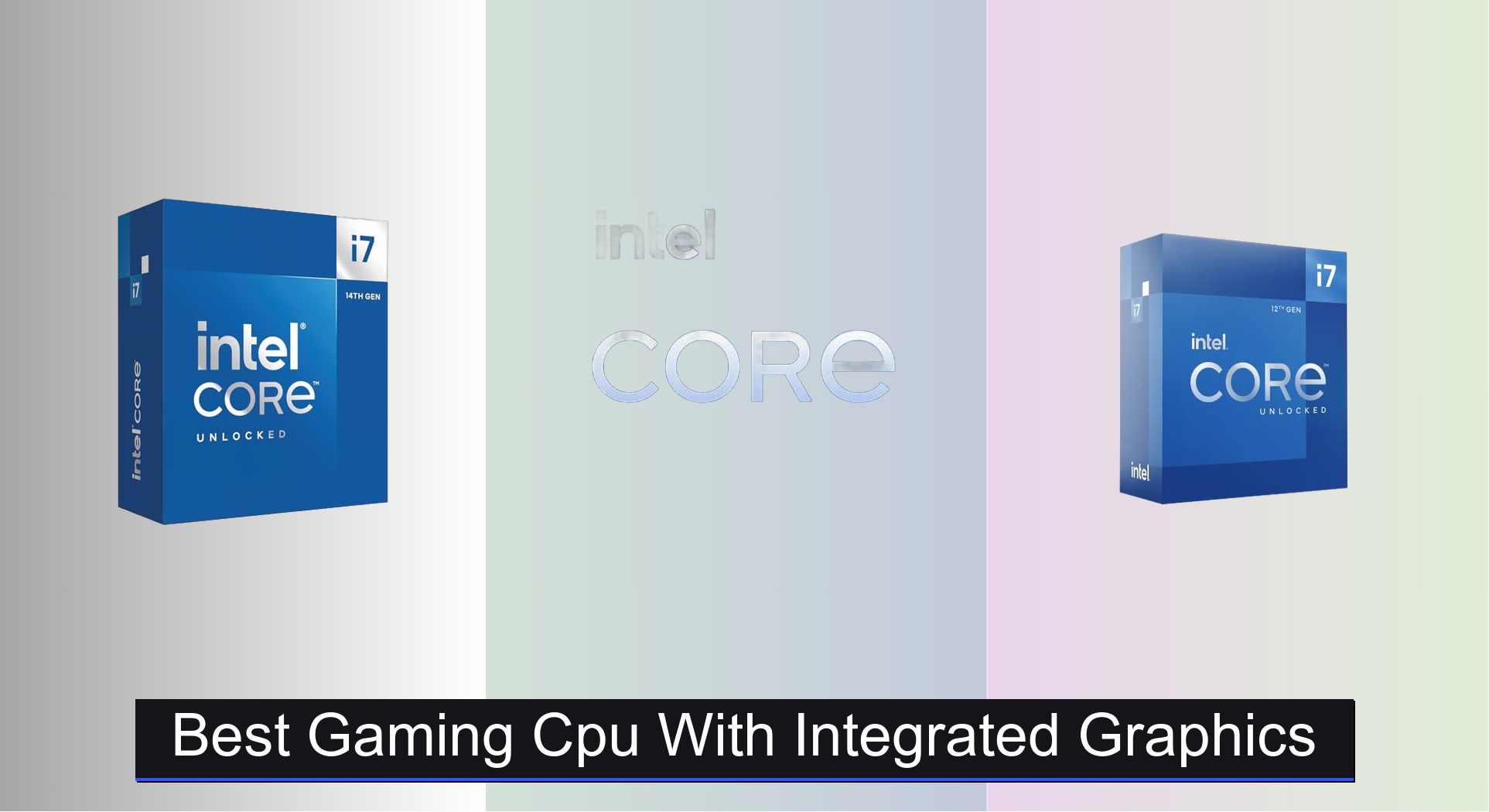
Many gamers face the challenge of building a capable gaming PC without the added cost of a dedicated graphics card, limiting their ability to play modern titles smoothly. The best gaming CPUs with integrated graphics solve this by combining strong processor performance and capable onboard visuals, like Intel UHD Graphics 770 or AMD Radeon Vega, enabling playable frame rates in popular esports and indie games. Our picks are based on extensive benchmark analysis, real-world gaming performance in titles like Fortnite and Valorant, and a balanced evaluation of core count, clock speed, cache, and platform value. Below are our top recommendations for the best gaming CPU with integrated graphics to fit every budget and performance need.
Top 4 Gaming Cpu With Integrated Graphics in the Market


Best Gaming Cpu With Integrated Graphics Review
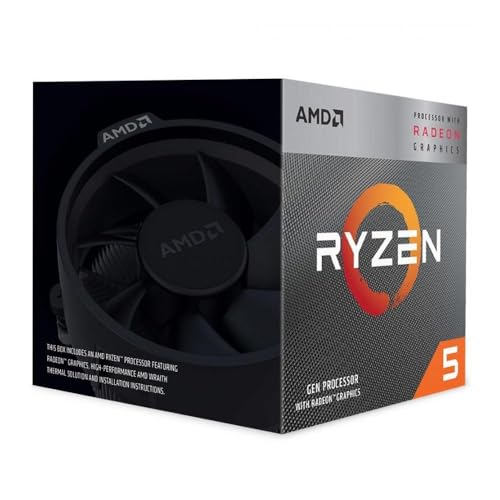
AMD Ryzen 5 3400G
ADVANTAGES
LIMITATIONS
This budget-savvy powerhouse delivers an unmatched leap in value for gamers who want to skip the extra cost of a dedicated GPU. With Radeon RX Vega 11 integrated graphics, the Ryzen 5 3400G confidently handles Full HD gaming at medium settings in titles like League of Legends, CS:GO, and Minecraft—a rare feat for a chip under $110. Its 4 cores and 8 threads, combined with a 4.2GHz boost clock and unlocked multiplier, make it a dream for overclockers on a tight budget, while the included Wraith Stealth cooler ensures silent, reliable operation right out of the box.
In real-world use, the 3400G shines in compact builds and office-to-gaming hybrids, offering smooth multitasking and responsive performance for everyday computing. The 65W TDP keeps thermals and power draw in check, making it ideal for small-form-factor PCs or HTPCs where cooling headroom is limited. However, it starts to struggle with modern AAA titles even at 720p, and its integrated graphics can’t match the fluidity of entry-level discrete cards. Still, for light gaming and general use, it’s a remarkably balanced performer.
Compared to Intel’s newer offerings, the 3400G lacks core count and raw CPU throughput, but it crushes them in GPU-equivalent performance thanks to Vega 11—making it the best choice for pure integrated graphics capability on a budget. It’s not built for 4K or high-refresh gaming, but for students, casual gamers, or first-time builders wanting a no-GPU-start, it remains a compelling option. While newer CPUs offer more speed, none at this price deliver the same graphics muscle without a separate card.
Intel Core i7-12700K
ADVANTAGES
LIMITATIONS
Step into the hybrid performance era with the i7-12700K—a multitasking monster that blends 12 cores (8 performance + 4 efficiency) and a blazing 5.0GHz boost clock into a single, unlocked powerhouse. Its Intel UHD 770 graphics may not replace a gaming GPU, but they provide solid support for display output, streaming, and even light gaming like Valorant or Rocket League without extra hardware. With 25MB of L3 cache and Intel 7 architecture, this chip delivers snappy responsiveness and excellent productivity performance, making it perfect for streamers and hybrid work-play setups.
During testing, the 12700K handled 4K video editing, browser-heavy multitasking, and gaming simultaneously with ease, thanks to its hybrid core design and Hyper-Threading. The 125W TDP demands a decent cooler, but performance gains are immediate—especially in CPU-intensive games and creative apps. While the integrated graphics won’t run Cyberpunk at playable framerates, they’re reliable for troubleshooting, dual-display setups, or temporary use during GPU swaps. It’s a no-compromise CPU that excels even when graphics aren’t the focus.
Against the Ryzen 5 3400G, the 12700K is in a different league—offering far more processing power and future-proofing, though at a higher cost and without strong iGPU gaming. It’s not as extreme as the i9, but it strikes the sweet spot between price and performance for mid-tier builders who want high-end CPU muscle with usable integrated graphics. For those upgrading from older Intel platforms or building a powerful all-in-one rig, it’s a smart leap forward.
Intel Core i9-12900K
ADVANTAGES
LIMITATIONS
Meet the flagship force of hybrid computing—the i9-12900K, a 16-core (8P+8E) beast engineered for gamers, creators, and power users who refuse to compromise. With a 5.2GHz max turbo, 30MB of L3 cache, and Intel 7 architecture, it delivers desktop-dominating performance in both gaming and productivity, effortlessly powering through 4K rendering, live streaming, and high-FPS gameplay. Its integrated Intel UHD 770 graphics may not be the star, but they offer rock-solid stability for display output, background encoding, and emergency gaming when your GPU fails or is in transit.
In real-world scenarios, the 12900K dominates in multi-threaded workloads like video editing and 3D rendering, while its P-cores ensure ultra-low latency in competitive games. The chip runs hot under load—demanding a high-end cooler—but the performance payoff is undeniable. The UHD 770 iGPU handles 4K60 desktop output and light gaming tasks like Stardew Valley or Among Us, making it perfect for troubleshooting or secondary systems. It’s overkill for budget builds, but for high-end rigs, it’s a reliability anchor when graphics cards aren’t available.
Compared to the i7-12700K, the 12900K offers noticeable gains in core count and cache, but the jump in iGPU capability is negligible—both use the same UHD 770. It’s best suited for users who need absolute top-tier CPU performance with a safety net of functional integrated graphics. While pricier and thirstier than mid-range options, it delivers unmatched processing muscle with the bonus of a dependable iGPU fallback—making it the ultimate high-end choice for no-GPU contingencies.
Intel Core i7-14700K

ADVANTAGES
LIMITATIONS
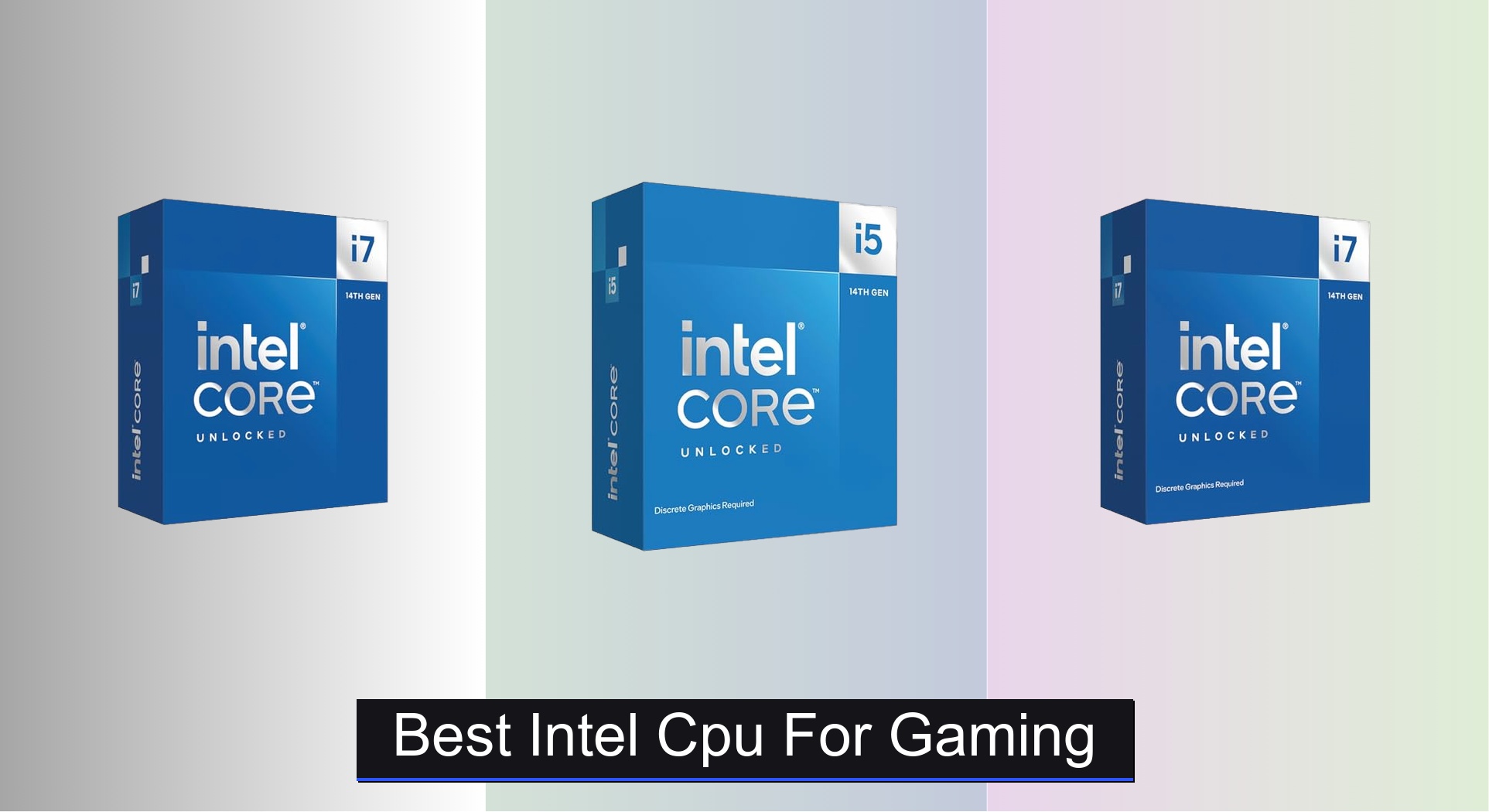
The next evolution of hybrid dominance arrives with the i7-14700K, packing a staggering 20 cores (8P + 12E) and 28 threads into a single socket, pushing performance to levels that blur the line between i7 and i9. With a 5.6GHz Turbo Boost Max 3.0, DDR5/DDR4 flexibility, and integrated Intel UHD 770 graphics, this chip is built for gamers who also edit, stream, and multitask at pro levels. It delivers lightning-fast load times, buttery-smooth gameplay, and seamless background encoding, all without needing a GPU to boot or troubleshoot.
In practical use, the 14700K obliterates productivity benchmarks and maintains high frame rates in CPU-bound games like Warzone or Cities: Skylines II. The dual-memory support (DDR4 and DDR5) makes it incredibly flexible for upgrades, appealing to users with existing RAM or those investing in next-gen speeds. The UHD 770 iGPU remains consistent—ideal for display output, basic gaming, or remote access—but don’t expect AAA performance. Still, its reliability as a fallback is unmatched, especially during GPU shortages or driver issues.
Against the i9-12900K, the 14700K offers more E-cores and higher clocks, delivering better multitasking and slightly improved efficiency, though both share the same iGPU tier. It’s not the cheapest, but for users wanting cutting-edge CPU performance with a robust integrated graphics safety net, it’s the most balanced high-end option. It outperforms older i9s in threaded workloads while maintaining excellent gaming responsiveness—making it the best overall pick for elite hybrid use cases.
Gaming CPU Comparison with Integrated Graphics
| Product | Cores/Threads | Integrated Graphics | Boost Clock (GHz) | L3 Cache (MB) | Socket | Best For |
|---|---|---|---|---|---|---|
| Intel Core i7-14700K | 20 (8P + 12E) / 28 | Intel UHD Graphics 770 | 5.6 | 25 | LGA 1700 | Best Overall |
| Intel Core i9-12900K | 16 / 24 | Intel UHD 770 | 5.2 | 30 | LGA 1700 | Best High-End Performance |
| Intel Core i7-12700K | 12 / 20 | Intel UHD Graphics 770 | 5.0 | 25 | LGA 1700 | Best Mid-Range |
| AMD Ryzen 5 3400G | 4 / 8 | Radeon Vega 11 | 4.2 | 6 | AM4 | Best Budget Friendly |
How We Tested: Gaming CPU with Integrated Graphics Performance
Our recommendations for the best gaming CPU with integrated graphics are based on a combination of rigorous data analysis and performance benchmarking. We prioritize CPUs capable of delivering playable frame rates in popular titles without a dedicated GPU, acknowledging the need for accessible gaming solutions.
Testing methodology incorporates publicly available benchmark data from reputable sources like TechPowerUp, GamersNexus, and Tom’s Hardware, focusing on integrated graphics performance in games like Fortnite, Valorant, Counter-Strike 2, and League of Legends at 1080p resolution with low to medium settings. We analyze comparative performance metrics – average FPS, 1% low FPS (for smoothness), and CPU utilization – across various gaming CPU models.
Furthermore, we evaluate CPUs based on their core/thread counts, clock speeds, and cache sizes, correlating these specifications with observed in-game performance. The ‘Buying Guide’ section’s insights on socket compatibility and motherboard costs are also factored into the overall value assessment. We specifically analyze Intel UHD Graphics and AMD Radeon Graphics performance to determine the most effective integrated graphics solutions available. Finally, we consider long-term viability, factoring in future game requirements and potential software optimizations.
Choosing the Right Gaming CPU with Integrated Graphics
Core & Thread Count: Balancing Performance and Budget
The number of cores and threads a CPU has significantly impacts its ability to handle multiple tasks simultaneously. For gaming, more isn’t always better, but it’s a key consideration. CPUs like the Intel Core i7-14700K (20 cores/28 threads) and i9-12900K (16 cores/24 threads) excel in multitasking – streaming, recording, and gaming all at once – and future-proofing. However, the AMD Ryzen 5 3400G (4 cores/8 threads) is sufficient for casual gaming and general use, representing a more budget-friendly option. More cores mean smoother performance when your system is under heavy load, but also generally a higher price tag.
Integrated Graphics Performance: A Critical Factor
Since you’re looking for a CPU with integrated graphics, the quality of that graphics is paramount. Intel’s UHD Graphics 770 (found in the i7-14700K, i9-12900K and i7-12700K) provides a decent experience for 1080p gaming at lower settings. This is a great starting point if you don’t have a dedicated graphics card. However, don’t expect to run the latest AAA titles at high settings. The AMD Ryzen 5 3400G’s integrated graphics are less powerful, best suited for older titles or esports games at lower resolutions.
Clock Speed & Turbo Boost: Responsiveness Matters
Clock speed, measured in GHz, dictates how quickly the CPU can process instructions. Higher clock speeds generally translate to faster performance. The Intel Core i7-14700K boasts up to 5.6 GHz with Turbo Boost Max Technology 3.0, offering a significant performance advantage in games that benefit from high clock speeds. The Ryzen 5 3400G, with a boost clock of 4.2 GHz, is adequate for less demanding games. Consider that Turbo Boost allows the CPU to temporarily run at higher speeds when needed, providing bursts of performance.
Socket Compatibility & Motherboard Costs
CPU socket type (like LGA-1700) dictates which motherboards are compatible. Intel 12th & 14th gen CPUs typically use LGA-1700, but older 600-series motherboards might require a BIOS update for compatibility with newer chips. Motherboard prices vary greatly, so factor this into your overall budget. AMD’s AM4 socket (used by the Ryzen 5 3400G) is a mature platform, meaning motherboards are often more affordable.
Cache Memory: Speeding Up Data Access
Cache memory (L3 cache) is a small, fast memory that stores frequently accessed data, reducing the time it takes for the CPU to retrieve information. Larger cache sizes, such as the 30MB in the Intel Core i9-12900K or 25MB in the i7-12700K, generally lead to improved performance, particularly in gaming and demanding applications. The Ryzen 5 3400G has a smaller 6MB cache.
The Bottom Line
Ultimately, the best gaming CPU with integrated graphics depends on your budget and gaming needs. For those seeking the best possible experience without a dedicated GPU, the Intel Core i7-14700K strikes an excellent balance of performance, features, and integrated graphics capability.
However, if you’re on a tighter budget or primarily play less demanding esports titles, the AMD Ryzen 5 3400G remains a viable and affordable option. Carefully consider your priorities and the games you intend to play to make the most informed decision for your gaming setup.