






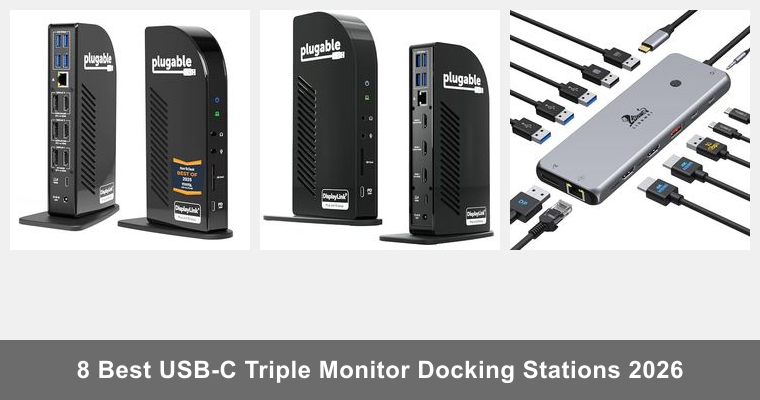
Expanding your workspace with triple monitor setups is essential for productivity and multitasking, especially in professional and creative environments. USB-C triple monitor docking stations provide a seamless way to connect multiple displays along with charging and peripheral support. This guide reviews the best options available, highlighting features like 4K support, power delivery, and connectivity options to help you choose the right docking station for your needs.
As an Amazon associate, we’ll earn a commission for every successful order through our affiliate links in this article. However, you won’t be charged anything extra for this.
“As an Amazon Associate, I Earn From Qualifying Purchases.”
Table of Contents
Best Options at a Glance
| Image | Model / Variant | Benefits & Specs | Amazon Link |
|---|---|---|---|
|
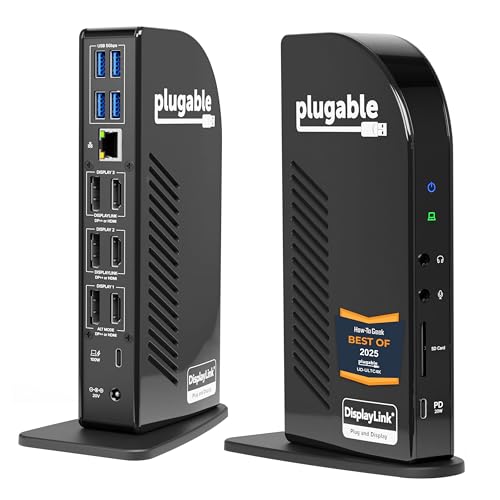
UD-ULTC4K | Benefits: Supports 3x HDMI and 3x DisplayPort, versatile compatibility | See on Amazon |
|
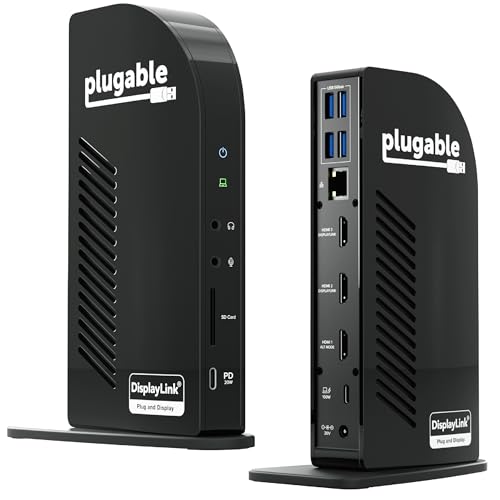
UD-ULTCDL | Benefits: 3 HDMI outputs, Gigabit Ethernet, SD card reader | See on Amazon |
|
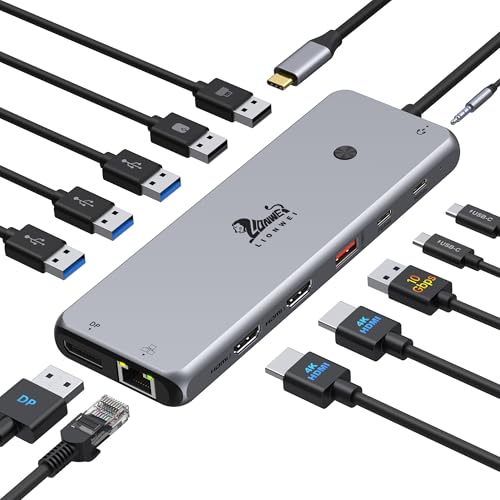
Triple 4K Dock | Benefits: 8 USB-C/A ports, switching mode button, audio jack | See on Amazon |
|
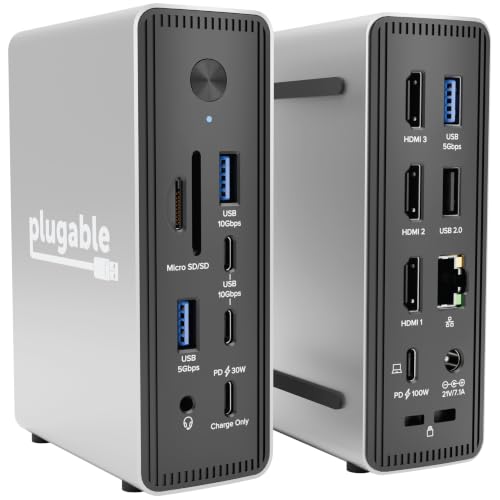
UD-MSTH3 | Benefits: Driverless for Windows, supports 2.5GbE Ethernet | See on Amazon |
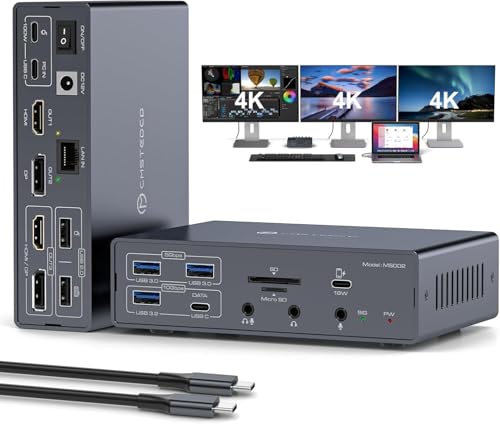
|
USB C Dock for MacBook | Benefits: 2 HDMI & 2 DisplayPort, 100W Power Delivery, 10Gbps USB 3.2 | See on Amazon |
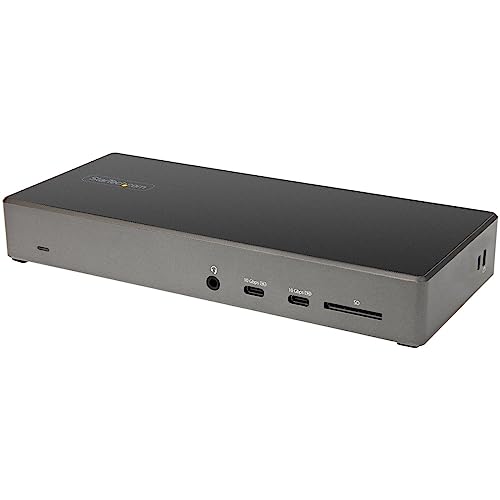
|
USB-C Triple 4K Dock | Benefits: DP 1.4 DSC, 2 DisplayPorts, HDMI 2.0, SD 3.0 reader | See on Amazon |
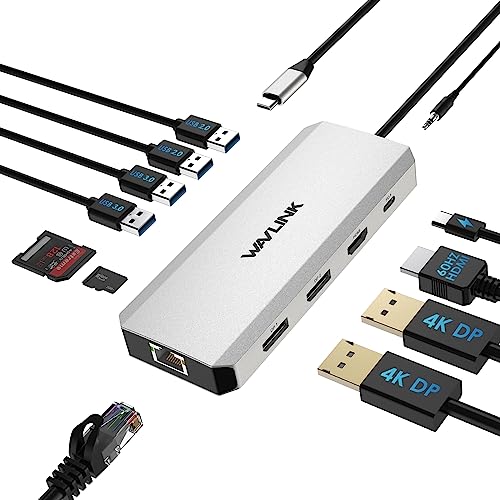
|
12 In 1 Multiport USB C Dock | Benefits: Dual DisplayPort and HDMI, Gigabit Ethernet, SD/TF card | See on Amazon |
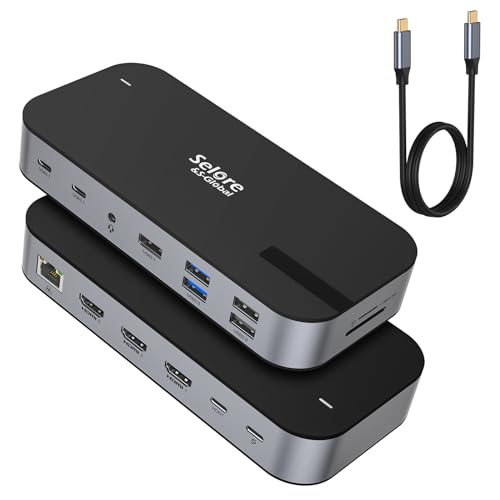
|
3 HDMI Docking Station | Benefits: Simple triple HDMI display support | See on Amazon |
8 Best USB-C Triple Monitor Docking Stations 2026
Plugable 13-in-1 USB C Docking Station Review
KEY DETAILS
What You’ll Love
What Could Be Better
In today’s multitasking world, having a versatile docking station is critical for boosting productivity and managing multiple peripherals. The Plugable 13-in-1 USB C Docking Station offers a comprehensive solution for users who need triple monitor support and robust connectivity. It addresses the common hassle of juggling multiple adapters and charging cables by consolidating them into one unit.
Users report that the Plugable dock reliably supports multiple monitors without lag or flickering, maintaining crisp 4K resolution. The power delivery feature efficiently recharges laptops during heavy use. Some reviewers noted the driver installation process was straightforward but required attention to detail. Overall, the dock performs well in office and home setups, with solid build quality and stable connections.
Compared to other docking stations in its class, the Plugable 13-in-1 excels in monitor support and charging power, making it ideal for professionals needing extensive connectivity. It suits users who prioritize multi–monitor productivity and fast charging. Despite the driver requirement, its performance and versatility earn a strong recommendation for Windows and Mac users alike.
Plugable USB-C Triple Monitor Docking Station Review
KEY DETAILS
What You’ll Love
What Could Be Better
Managing multiple monitors and peripherals can become chaotic without the right docking station. The Plugable USB–C Triple Monitor Docking Station offers a streamlined approach for Mac, Windows, and ChromeOS users needing flexible connectivity and triple display output. It aims to simplify workspace setup while delivering fast charging and network stability.
Users appreciate the dock’s ability to handle three monitors seamlessly without performance drops. The Ethernet port delivers consistent network speeds, and peripheral connectivity is stable. Some users mention a slight learning curve with DisplayLink driver setup but praise the comprehensive support documentation. The dock proves dependable for video editing, programming, and multitasking environments.
The Plugable USB–C Triple Monitor Docking Station offers a balanced mix of features suitable for users who need reliable triple HDMI outputs and strong charging support. It compares favorably with similar docks but is especially well-suited for Mac and Windows users comfortable with installing drivers. Its robust connectivity makes it a recommended choice for professionals and creatives.
LIONWEI 13-in-1 Dual Monitor Docking Station Review
KEY DETAILS
What You’ll Love
What Could Be Better
For users demanding high–resolution dual or triple monitor setups combined with fast data transfer and charging, the LIONWEI 13-in-1 Docking Station presents a versatile solution. It targets professionals who need multiple display outputs and a variety of connection options in a single hub.
Users report crisp, stable visuals across multiple monitors with no noticeable latency. Fast data transfer rates significantly reduce file transfer times. The power delivery maintains laptop charge even under heavy workloads. Some users found the switching mode button intuitive for managing display setups. Overall, the dock is praised for its build quality and functional design in demanding office environments.
The LIONWEI 13-in-1 Docking Station stands out for users needing a mix of dual and triple 4K display options alongside fast USB–C data ports. It competes well with similar docks by offering convenient display switching and robust power delivery. Ideal for professionals handling graphic–intensive tasks or multiple monitors, it receives a solid recommendation for those prioritizing flexibility and speed.
Plugable USB-C Triple Display Docking Station Review
KEY DETAILS
What You’ll Love
What Could Be Better
Expanding your workspace to include multiple displays while maintaining fast network access and charging can be challenging. The Plugable USB–C Triple Display Docking Station provides a powerful option for users seeking triple monitor setups with enhanced network speeds and high charging power without complicated driver installs on Windows.
Users appreciate the smooth triple monitor output with crisp visuals and minimal latency. The upgraded Ethernet speed provides noticeably faster file transfers and streaming. Charging performance keeps laptops and devices powered during extended use. The driverless experience on Windows is a significant convenience, lowering setup barriers. Some Mac users noted typical DisplayLink driver setup but found performance consistent.
Plugable’s USB-C Triple Display Docking Station is a top contender for users needing flexible multi–monitor setups combined with fast Ethernet and charging capabilities. It compares favorably with other docks by offering a driverless Windows experience and enhanced network speeds. This dock is best suited for professionals who want seamless multi–display performance and fast wired connectivity.
USB C Docking Station for MacBook Air/Pro Review
KEY DETAILS
What You’ll Love
What Could Be Better
MacBook users often struggle to connect multiple high–resolution monitors while maintaining fast charging and data speeds. This USB C Docking Station is designed specifically to address these challenges with triple 4K display support, high–power delivery, and compatibility with Apple’s latest M1 and M2 chipsets.
Users report stable connections across three monitors with vivid clarity. Charging performance meets expectations even during heavy usage. The quick charge port adds convenience for fast device topping. Several MacBook owners praise the dock’s ability to bypass common multi–monitor issues on M1/M2 systems using DisplayLink drivers. Setup is straightforward with detailed instructions provided.
This USB C Docking Station is a premium choice for MacBook Air and Pro users who demand triple 4K display capabilities combined with high–speed charging and data. It outperforms many generic docks by addressing Apple chipset limitations with DisplayLink. Recommended for Mac professionals and creatives seeking reliable multi–monitor setups.
StarTech USB-C Triple 4K Dock Review
KEY DETAILS
What You’ll Love
What Could Be Better
Professionals seeking a high–performance docking station with advanced display technology and extensive connectivity will find the StarTech USB–C Triple 4K Dock an appealing option. It targets users who require multiple 4K displays alongside fast data and secure workspace integration.
Users highlight the dock’s ability to handle high–resolution displays with no lag or color distortion. The fast USB ports facilitate quick file transfers, and the Ethernet connection is stable. Security features are appreciated in corporate environments. Some users noted setup was plug-and-play with minimal troubleshooting. It remains a reliable choice for multitasking professionals.
The StarTech USB–C Triple 4K Dock is tailored for Windows and ChromeOS users who need advanced display configurations with strong security and connectivity features. It excels in professional environments requiring reliable multi–monitor support and fast data access. Recommended for enterprise users and power users seeking premium performance.
WAVLINK 12-in-1 Triple Monitor Dock Review
KEY DETAILS
What You’ll Love
What Could Be Better
When expanding your workstation with multiple monitors and peripheral devices, having a reliable dock is essential. The WAVLINK 12-in-1 Docking Station offers triple monitor support and comprehensive connectivity for Windows users aiming to optimize their workspace.
Users report stable multi–monitor setups with clear resolution and minimal lag. The Ethernet port provides consistent internet speed. Peripheral devices like external drives and card readers function without issue. Some Windows users found the dock easy to set up and reliable during extended sessions. The 85W PD suits most laptops but may be insufficient for high-power devices. Overall, the dock is praised for its value and functionality.
The WAVLINK 12-in-1 Docking Station is a solid choice for Windows users needing reliable triple monitor support and comprehensive port options. It offers good value with strong connectivity but is best suited for moderate power laptops. Recommended for office workers and home users looking for an all-in-one docking solution.
Selore Triple HDMI Docking Station Review
KEY DETAILS
What You’ll Love
What Could Be Better
For users who need to extend their workspace across three screens without complex configurations, the Selore Triple HDMI Docking Station offers a straightforward and focused solution. It simplifies multi–monitor setups by providing dedicated HDMI outputs and essential peripheral ports.
Users highlight the dock’s plug-and-play simplicity for triple monitor configurations. The HDMI outputs deliver consistent image quality across all screens. Peripheral connections are stable, and setup is typically fast. Some users note limited advanced features but appreciate the dock’s reliability for straightforward multi–monitor use cases.
The Selore Triple HDMI Docking Station is best suited for users prioritizing straightforward triple monitor support without additional complexities. It competes well with other basic multi–monitor docks but lacks advanced features. Recommended for users who want an easy and reliable triple HDMI display solution.